All 49 panels across 14
categories, with their reads and 338 settings documented: what
each one holds, what each control does, and the way it is commonly misread. Most panels
answer several questions; the read, chosen in its settings, decides which.
Panels
49
Categories
14
Settings documented
338
Free of charge
15
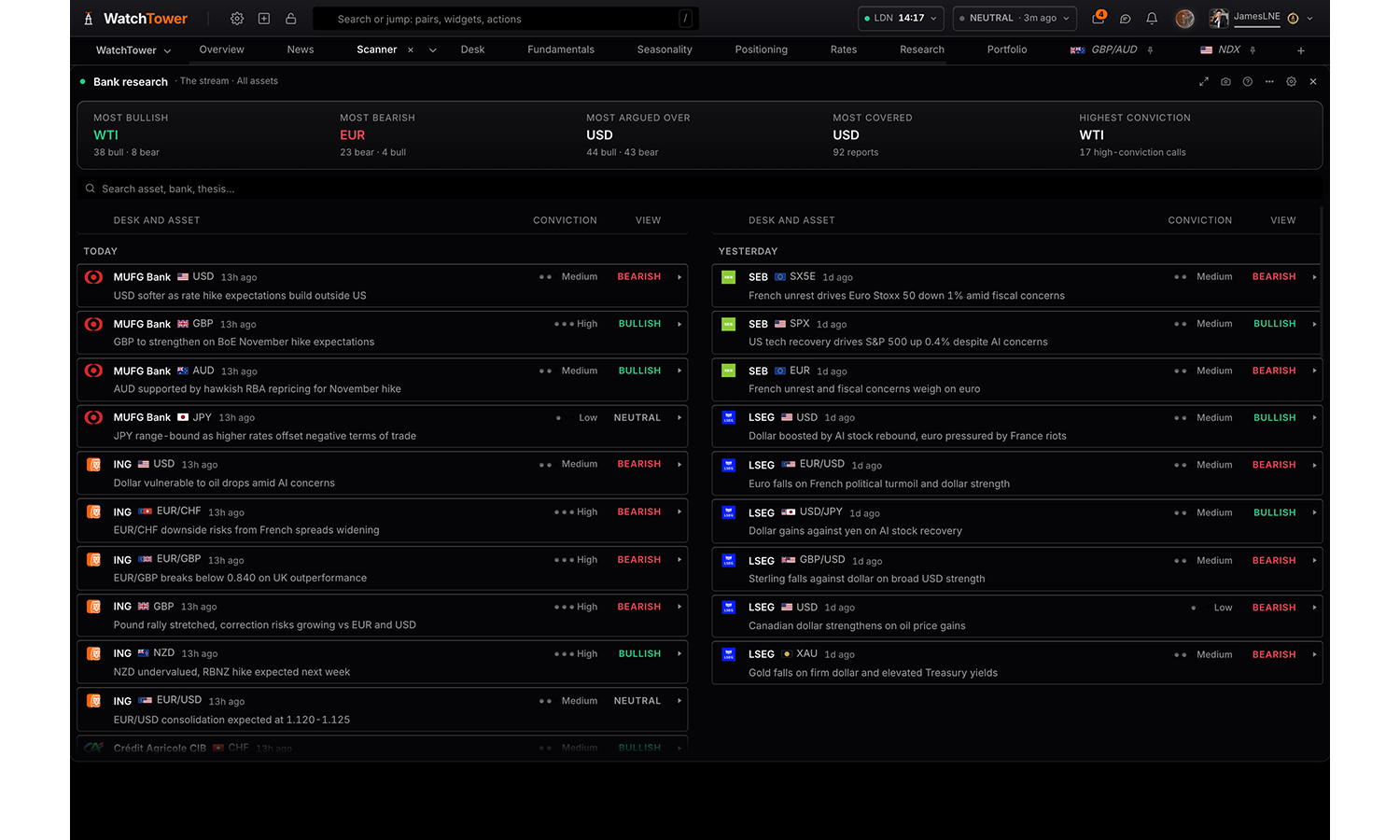
Bank research
6 panels
Bank research
Pro
What the research desks are publishing. Read the stream as it lands, filtered by asset, currency, desk, theme, sentiment or conviction; one asset with a row per desk and everything that desk said before kept underneath; or one asset written up as a summary, its drivers and how sentiment has moved.
Reads
The stream
One asset by desk
One asset written up
Settings
Read
Every report as it lands, one asset with a row per desk, or one asset as a written read.
The streamdefault
One asset by desk
One asset written up
Visualisation shown when read is The stream
Feed with thesisdefault
Grouped by asset
Dispersion ruler
Grouped by bank
Compact titles
Asset
The exact instrument. A report on EUR/GBP is not a report on EUR/USD; for either leg, use Currencies.
All assetsdefault
Currencies shown when read is The stream
Matches either leg, so EUR/GBP counts for EUR. Reports with no tagged asset always show, since an absent tag is not evidence of irrelevance.
Choices are built from whatever the data currently
covers, so the list changes with the markets on the board.
Sentiment shown when read is The stream
Bullish
Bearish
Neutral
Conviction shown when read is The stream
High
Medium
Low
Banks shown when read is The stream
Choices are built from whatever the data currently
covers, so the list changes with the markets on the board.
Themes shown when read is The stream
Choices are built from whatever the data currently
covers, so the list changes with the markets on the board.
Consensus strip shown when read is The stream
Showdefault
Hide
Search bar shown when read is The stream
Showdefault
Hide
Rows shown shown when read is The stream
Top 25
Top 50default
Everything
Quick filter shown when read is The stream
Everythingdefault
Changed their mind
Desks that disagree
Carries a setup
In my book
Show shown when read is One asset by desk
Every bankdefault
Bullish only
Bearish only
High conviction only
Key driver shown when read is One asset by desk
Showdefault
Hide
Asset shown when read is One asset written up
USDdefault
EUR
GBP
JPY
CHF
AUD
CAD
NZD
XAU
XAG
XPT
XPD
HG
WTI
MXN
SPX
NDX
DJIA
DAX
FTSE
CAC
SX5E
IBEX
NI225
Window shown when read is One asset written up
Last 30 daysdefault
Last 7 days
Last 90 days
All time
Visualisation shown when read is One asset written up
Summarydefault
Report list
Drivers
Sentiment
Window shown when read is The stream
Last 7 days
Last 14 daysdefault
Last 30 days
Everything held
Bank trades
Pro
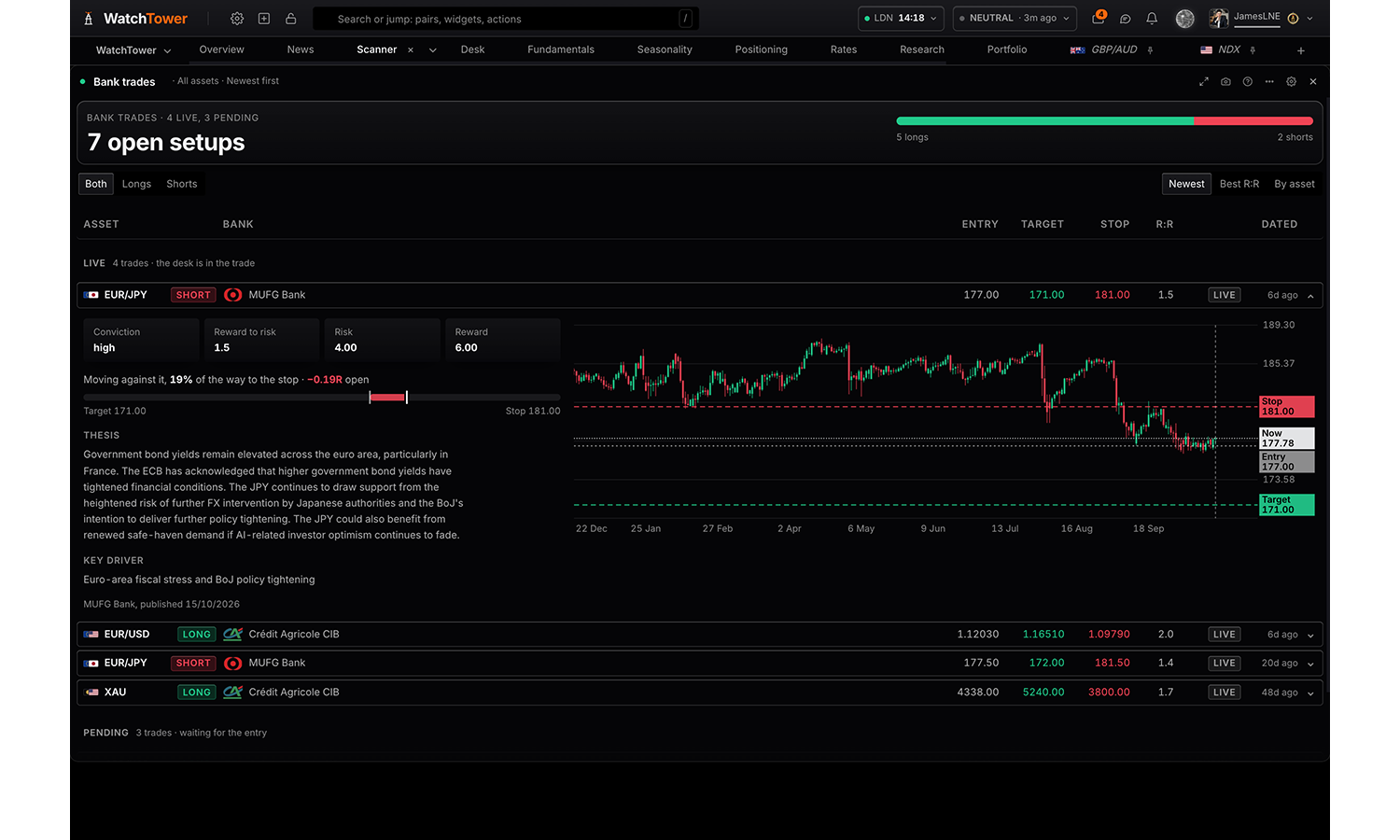
Every trade setup the banks have published: direction, entry, target and stop, the reward for the risk, and whether price has reached the entry yet. Open any trade for its rationale and to see it drawn on its own chart.
Settings
Asset
Only assets the price feed covers are listed, so every trade has a chart to sit on. Every one of them shows by default.
All assetsdefault
Status
Closed setups show how they ended: target reached, stopped, or expired unfilled.
Opendefault
Closed
Open and closed
Direction
Bothdefault
Longs only
Shorts only
Sort by
Reward ratio is the distance from entry to target divided by the distance from entry to stop, so 2.0 risks one to make two.
Newest firstdefault
Best reward ratio
By asset
Chart history
How much price history the chart draws behind a trade when you plot one. It does not filter the list.
6 months
1 yeardefault
2 years
Controls
On the paneldefault
Settings only
Summary card
The headline card at the top of the panel. Hide it where another panel on the board already says the same.
Showdefault
Hide
Bank forecasts
Pro
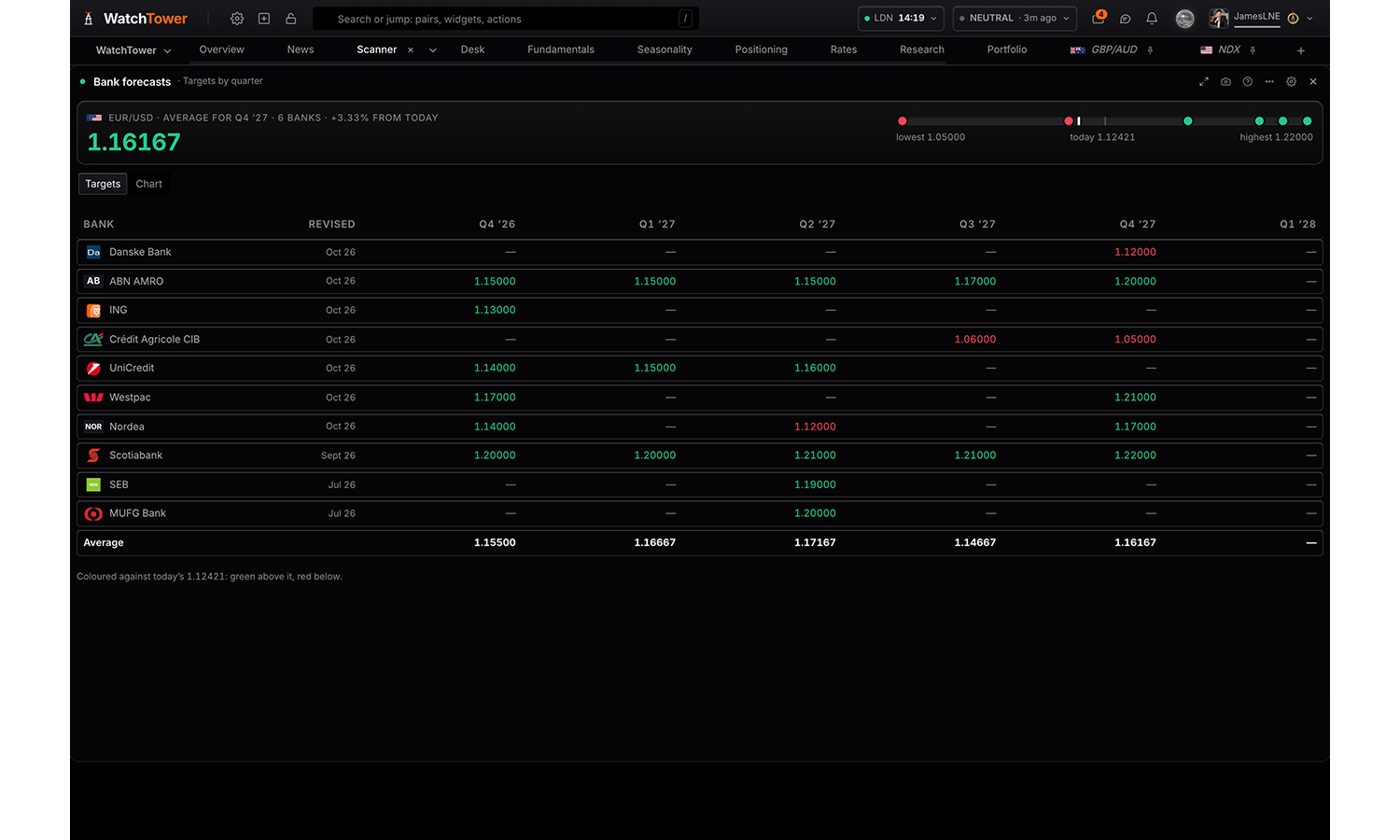
Where the banks expect an asset to trade, quarter by quarter: each bank's targets against today's price, their average and the move it implies, and their paths drawn forward on the chart. Or every asset at once, with its average target per quarter.
Reads
Targets by quarter
On the chart
Settings
Read
Each bank’s target per quarter, or the targets drawn forward from today’s price.
Targets by quarterdefault
On the chart
Asset
Only assets the price feed covers are listed, so every forecast has a chart to sit on. All assets lists every desk and market together; clicking one draws it, and the chart follows the market that row belongs to.
All assets
EUR/USD
Quarters shown
Columns run forward from the current quarter, so a quarter drops off once it has passed.
Four
Sixdefault
Eight
History shown shown when read is On the chart
Matched keeps the candles roughly the same span as the forecast ahead of them.
Matched to horizondefault
6 months
1 year
2 years
5 years
Reference lines shown when read is On the chart
Compared within a quarter, not across the grid. Highest and lowest are drawn only where at least two banks cover the same quarter; the Average row shows the count behind every cell.
Average
Highest
Lowest
Controls
On the paneldefault
Settings only
Summary card
The headline card at the top of the panel. Hide it where another panel on the board already says the same.
Showdefault
Hide
Data forecasts
Pro
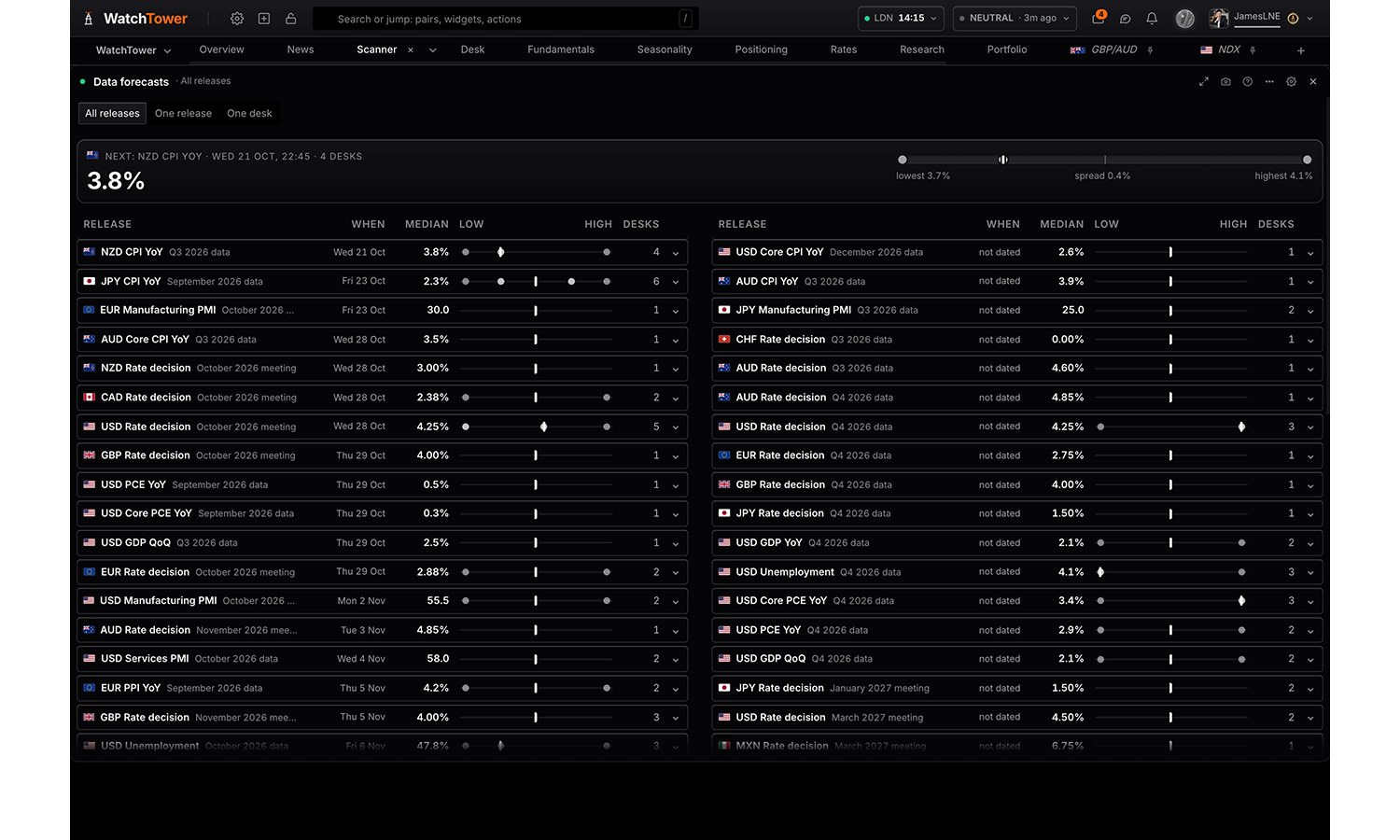
What each desk expects an upcoming release to print, with the median across them and the spread between them. The feed gives one consensus number; this is who is behind it and how far apart they are, which is what decides how a market reacts when the print lands. Coverage follows the research: desks forecast the releases they follow, so a quiet week carries few.
Reads
All releases
One release
One desk
Settings
View
All releases lists everything a desk has forecast. One release compares the desks on a single print. One desk shows everything that desk has called.
All releasesdefault
One release
One desk
Currency
Choices are built from whatever the data currently
covers, so the list changes with the markets on the board.
Release
A release with several upcoming dates, such as a central bank meeting, opens as one table with a column for each.
Choices are built from whatever the data currently
covers, so the list changes with the markets on the board.
Desk
Choices are built from whatever the data currently
covers, so the list changes with the markets on the board.
Controls
On the paneldefault
Settings only
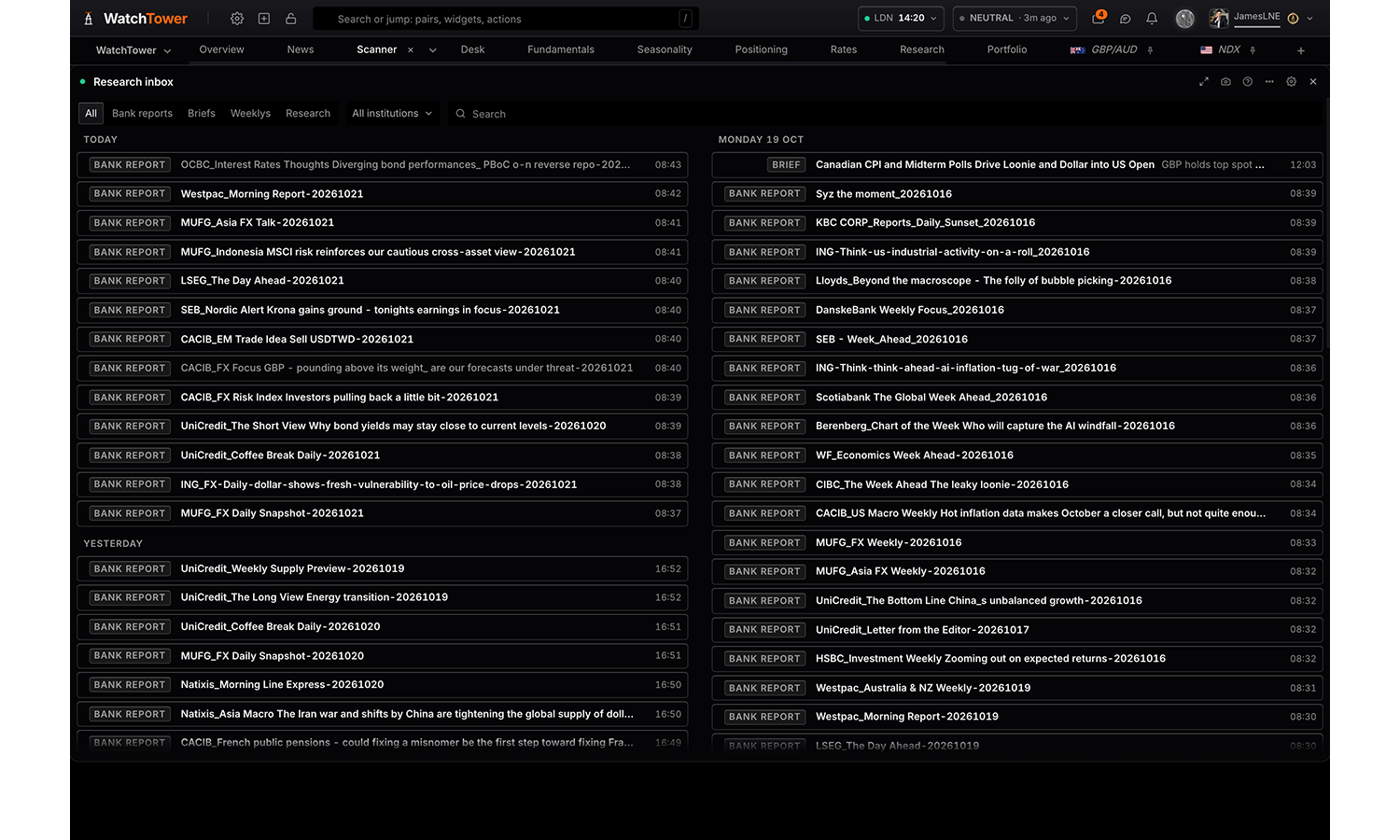
Research inbox
Pro
Every piece of research in one stream, newest first: bank reports, the daily briefs, the weekly report and research write-ups. Open any of them in the panel; open a bank report and break it down into its argument, the subjects it covers and its calls.
Settings
Sources
Each source is gated separately, so one being unavailable does not affect the others.
Bank reports
Daily briefs
Weekly report
Research
Window
An item with no date survives every window rather than disappearing into one.
Last 7 days
Last 30 daysdefault
Last 90 days
Everything held
Rows shown
The window decides how far back to look; this decides how much of it to draw. The footer says when this is what cut the list.
25
50
100default
250
Everything in the window
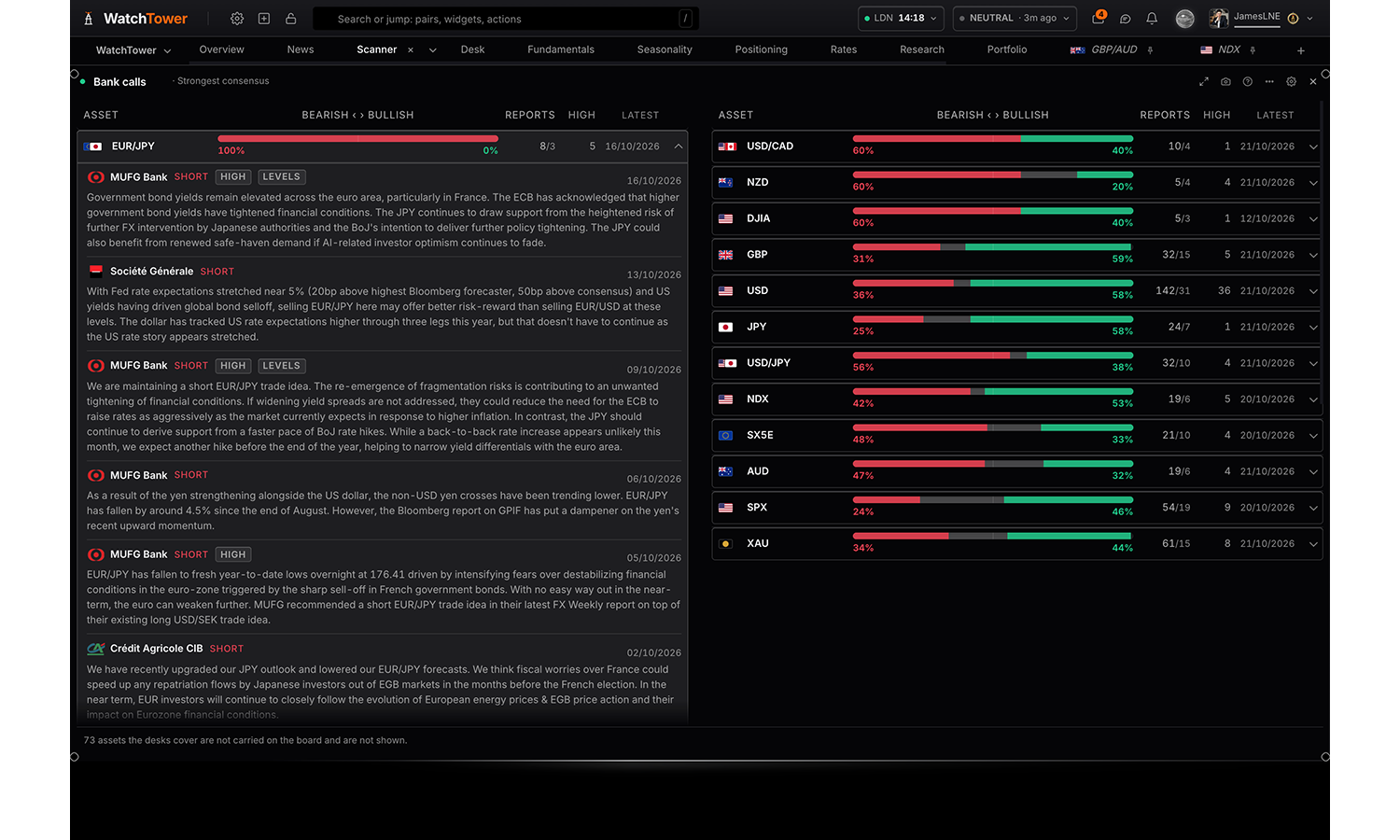
Bank calls
Pro
Where the research desks stand on each asset: how the reports split bullish against bearish, how many desks are behind that, and the calls themselves inside the row with what each desk wrote. Assets covered by a single desk are marked as such.
Settings
Order
Strongest consensus ranks on how one-sided the desks are, whichever way they lean.
Strongest consensusdefault
Most covered
Most recently written
Alphabetical
Side
Disagreement is neither side clearing sixty per cent of the reports.
Every assetdefault
Where the desks are bullish
Where the desks are bearish
Where they disagree
Coverage floor
How many reports an asset needs before it is worth calling a consensus.
Any coverage
Three reports or moredefault
Five reports or more
Window
The feed keeps about sixty days, so there is no longer window to offer.
Last 7 days
Last 30 daysdefault
Everything held
Flags
Showdefault
Hide
Scores & bias
3 panels
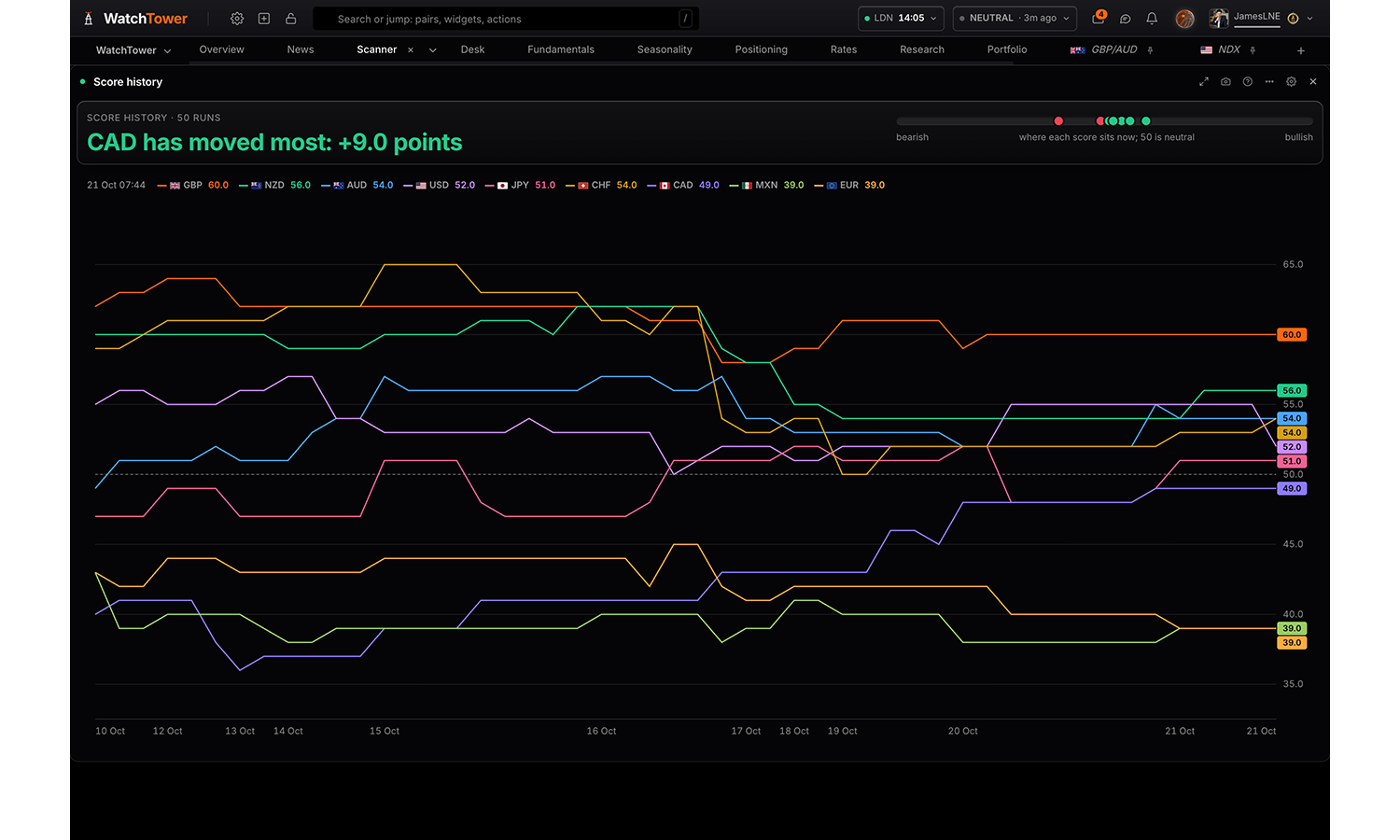
Score history
Pro
How the scores have moved, across assets, five ways: each asset’s composite over its recent runs; what has shifted since a run or ten ago, and which crossed neutral; where the score and the price disagree; which assets lead, fade, lag or improve against the rest; and one market’s bullish and bearish runs on its price chart, with what price did across each and how often it went the score’s way.
Reads
Score history
What moved
Against price
Rotation
On the price chart
Settings
Read
Each asset’s score over its recent runs; what has shifted since a run or ten ago; where the score and the price disagree; which assets lead, fade, lag or improve against the rest; or one market’s bullish and bearish runs on its price chart, with what price did across each.
Score historydefault
What moved
Against price
Rotation
On the price chart
Assets shown when read is Score history or What moved or Rotation
Pick everything, a whole class, or any combination of individual assets.
All assets
Runs shown shown when read is Score history
The scorer runs on a schedule and after every high-impact print, so runs are not evenly spaced in time.
Last 20 runs
Last 50 runsdefault
Last 100 runs
Every run held
Compared with shown when read is What moved
The previous rundefault
5 runs ago
10 runs ago
Smallest move shown when read is What moved
Every movedefault
1 point or more
3 points or more
Unchanged assets shown when read is What moved
Hidedefault
Show
Window shown when read is Against price
How far the score sits in its own range over this window, against how far price sits in its own.
10 days
20 daysdefault
60 days
120 days
Markets shown when read is Against price
All marketsdefault
FX pairs only
Metals and indices only
Direction shown when read is Against price
Both waysdefault
Score above price
Price above score
Rows shown shown when read is Against price
Top 5
Top 10default
Top 20
All
Tail shown when read is Rotation
5 runs
8 runsdefault
12 runs
16 runs
Momentum over shown when read is Rotation
3 runs
5 runsdefault
10 runs
Market shown when read is On the price chart
EUR/USDdefault
GBP/USD
USD/JPY
USD/CHF
AUD/USD
NZD/USD
USD/CAD
EUR/GBP
EUR/JPY
EUR/CHF
EUR/AUD
EUR/NZD
EUR/CAD
GBP/JPY
GBP/CHF
GBP/AUD
GBP/NZD
GBP/CAD
AUD/JPY
AUD/CHF
AUD/NZD
AUD/CAD
NZD/JPY
NZD/CHF
NZD/CAD
CAD/JPY
CAD/CHF
CHF/JPY
XAU/USD
XAG/USD
XPT/USD
XPD/USD
WTI/USD
HG/USD
SPX
NDX
DJIA
DAX
FTSE
CAC
SX5E
IBEX
NI225
Timeframe shown when read is On the price chart
Dailydefault
4 hours
Weekly
Runs counted shown when read is On the price chart
Which runs the count at the top is made from. A run still going is shown and never counted, and nor is one read from the weekly scores of an earlier model.
Last 6 months
Last 12 monthsdefault
Everything held
Flags
Showdefault
Hide
Summary card
The headline card at the top of the panel. Hide it where another panel on the board already says the same.
Showdefault
Hide
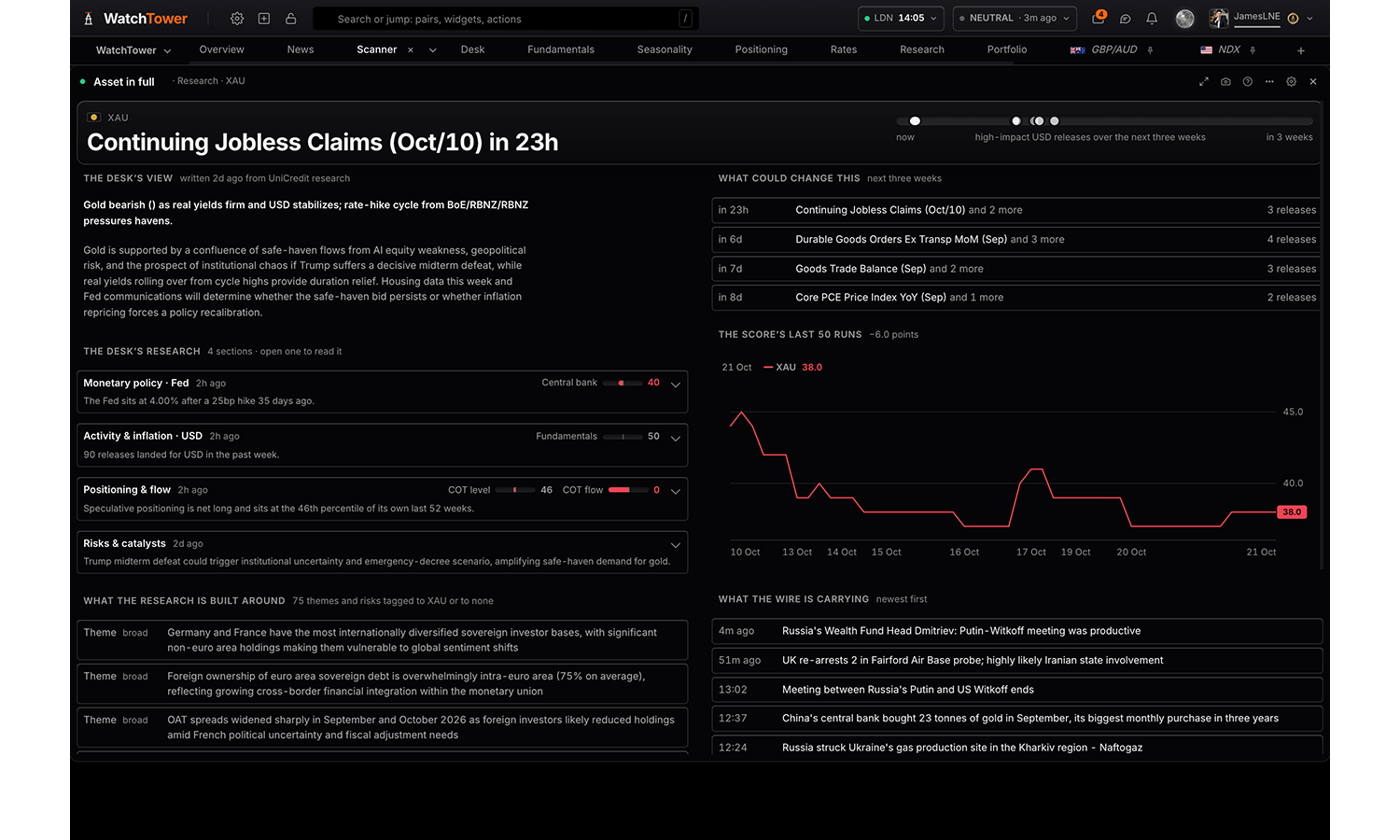
Asset in full
Pro
One asset, three ways: its composite, bias, written read, strongest drivers, positioning and structure at a glance; every driver behind the score, its weight and how hard it pulls; or the research desk’s full read.
Reads
At a glance
Its drivers
Research
Settings
Read
Its score, bias and written read at a glance; every driver behind the score and how hard each pulls; or the research desk’s full read.
At a glancedefault
Its drivers
Research
Asset
Choices are built from whatever the data currently
covers, so the list changes with the markets on the board.
Order shown when read is Its drivers
Hardest pull firstdefault
Heaviest weight first
A–Z
Flags
Showdefault
Hide
Summary card
The headline card at the top of the panel. Hide it where another panel on the board already says the same.
Showdefault
Hide
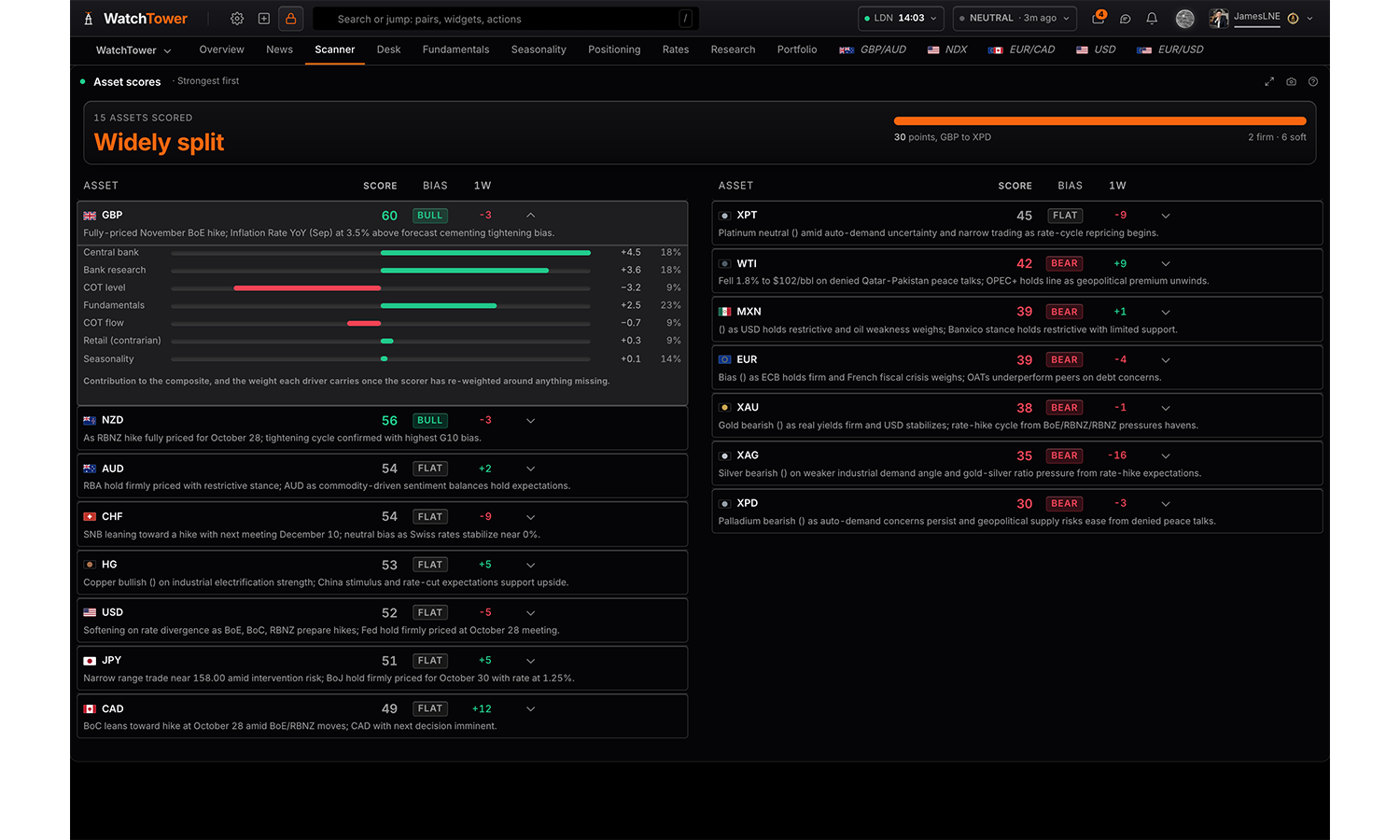
Asset scores
Free
Every monitored asset with its composite score, which way it reads, what it did this week, and the six drivers behind it. Open a row for what each driver is contributing and the weight it carries.
Reads
Scores
Every driver
Settings
Read
Every asset’s score, ranked, with the read behind it; or every driver against every currency.
Scoresdefault
Every driver
Assets
Pick everything, a whole class, or any combination of individual assets.
All assets
Order shown when read is Scores
Furthest from neutral ranks a 12 beside an 88: both are a view, and the engine holds them equally strongly.
Strongest firstdefault
Weakest first
Biggest move this week
Furthest from neutral
Alphabetical
Show shown when read is Scores
The read only gives the panel Score and reason was: the score, which way it leans, and the sentence.
Figures and the readdefault
Figures only
The read only
Bias shown when read is Scores
Every assetdefault
Bullish only
Bearish only
Reason length shown when read is Scores
One line
Two linesdefault
Three lines
Groups open shown when read is Every driver
Which groups start open. Any group opens or closes on the grid itself; this is only where it starts.
Fundamentals
Bank research
Positioning
Seasonality
Neutral cells shown when read is Every driver
Fading neutral leaves the readings that lean, which is what a scan is for.
Fade the neutral onesdefault
Show every reading
Summary card
The headline card at the top of the panel. Hide it where another panel on the board already says the same.
Showdefault
Hide
Research & narrative
4 panels
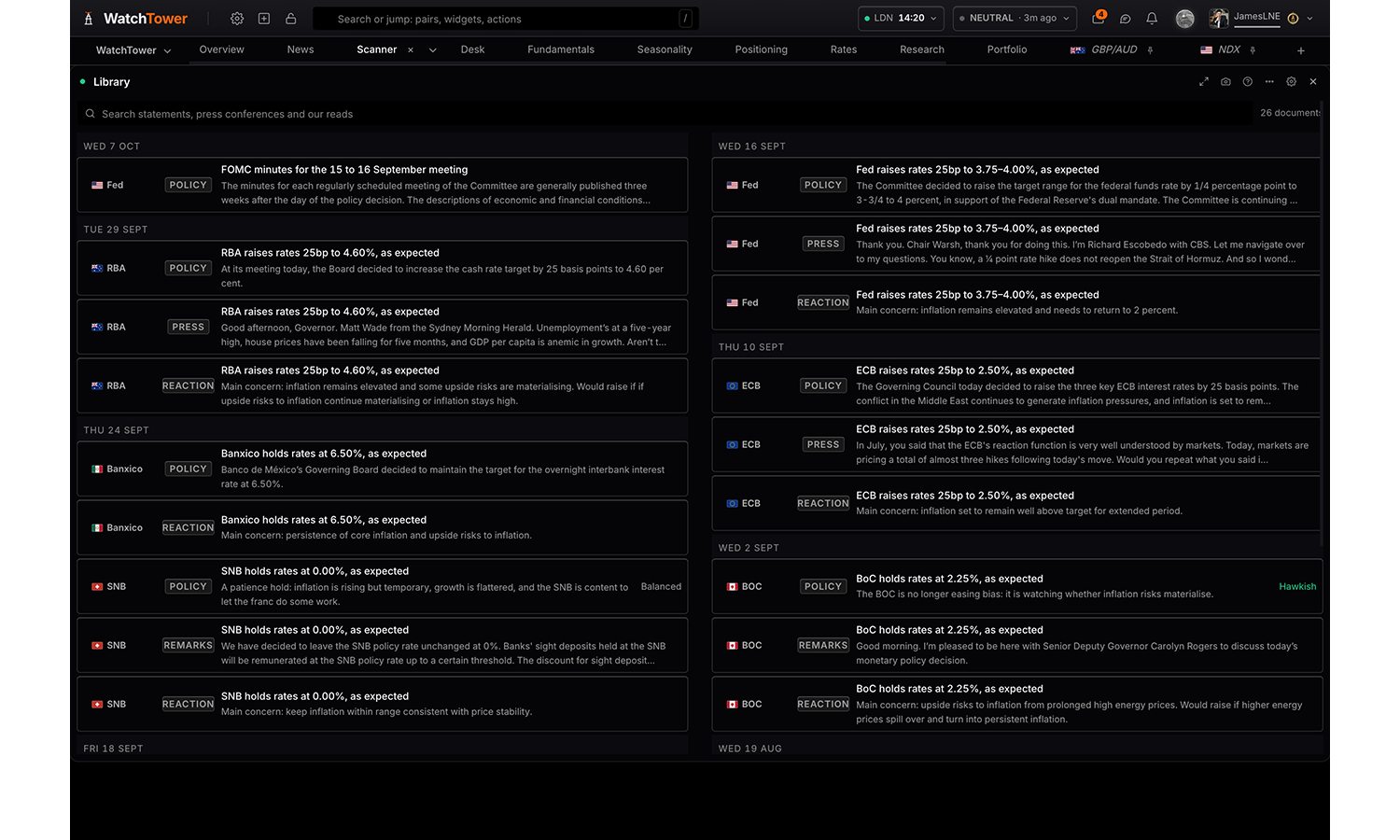
Library
Pro
Every central bank document the terminal reads, kept for good: statements with our read, press conferences question by question, opening remarks, and what each bank is reacting to. Search it, filter it by bank or kind, and open a document with its text beside the takeaways.
Settings
Bank
Every bankdefault
Fed
ECB
BOE
BOJ
SNB
RBA
BOC
RBNZ
Banxico
Documents
Everythingdefault
Statements
Press conferences
Opening remarks
Reaction functions
Flags
Showdefault
Hide
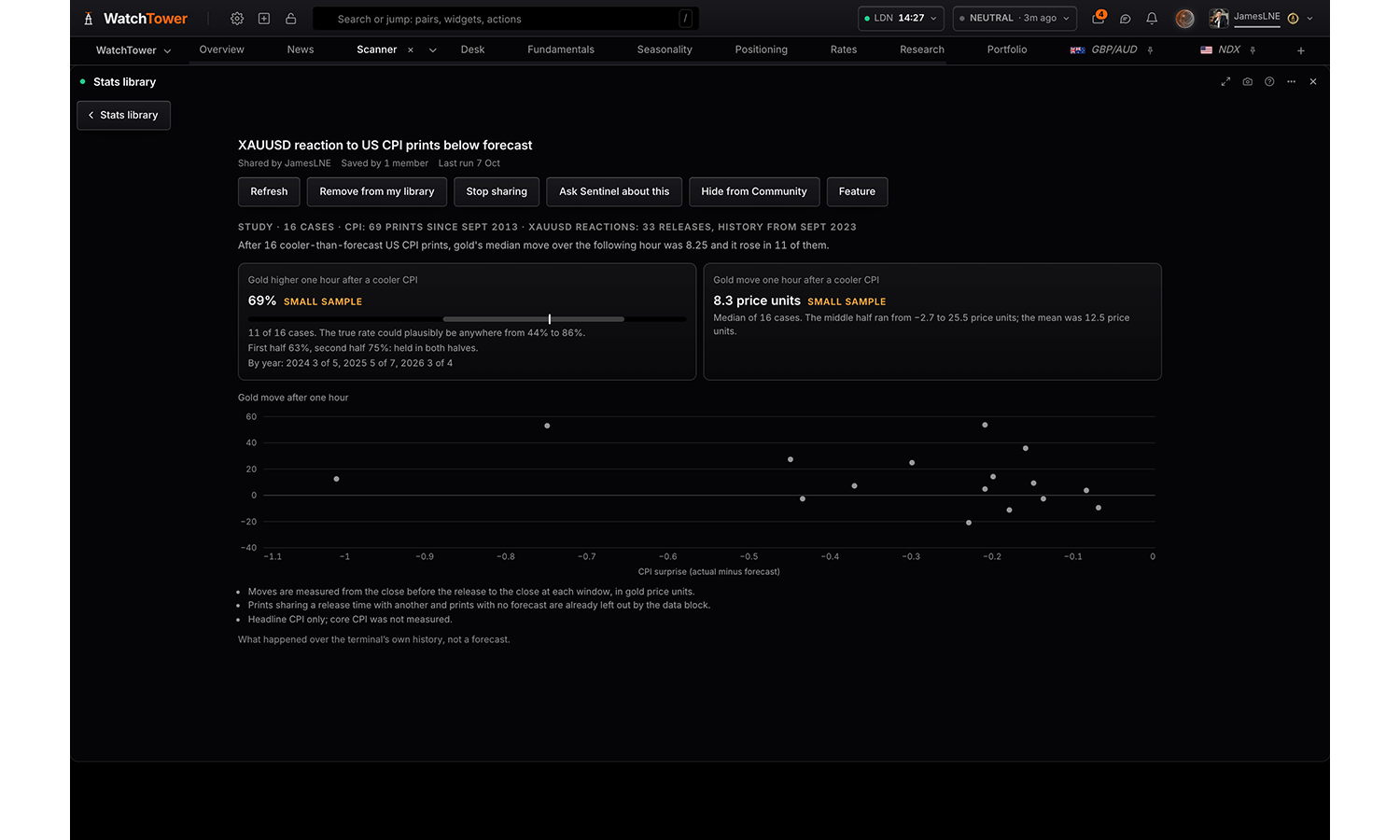
Stats library
Free to browse
The studies members have run with Sentinel: how often, how far, how long, what usually follows. Your own saved studies and the ones members shared, credited to their Squawk name. Filter by asset, currency, kind and timeframe, refresh a study when new data is in, or create a new one with Sentinel.
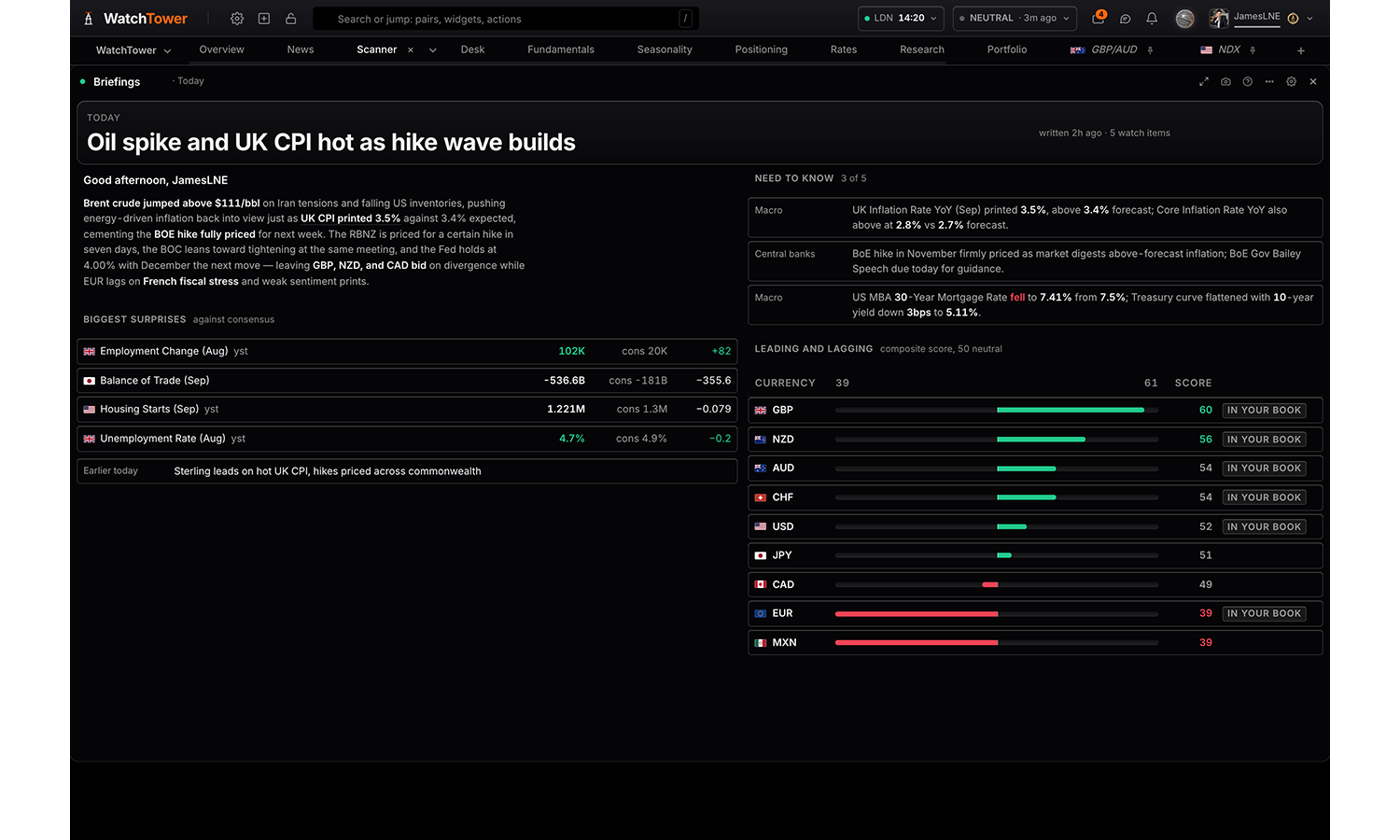
Briefings
Free
The house’s written briefings in one panel: today’s need-to-know with its watch items; the EU or US session report in full; the week’s editorial and theme; and the weekly report with its pair ideas.
Reads
Today
Session report
This week
Weekly report
My book
Settings
Read
Today’s need-to-know; the EU or US session report in full; the week’s editorial; the weekly report and its pair ideas; or the AI read on your own book.
Todaydefault
Session report
This week
Weekly report
My book
Content shown when read is Today
Brief and watch itemsdefault
Brief only
Watch items only
Greeting shown when read is Today
Taken from your own clock rather than from the data.
Showdefault
Hide
Watch items shown when read is Today
Top 3default
Top 5
Session shown when read is Session report
EU publishes around 07:00 UTC and US around 11:00 UTC.
Latest of the twodefault
EU session
US session
Density shown when read is Session report
Compactdefault
Expanded
Content shown when read is This week
Full editorialdefault
Need to know only
Theme and take only
Watch items shown when read is This week
Top 3
Top 5default
All held
Visualisation shown when read is Weekly report
Carddefault
Pair ideas only
Summary only
Body text shown when read is Weekly report
Which section of the report the card carries under the headline.
Executive summarydefault
Market tone
Week ahead
What it was built from shown when read is My book
The positions, exposure, concentration and upcoming events sent with the request. A written read is worth less if you cannot see what it was given.
Showdefault
Hide
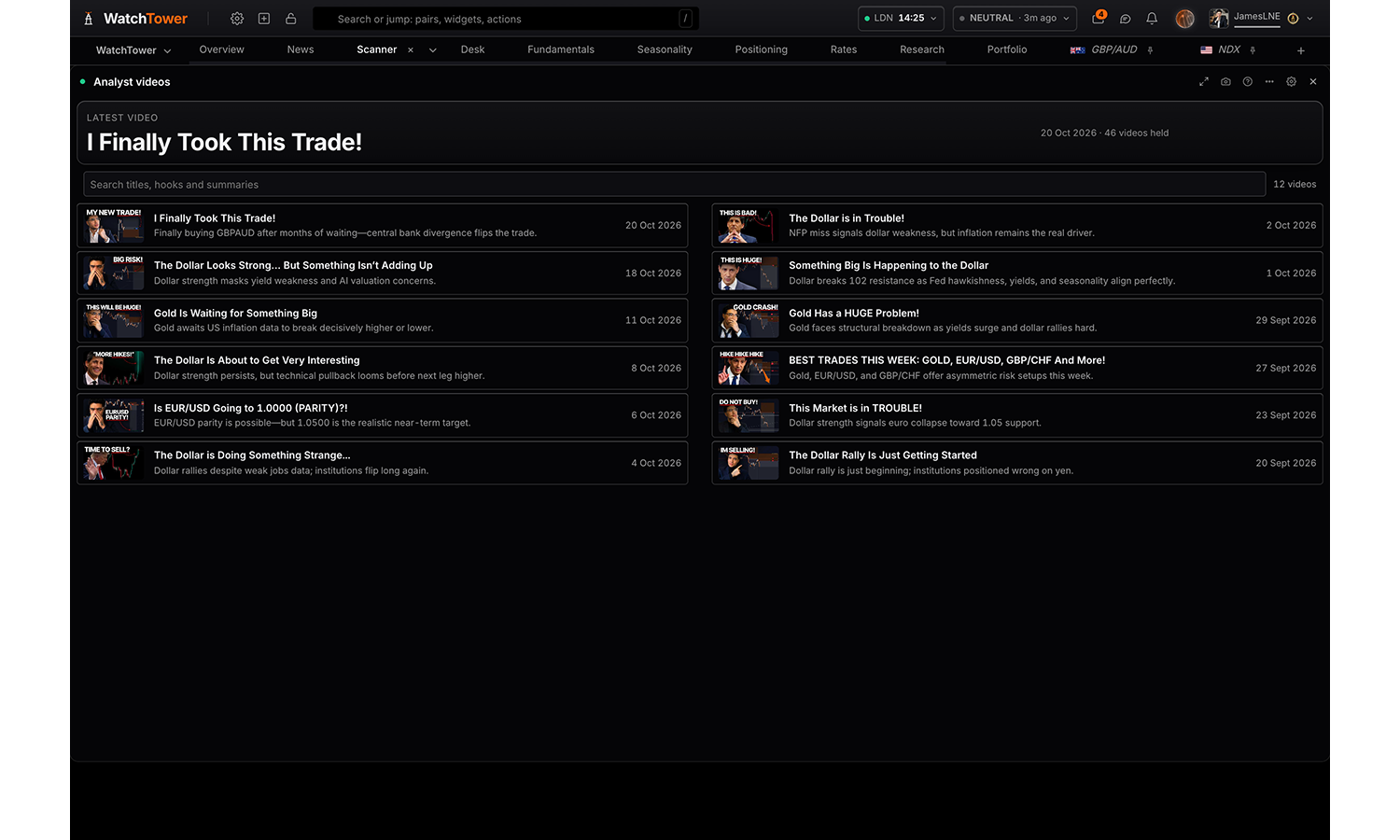
Analyst videos
Free
The daily video desk: the latest video, a search over titles, hooks and summaries, every video as a row or a thumbnail, and a video opening in place with its summary and takeaways.
Reads
Rows
Thumbnails
Settings
Show as
Rows carry each video’s hook and fit far more in a narrow panel; thumbnails show the picture.
Rowsdefault
Thumbnails
Videos shown
12 most recentdefault
24 most recent
48 most recent
Calendar & news
3 panels
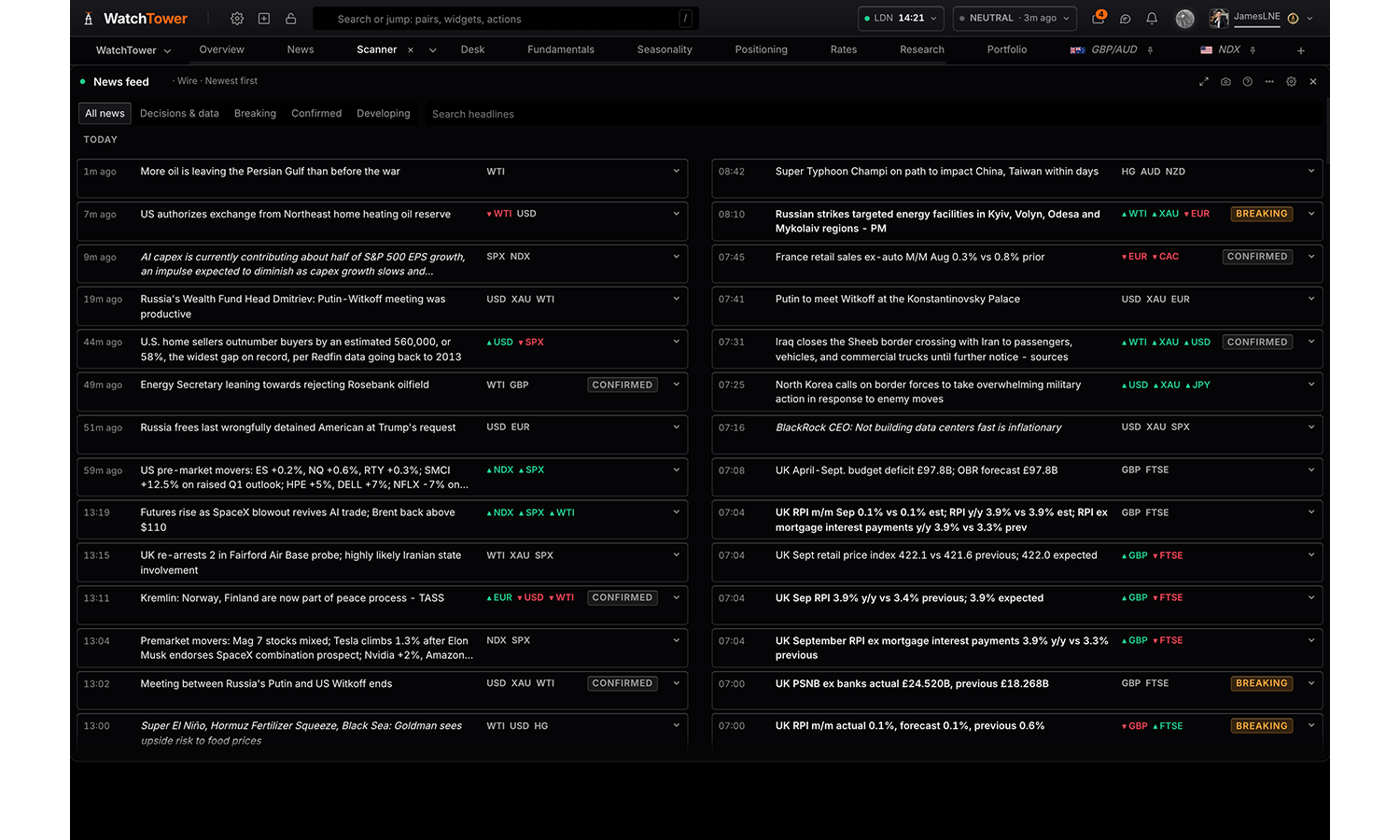
News feed
Free
Market news headlines as they land, each with its time, how far it is confirmed and the currencies it touches; the stories grouped together; and which currencies the news is moving.
Reads
Wire
Stories
By asset
Settings
Read
The headlines as they land; the stories the wire has grouped them into; or which currencies the news is moving.
Wiredefault
Stories
By asset
Assets shown when read is Wire
Assets are inferred from the feed’s tags and the headline text.
All assets
Trust levels shown when read is Wire
Official is a primary source. Confirmed is two or more wires agreeing. Developing is a single wire, not yet cross-checked.
Official
Confirmed
Developing
Impact shown when read is Wire
Graded by the classifier on the tracked markets, separately from how well corroborated the story is. Not market relevant is off by default.
High
Medium
Low
Not market relevant
Commentary shown when read is Wire
Commentary is a third-party view or forecast about markets. An event is something that happened.
Events and commentarydefault
Events only
Commentary only
Order shown when read is Wire
Sorting by impact puts the movers at the top of a busy hour; sorting by time is the wire as it landed.
Newest firstdefault
Impact, then newest
History
Older headlines load as you scroll down.
Last hour
Last 6 hours
Last 24 hours
Last 7 days
Last 60 daysdefault
Breaking shown when read is Wire
All headlinesdefault
Breaking only
Filter tabs shown when read is Wire
All news, Breaking, Confirmed and Developing. Multi-select, so Breaking plus Confirmed is one press each.
Showdefault
Hide
Search bar shown when read is Wire
Searches the headline and summary of everything held in the current window.
Showdefault
Hide
Summaries shown when read is Wire
Show on clickdefault
Hide
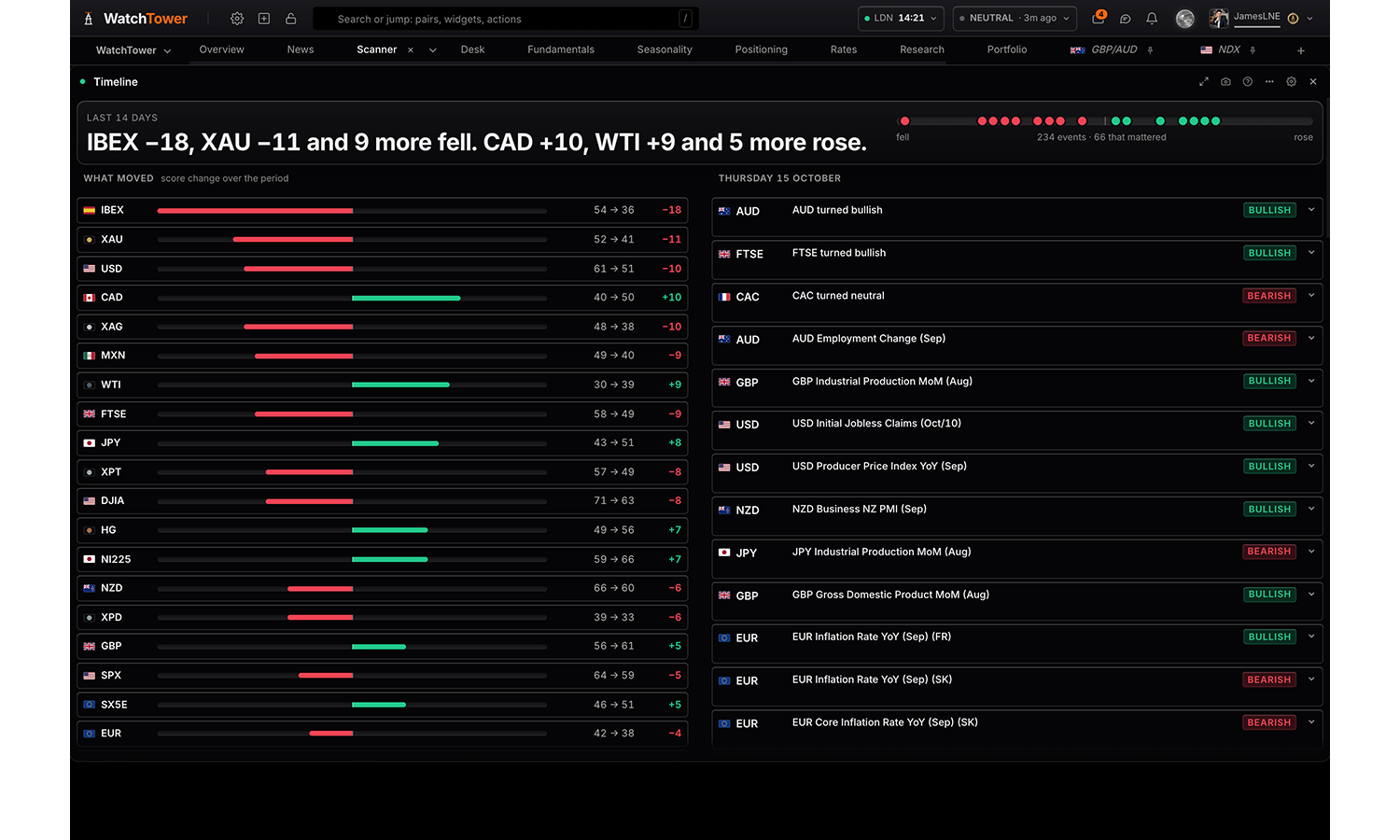
Timeline
Pro
What happened over a period, in the order it mattered: the verdict, every asset's score move, and the events that mattered day by day, each with the driver behind it.
Settings
Assets
With nothing picked this follows the board, or scans everything if the board has no subject. Pick assets to catch up on just those.
Follow the board
All currencies
All metals & energy
All indices
AUD
CAC
CAD
CHF
DAX
DJIA
EUR
FTSE
GBP
HG
IBEX
JPY
MXN
NDX
NI225
NZD
SPX
SX5E
USD
WTI
XAG
XAU
XPD
XPT
Window
Relative, so a saved tab stays useful. Longer windows are limited by how far the recorded history goes back.
Last 7 days
Last 14 daysdefault
Last 30 days
Last 60 days
Last 90 days
What to show
Only what mattereddefault
Everything, including prints in line
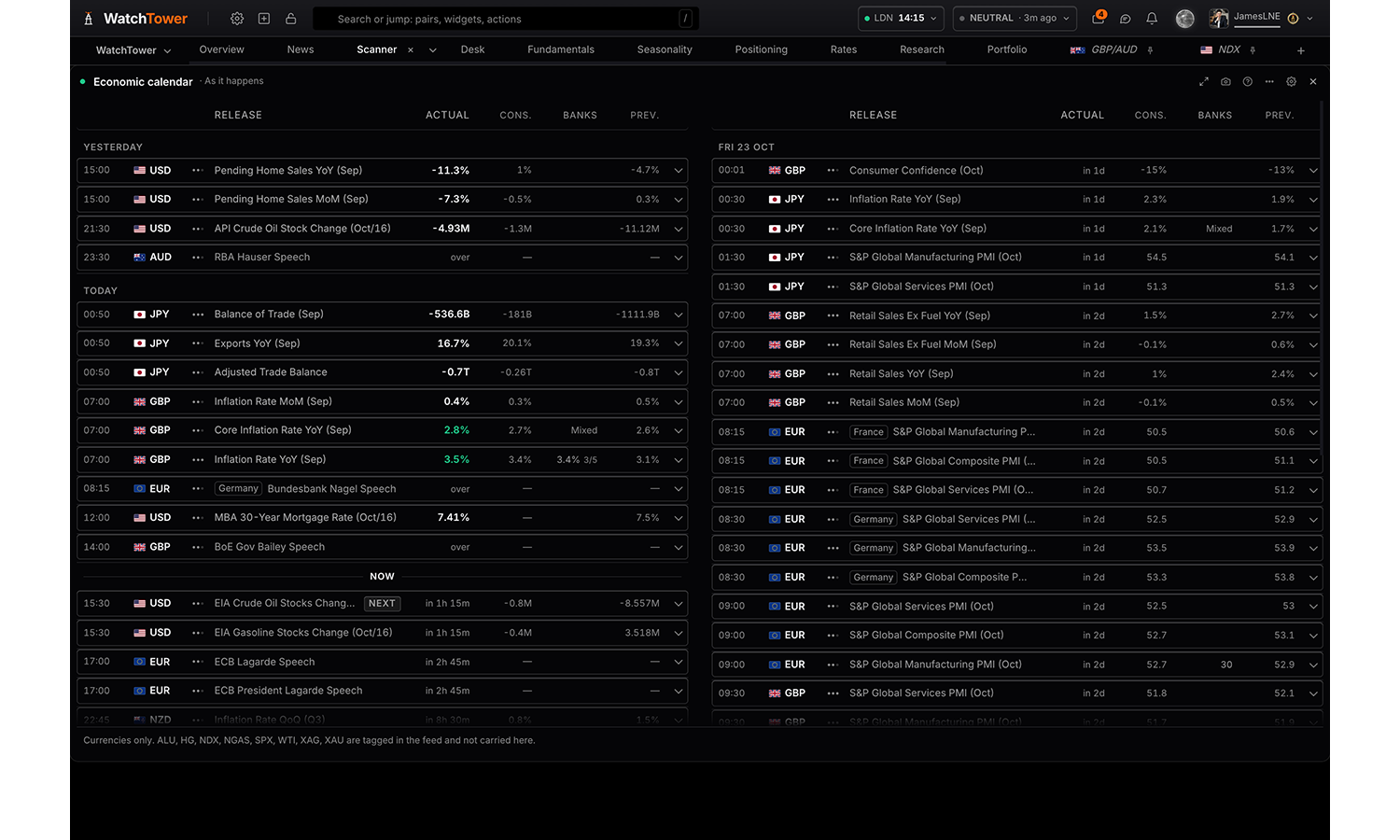
Economic calendar
Free
Every release in the window in the order it happens, with now marked: what has landed carries its number against consensus, what has not carries how long until it does. Filter by impact, or rank by the biggest surprise.
Reads
Agenda
Week grid
Event risk by currency
Settings
Releases for
Only releases for the currencies you hold, both sides of every pair in your portfolio.
Every currencydefault
Only my portfolio
Currencies
Only the currencies this calendar actually carries.
All currencies
Already landed
Last 6 hours
Last 24 hoursdefault
Last 3 days
Last 7 days
Hide
Still to come
Next 24 hours
Next 3 daysdefault
Next 7 days
Next 30 days
Hide
Speeches
A speech or event with no forecast and no previous value. Hiding them leaves the data releases.
Showdefault
Hide
Impact
Most of the calendar is low impact. At everything, a day is a hundred rows.
High only
Medium and updefault
Everything
View
The grid is a column per day the window covers, which is the shape of a week when you are planning around it.
Agendadefault
Week grid
Event risk by currency
Order
Applies to the agenda. A grid of days is already in the order things happen, so it ignores this.
As it happensdefault
Impact first
Biggest surprise first
Currency fundamentals
5 panels
Economic health
Pro
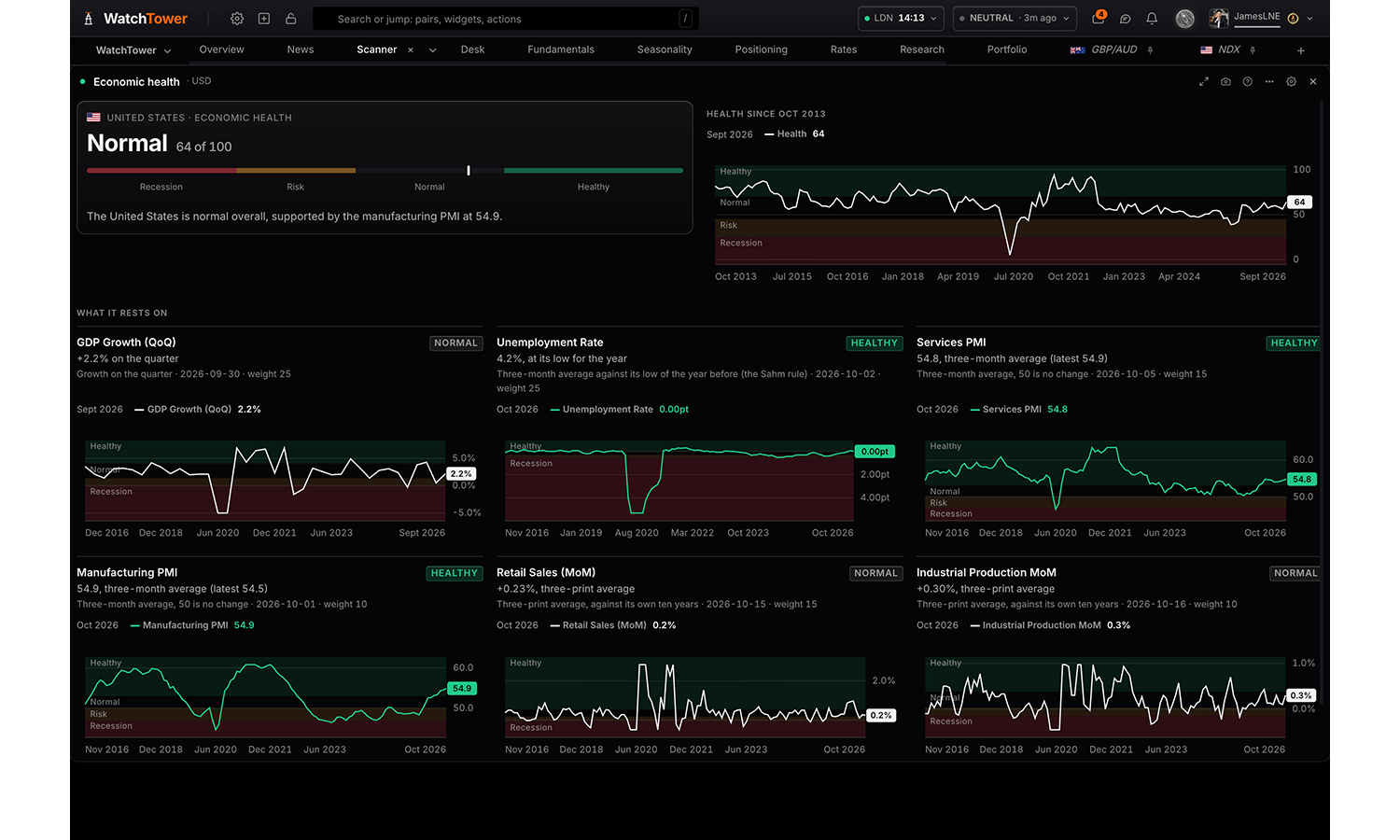
Is an economy healthy, normal, at risk or in recession territory? One score from 0 to 100 for each of the eight economies, from GDP, unemployment (the Sahm rule), the PMIs, retail sales and industrial production, each judged against its own line or its own ten years, with the score's history and every indicator charted against its bands.
Settings
Economy
The eight economies the terminal holds the macro history for.
USDdefault
EUR
GBP
JPY
CHF
AUD
CAD
NZD
Indicator charts
Showdefault
Hide
Flags
Showdefault
Hide
Macro state
Pro
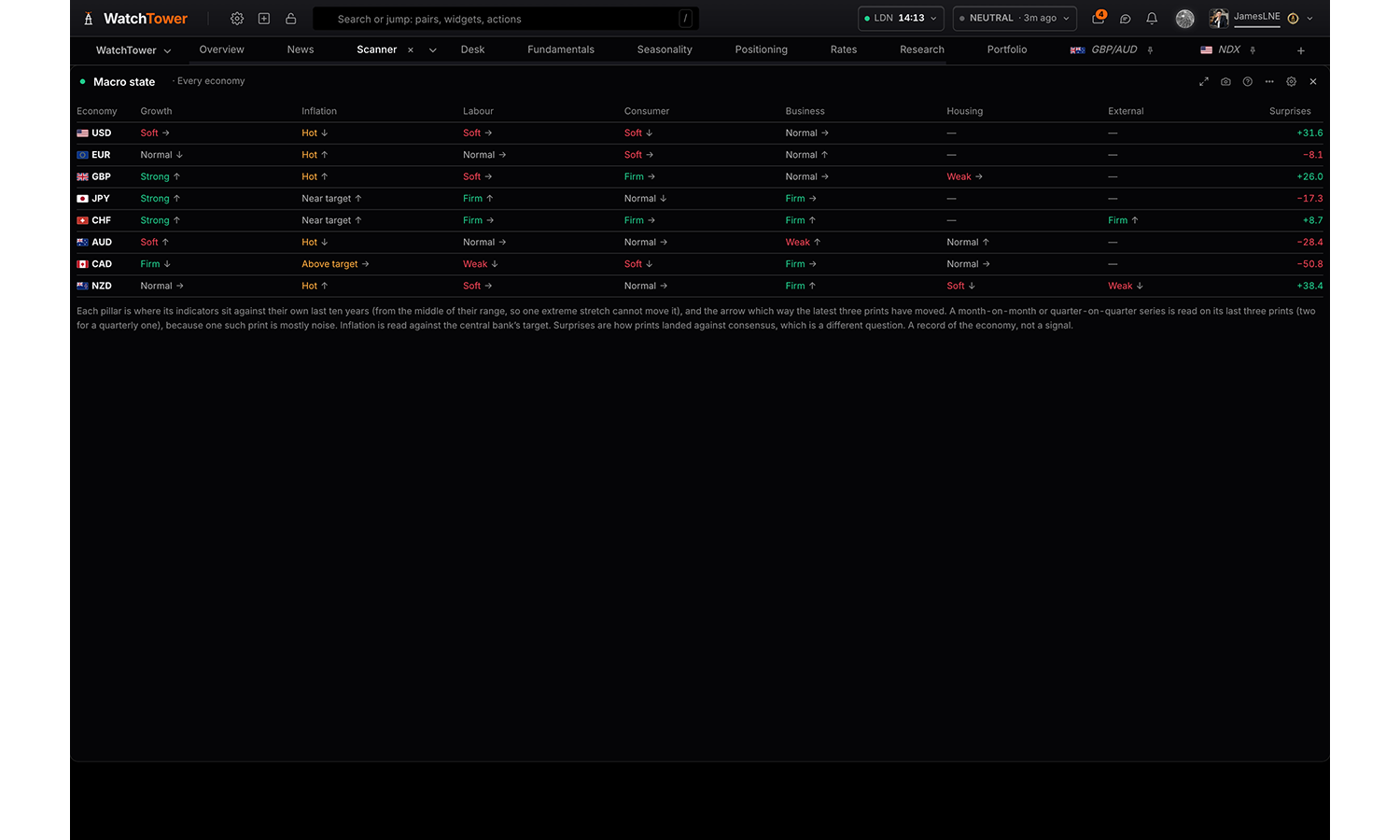
What each economy is actually doing, apart from whether its prints beat consensus: growth, inflation, labour, consumer, business, housing and external, each against its own ten years and which way it is moving, beside the surprise index. Or one economy's questions, the ones a macro trader asks (is inflation cooling, are rates actually restrictive, does the data justify what is priced), each answered with its direction, the evidence for and against, what changed and what it means for the bank, the most pressing first. Or one economy's last six prints of every indicator as a heat table, with the older four, the newer two and all six averaged beside them. Or one economy against another: every pair ranked by how far apart the two are and how that gap has moved, or one pair pillar by pillar with the gap through the years against the price.
Reads
Every economy
One economy
Questions
Prints
Every pair
One pair
Settings
Read
Every economy pillar by pillar beside its surprise index, or one economy in full, or the questions a macro trader asks of one economy, answered with the evidence for and against, or one economy’s last six prints of every indicator as a heat table. Or one economy against another: every pair ranked by how far apart the two economies are, or one pair pillar by pillar with the gap through the years.
Every economydefault
One economy
Questions
Prints
Every pair
One pair
Economy shown when read is One economy or Questions or Prints
USDdefault
EUR
GBP
JPY
CHF
AUD
CAD
NZD
Pair shown when read is One pair
EUR/GBP
EUR/AUD
EUR/NZD
EUR/USDdefault
EUR/CAD
EUR/CHF
EUR/JPY
GBP/AUD
GBP/NZD
GBP/USD
GBP/CAD
GBP/CHF
GBP/JPY
AUD/NZD
AUD/USD
AUD/CAD
AUD/CHF
AUD/JPY
NZD/USD
NZD/CAD
NZD/CHF
NZD/JPY
USD/CAD
USD/CHF
USD/JPY
CAD/CHF
CAD/JPY
CHF/JPY
Rank by shown when read is Every pair
How far apart the two economies are now; which way the gap is turning; or how far the gap has moved over the last month.
How far apartdefault
Momentum
Change over a month
Flags
Showdefault
Hide
Data surprises
Pro
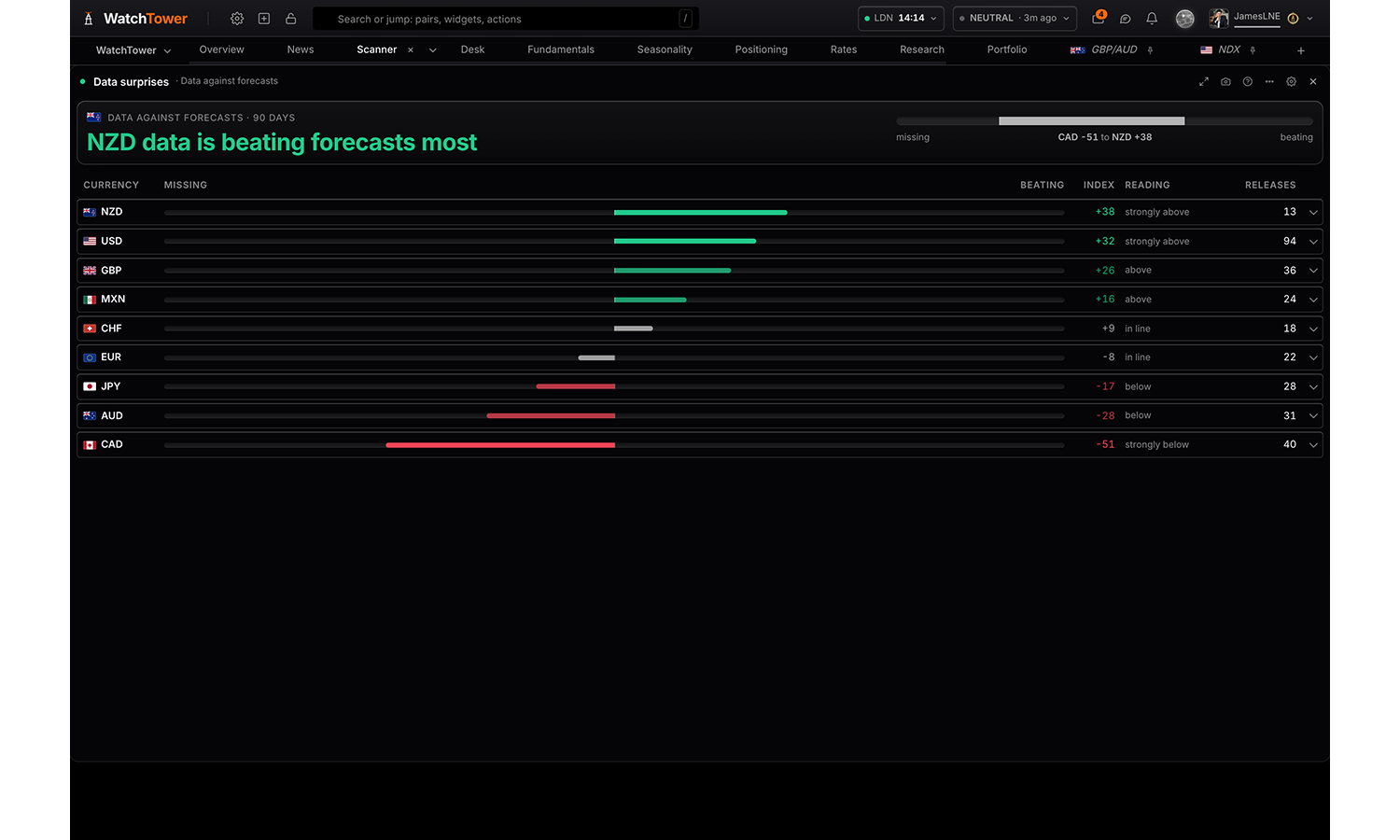
How each currency’s economic data has landed against forecasts, and the releases behind it; which pairs are following the gap in their data; and one pair in full. Weighted by each release’s importance and how recently it printed.
Reads
Data against forecasts
Is price following the data
One pair in detail
Settings
Read
Data against forecastsdefault
Is price following the data
One pair in detail
Visualisation shown when read is Data against forecasts
Rankeddefault
Strip
Minimum releases shown when read is Data against forecasts
Show everythingdefault
At least 3
At least 6
Measure shown when read is Is price following the data or One pair in detail
Price reacting to the datadefault
Levels moving together
Visualisation shown when read is Is price following the data
Ranked pairsdefault
All pairs, matrix
Show shown when read is Is price following the data
Every pairdefault
Pairs following now
Pair shown when read is One pair in detail
EUR/GBP
EUR/AUD
EUR/NZD
EUR/USDdefault
EUR/CAD
EUR/CHF
EUR/JPY
GBP/AUD
GBP/NZD
GBP/USD
GBP/CAD
GBP/CHF
GBP/JPY
AUD/NZD
AUD/USD
AUD/CAD
AUD/CHF
AUD/JPY
NZD/USD
NZD/CAD
NZD/CHF
NZD/JPY
USD/CAD
USD/CHF
USD/JPY
CAD/CHF
CAD/JPY
CHF/JPY
Flags
Showdefault
Hide
Summary card
The headline card at the top of the panel. Hide it where another panel on the board already says the same.
Showdefault
Hide
Macro fundamentals
Pro
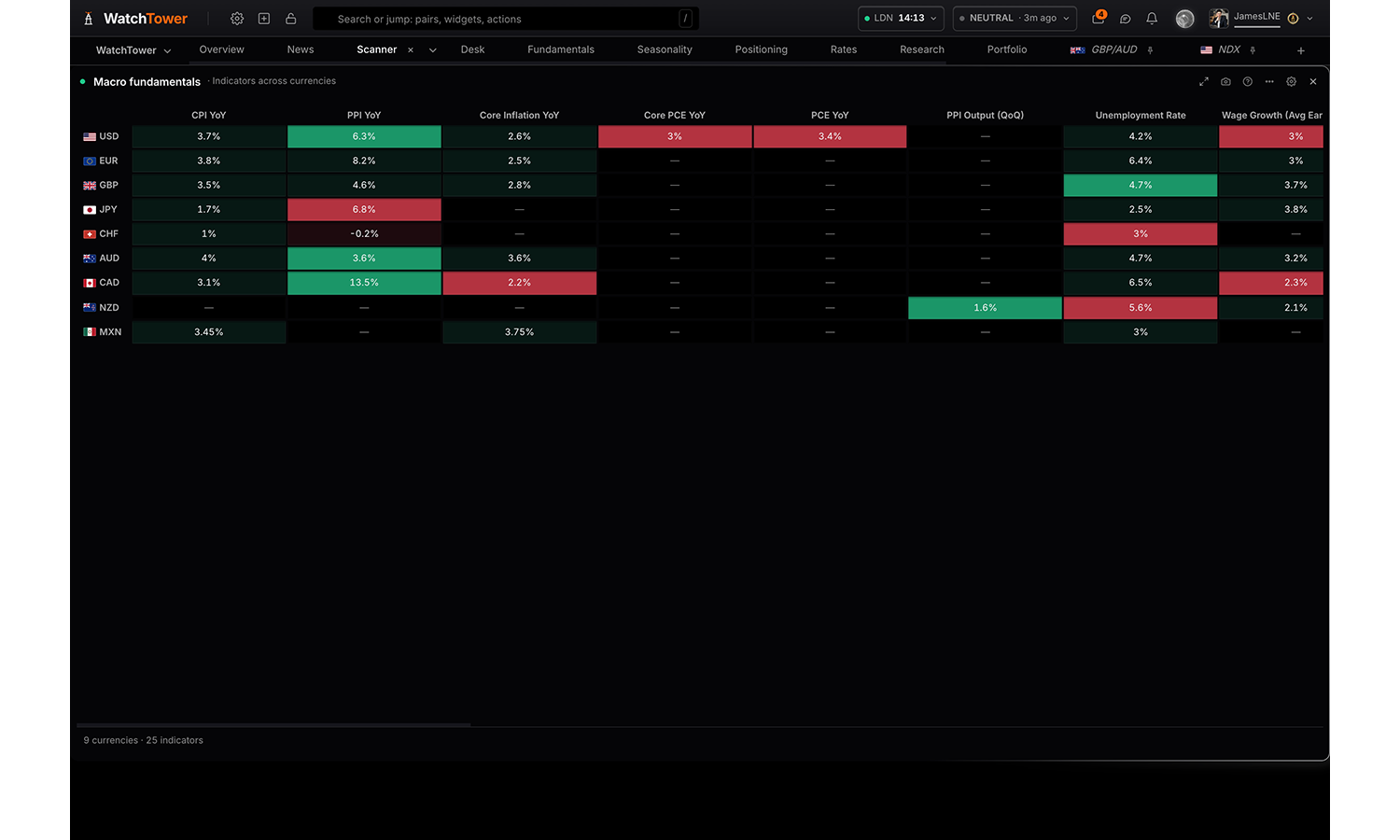
The macro picture behind the currencies. Read the fundamentals score each one carries, the indicator grid that score is rolled up from with currencies across and indicators down, or every scored release for a single asset with what it printed, what was expected and the engine’s read on each.
Reads
The fundamentals score
Indicators across currencies
One asset in full
Settings
Read
The score, the grid it is rolled up from, or every scored release for a single asset.
The fundamentals scoredefault
Indicators across currencies
One asset in full
Currencies
Pick everything, a whole class, or any combination of individual assets.
All currencies
Asset shown when read is One asset in full
No assets available
Category
The US alone publishes thirteen series, so the grid defaults to one category at a time. On the ranked view it narrows which indicators the picker below offers.
All categories
Inflationdefault
Labour
Growth
PMIs
Consumer
Visualisation shown when read is The fundamentals score
Ranked scoresdefault
Category grid
Contribution split
Table
Visualisation shown when read is Indicators across currencies
Indicator griddefault
Rank one indicator
Table
Indicator shown when visualisation is Rank one indicator
No indicators available
Sort by shown when read is One asset in full
Categorydefault
Biggest surprise
Name A–Z
Flags
Showdefault
Hide
Summary card
The headline card at the top of the panel. Hide it where another panel on the board already says the same.
Showdefault
Hide
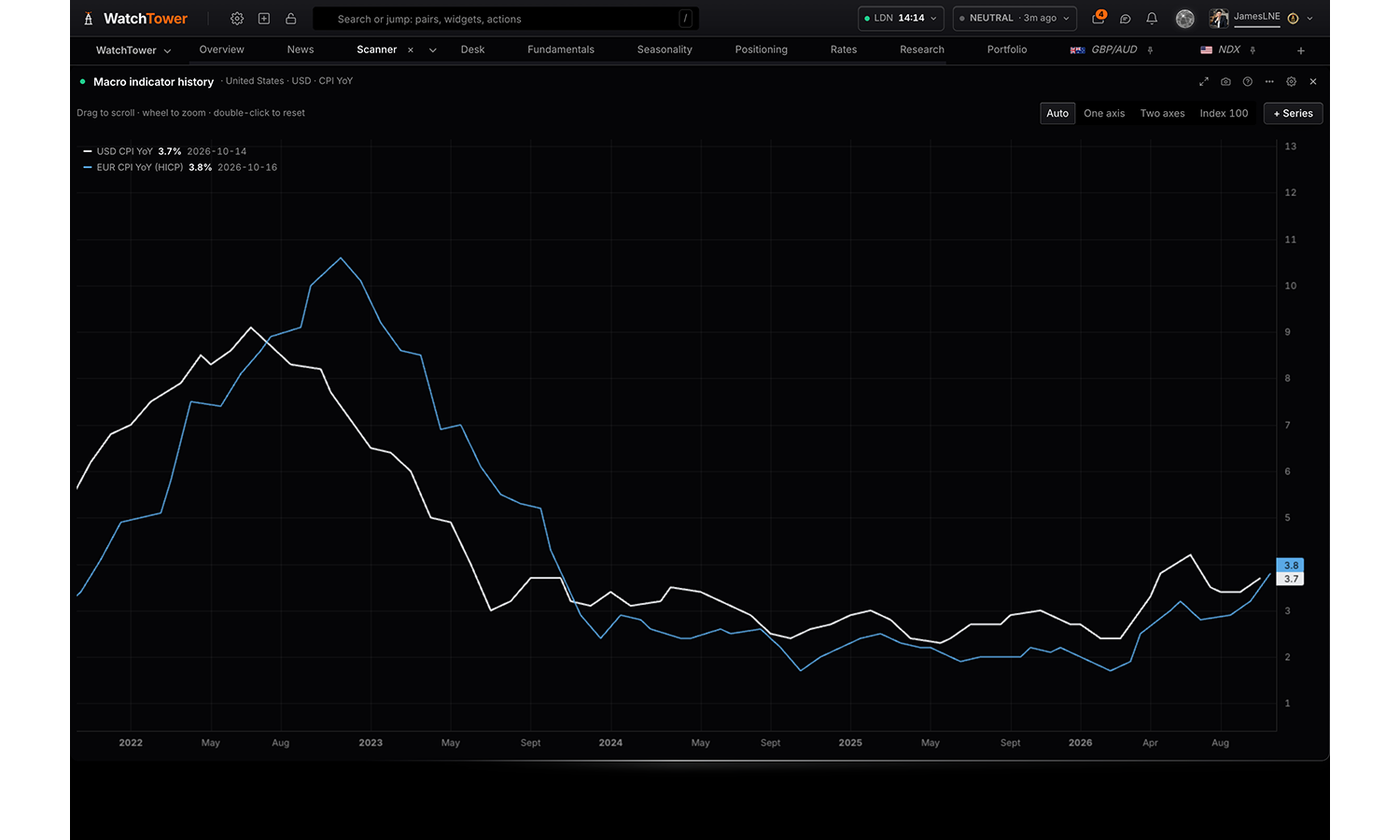
Macro indicator history
Pro
Any currency's economic indicator as a chart: compare series across currencies, rescale them, switch between line and columns, and read every value under the crosshair.
Reads
Line
Columns
Settings
Currency
United States · USDdefault
Euro area · EUR
United Kingdom · GBP
Japan · JPY
Switzerland · CHF
Australia · AUD
Canada · CAD
New Zealand · NZD
Mexico · MXN
Indicator
Scored macro releases plus market reference series.
CPI (index level)
Core CPI (index level)
Core PCE (index level)
CPI YoYdefault
PPI YoY
PCE YoY
Unemployment Rate · full history
Nonfarm Payrolls · full history
Labour Force Participation
Average Hourly Earnings
Initial Jobless Claims · full history
Avg Hourly Earnings (YoY)
Unemployment Rate · with forecasts
Initial Jobless Claims · with forecasts
JOLTs Job Openings
ADP Employment Change
Non-Farm Payrolls · with forecasts
Industrial Production (YoY)
Industrial Production (index)
Capacity Utilisation
Real GDP
Retail Sales (level)
GDP Growth (QoQ)
Consumer Sentiment (UMich)
Manufacturing PMI
Services PMI
Retail Sales (MoM)
1Y Treasury Yield · full history
2Y Treasury Yield · full history
5Y Treasury Yield · full history
10Y Treasury Yield · full history
20Y Treasury Yield · full history
30Y Treasury Yield · full history
5Y Real Yield (TIPS) · full history
10Y Real Yield (TIPS) · full history
30Y Real Yield (TIPS) · full history
5Y Breakeven Inflation · full history
10Y Breakeven Inflation · full history
3m10y Curve
2s10s Curve
Fed Funds Effective Rate
Fed Funds Target (upper)
SOFR
3M Treasury Bill
Fed priced 3 months out · full history · %
Fed priced 6 months out · full history · %
Fed priced 12 months out · full history · %
EUR/USD · price
GBP/USD · price
USD/JPY · price
USD/CHF · price
AUD/USD · price
NZD/USD · price
USD/CAD · price
XAU/USD · price
XAG/USD · price
XPT/USD · price
XPD/USD · price
WTI/USD · price
HG/USD · price
SPX · price
NDX · price
DJIA · price
M2 Money Supply · full history
M3 Money Supply (YoY)
M1 Money Supply · full history
House Prices (Case-Shiller)
Housing Starts
Building Permits
Current Account Balance
Trade Balance (Goods & Svcs)
Exports (Goods & Svcs)
Imports (Goods & Svcs)
Real Effective Exchange Rate
Govt Debt to GDP
Credit to Govt (% GDP)
Gross Federal Debt
Federal Budget Balance
Dollar Index (broad)
Dollar Index (majors)
Crude Oil (WTI)
Crude Oil (Brent)
All Commodities Index
US High Yield OAS
VIX
Financial Conditions (Chicago Fed)
Financial Stress (St Louis Fed)
US Investment Grade OAS
EM Corporate OAS
USD index (vs G8 basket) · index
Compare with
Any indicator from any country, mixed freely.
Nothingdefault
United States · USD
Euro area · EUR
United Kingdom · GBP
Japan · JPY
Switzerland · CHF
Australia · AUD
Canada · CAD
New Zealand · NZD
Mexico · MXN
Indicator
Choices are built from whatever the data currently
covers, so the list changes with the markets on the board.
And
Nothingdefault
United States · USD
Euro area · EUR
United Kingdom · GBP
Japan · JPY
Switzerland · CHF
Australia · AUD
Canada · CAD
New Zealand · NZD
Mexico · MXN
Indicator
Choices are built from whatever the data currently
covers, so the list changes with the markets on the board.
And
Nothingdefault
United States · USD
Euro area · EUR
United Kingdom · GBP
Japan · JPY
Switzerland · CHF
Australia · AUD
Canada · CAD
New Zealand · NZD
Mexico · MXN
Indicator
Choices are built from whatever the data currently
covers, so the list changes with the markets on the board.
Opens on
The span the chart shows when it opens. Scroll or drag for the rest of the history; zoom with the wheel; double-click to come back.
1Y
2Y
5Ydefault
10Y
Shape
Columns suit a change, such as payrolls; a line suits a level. Columns draw one series at a time.
Linedefault
Columns
Chart controls
Range and chart type as buttons above the plot. Turn off for a bare chart on a dense tab.
On the chartdefault
Settings only
Scale
Automatic uses one axis for one unit, two axes for two, and indexes when there are more.
Automaticdefault
One axis
Two axes
Indexed to 100
Transform
Applied to every series. Changes and averages are over calendar months, so a daily price and a monthly print are measured over the same span. Z-score and percentile place each reading against up to five years of its own history.
Leveldefault
Change since the last reading
3-month change
6-month change
12-month change
% change over 12 months
3-month average
Z-score, 5 years
Percentile, 5 years
First two series
One line for the gap between them: AU 2Y minus CA 2Y, or US PMI minus euro-area PMI. The second is read as it stood on each of the first’s dates.
Side by sidedefault
First minus second
Rolling correlation
How closely the first two lines have moved together, on their changes rather than their levels. Daily when both are daily; otherwise month by month.
Offdefault
Short: 20 days, or 12 months
Medium: 60 days, or 24 months
Long: a year, or 36 months
Consensus
One series: the published consensus is drawn against the print, on lines and on columns alike. Several series: each one reports how often it printed above, below and in line, which is the comparison four overlaid forecast lines would bury.
Showdefault
Actual only
Risk & sentiment
3 panels
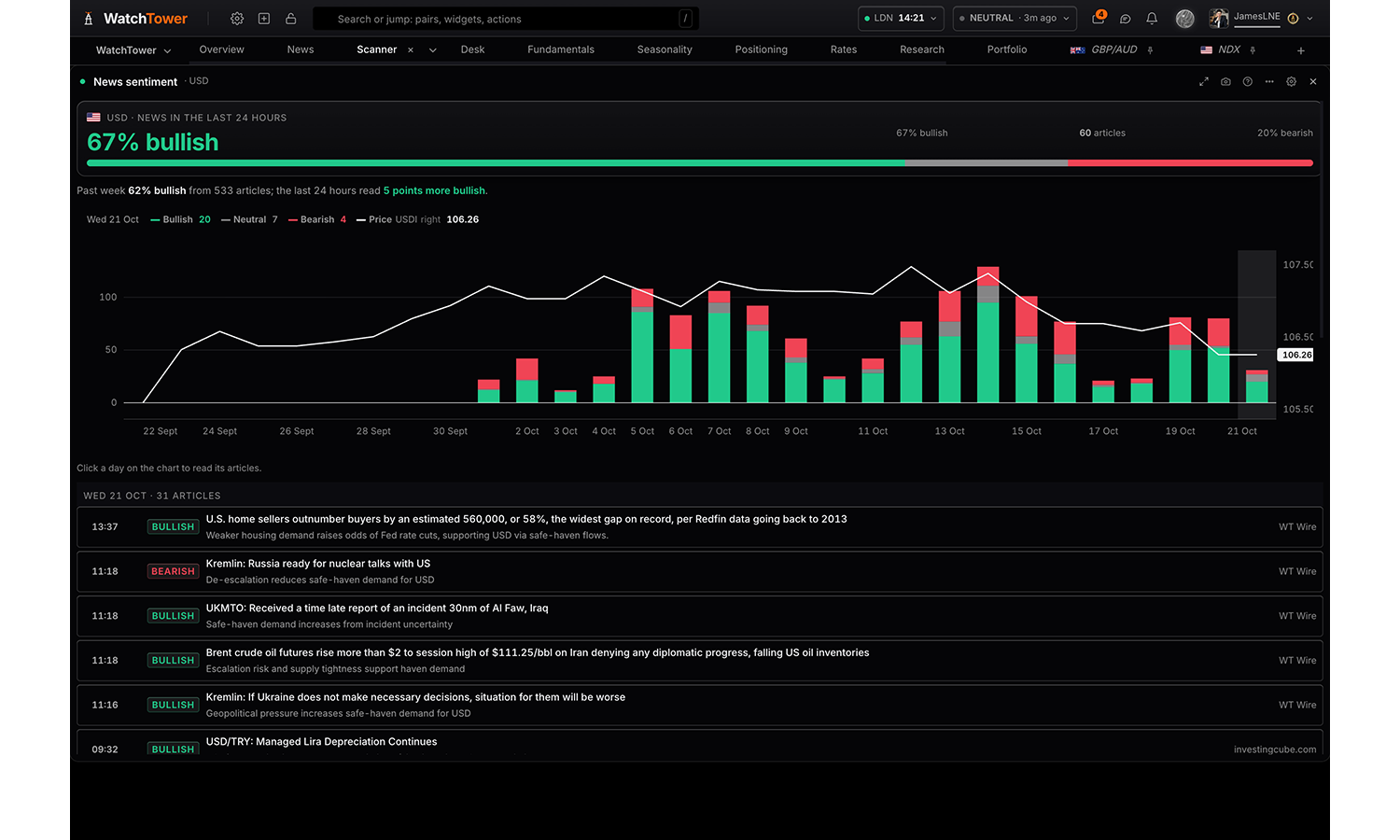
News sentiment
Pro
How the news about one asset reads: bullish, neutral or bearish in the last 24 hours and day by day, from how many articles, against its past week, with price alongside. A day opens its articles and the reason each was read that way.
Settings
Asset
Currencies, gold, silver, oil, the S&P 500 and the Nasdaq 100.
USDdefault
EUR
GBP
JPY
CHF
AUD
CAD
NZD
XAU
XAG
WTI
SPX
NDX
Days shown
14 days
30 daysdefault
45 days
Price
The asset’s daily close (a currency’s WatchTower index), to see whether price agrees with the news.
Drawn over the barsdefault
Off
Flags
Showdefault
Hide
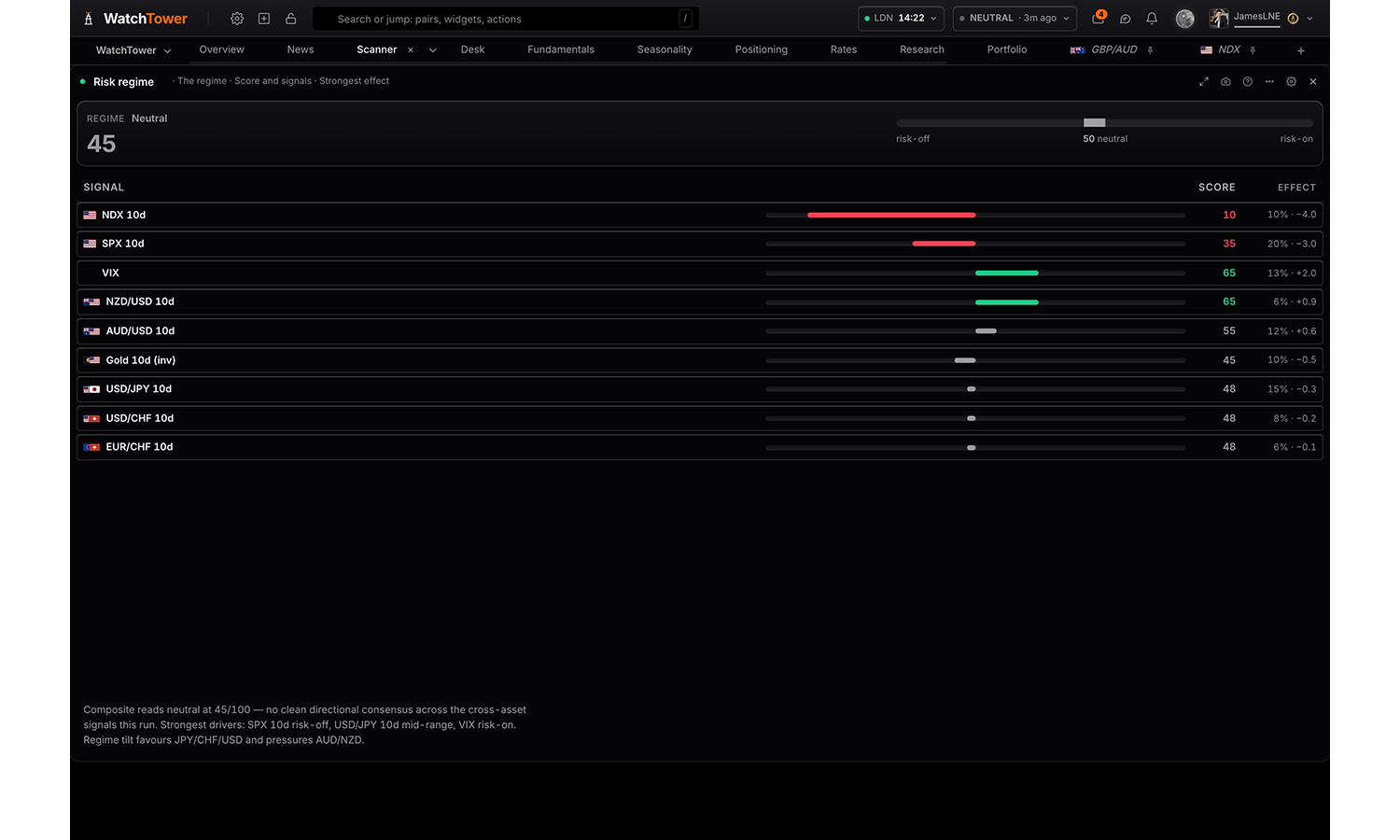
Risk regime
Free
Whether the market is risk-on or risk-off: the composite reading, the signals behind it and what each one contributes, and the raw prices those signals are built from. Read it as a score with its signals, the contributions alone, a table, a headline for a small tile, or switch to the assets behind it as prices, sparklines, a 24h heatmap or winners and losers.
Reads
The regime
The assets behind it
Settings
Read
The composite and its signals, or the raw prices those signals are built from.
The regimedefault
The assets behind it
Visualisation shown when read is The regime
Headline only suits a small tile; signals only suits a tall narrow one.
Score and signalsdefault
Signals only
Signal contributions
Table
Headline only
Sort by shown when read is The regime
Effect is how far a signal pushes the reading: its distance from neutral times its weight. Weight alone ignores where the signal sits.
Strongest effectdefault
Weight
Name
Signal detail shown when visualisation is Score and signals or Signals only
Weight and effectdefault
Score only
Narrative shown when read is The regime
The written read on the current regime.
Showdefault
Hide
Visualisation shown when read is The assets behind it
Prices needs one request. The other three read 24 hours of bars for each asset shown.
Pricesdefault
Sparklines
24h change heatmap
Winners and losers
Assets shown when read is The assets behind it
XAU/USD
WTI/USD
USD/JPY
EUR/USD
AUD/USD
USD/CHF
NZD/USD
EUR/CHF
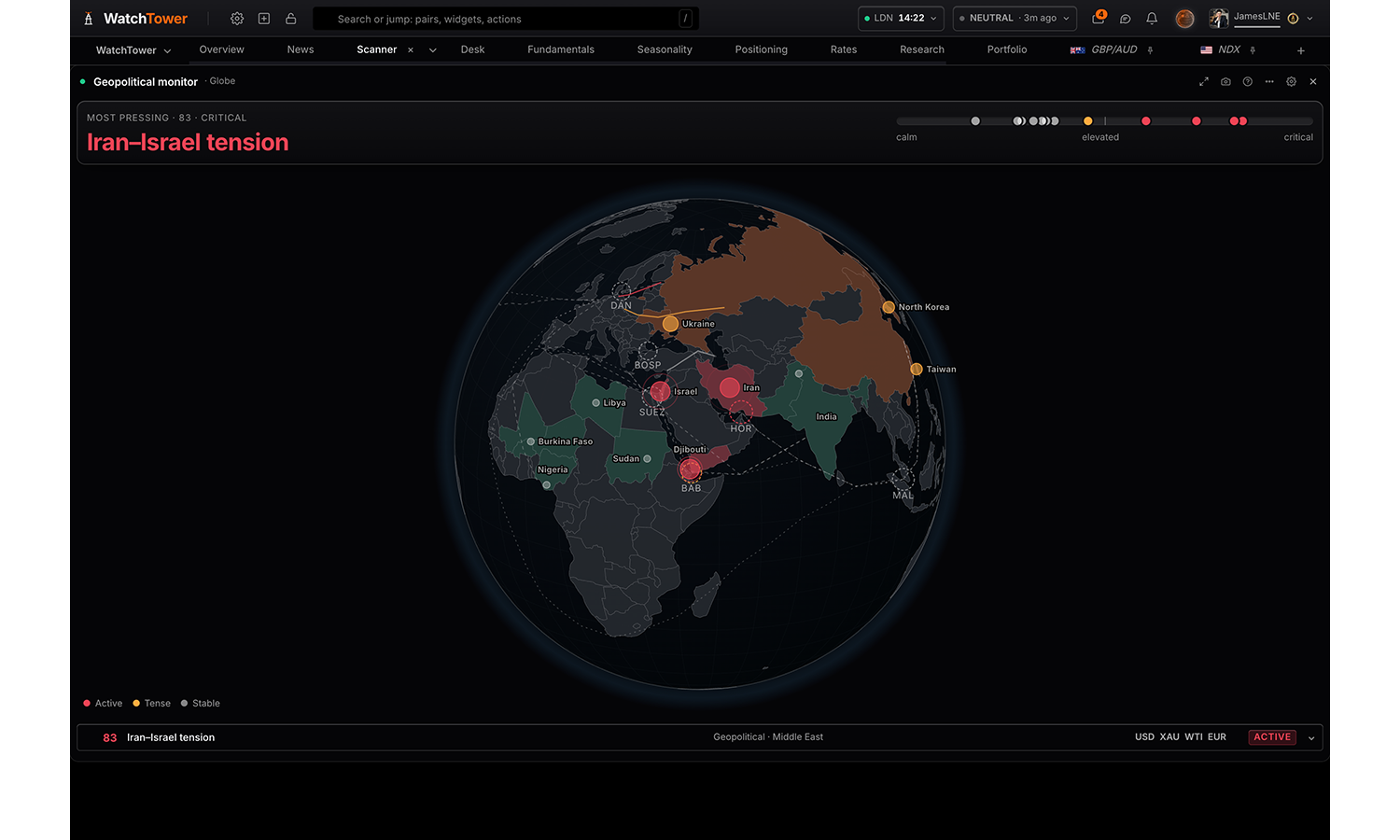
Geopolitical monitor
Pro
Live geopolitical and macro situations, scored 0 to 100 for how much each matters to markets now: ranked, on a 3D globe, by region, and which currencies escalation would push. Opening one gives what drives it, what it moves and the intelligence behind it.
Reads
Situations
Globe
Exposure
By region
Settings
Read
The situations ranked; on the globe; which currencies escalation pushes and which way; or grouped by region.
Situationsdefault
Globe
Exposure
By region
Situations
Active and tense drops the situations that are being watched but are not moving anything today.
Everything watcheddefault
Active and tense
Active only
Major situations
Map layers shown when read is Globe
Tanker routes are the densest layer and are best turned on only when the question is about shipping.
Chokepoints
Pipelines
Production regions
Tanker routes
Drift shown when read is Globe
The globe pauses while the pointer is over it and resumes when it leaves.
Slow turndefault
Hold still
Crosses
2 panels
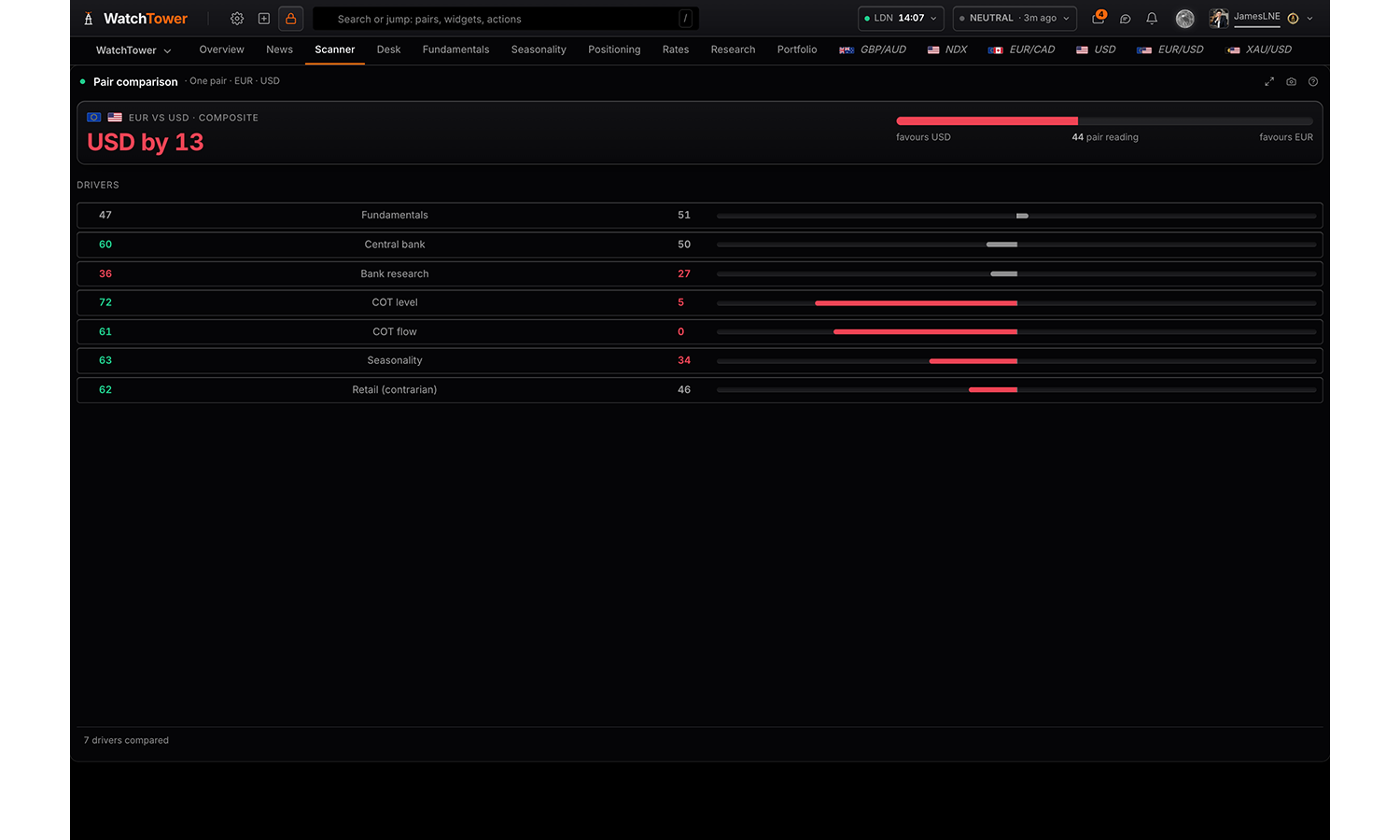
Pair comparison
Pro
How two currencies compare. Read one pair spelled out side by side, as a shape overlay or as a spread table; every pair at once as a matrix, the strongest edges or edge bars; or a pair’s score run by run as a trajectory, a change over a window, or a table.
Reads
One pair
Every pair
Over time
Settings
Read
Two currencies spelled out, the whole grid at once, or a pair score run by run.
One pairdefault
Every pair
Over time
Currency A shown when read is One pair
Choices are built from whatever the data currently
covers, so the list changes with the markets on the board.
Currency B shown when read is One pair
Choices are built from whatever the data currently
covers, so the list changes with the markets on the board.
Visualisation shown when read is One pair
Side by sidedefault
Shape overlay
Spread table
Measure shown when read is Every pair
Composite scoredefault
Retail (contrarian)
Visualisation shown when read is Every pair
Pair matrixdefault
Strongest edges
Edge bars
Table
Rows shown shown when read is Every pair
Top 10
Top 20default
Every pair
Density shown when read is Every pair
Comfortabledefault
Compact
Currencies shown when read is Every pair
Leave empty for every currency the run scored.
EUR
GBP
AUD
NZD
USD
CAD
CHF
JPY
MXN
Pairs shown when read is Over time
Choices are built from whatever the data currently
covers, so the list changes with the markets on the board.
Visualisation shown when read is Over time
Trajectorydefault
Change over window
Table
Window shown when read is Over time
Last 10 runs
Last 20 runsdefault
Last 50 runs
Flags
Showdefault
Hide
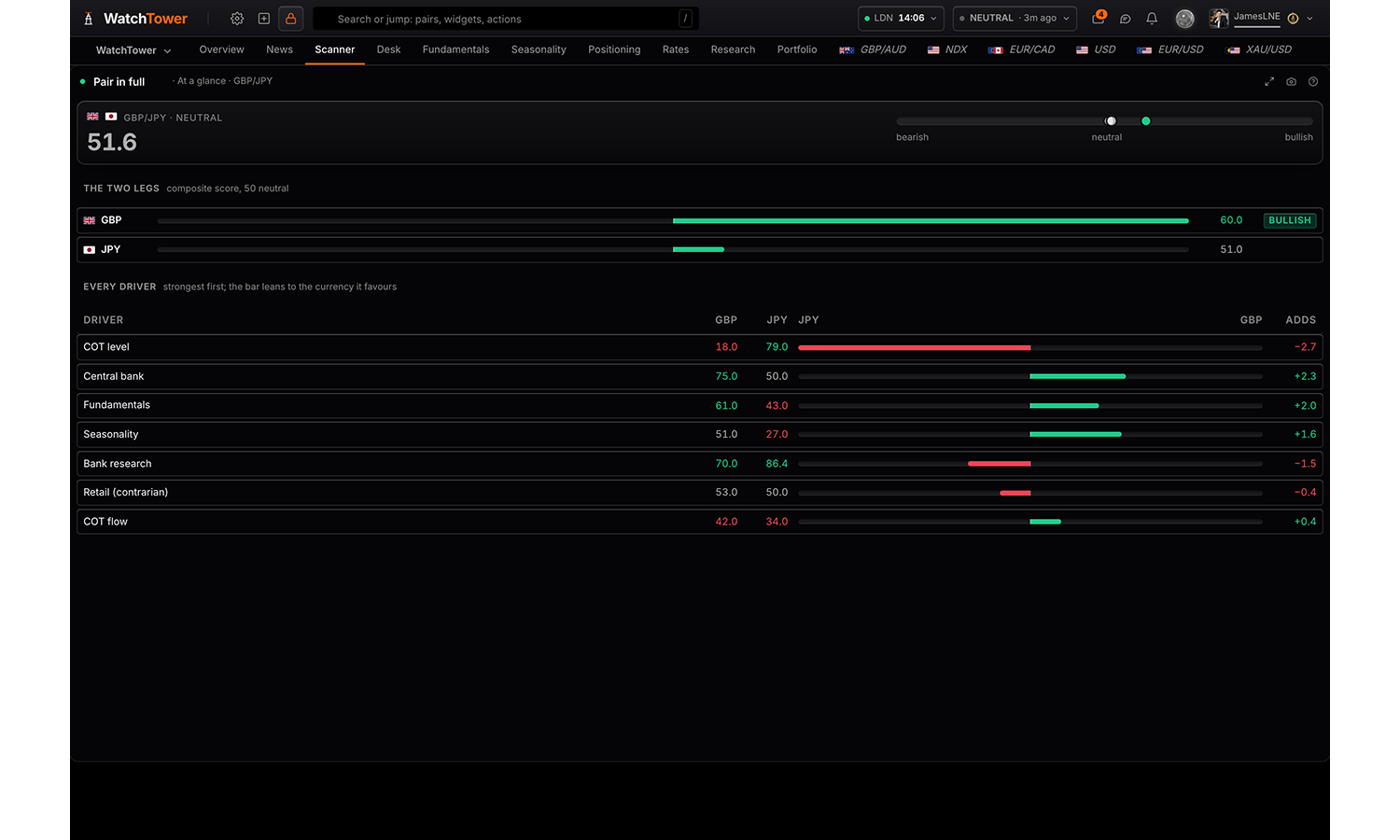
Pair in full
Pro
One pair in full: its score and bias, both legs, every driver behind it, the research, and what is coming for it on the calendar, with what moves it and how its releases come in.
Reads
At a glance
Research
Calendar
Settings
Read
The pair at a glance, its two legs and every driver behind its score; the research; or what is coming for it on the calendar.
At a glancedefault
Research
Calendar
Pair
Choices are built from whatever the data currently
covers, so the list changes with the markets on the board.
Summary card
The headline card at the top of the panel. Hide it where another panel on the board already says the same.
Showdefault
Hide
Trade ideas
2 panels
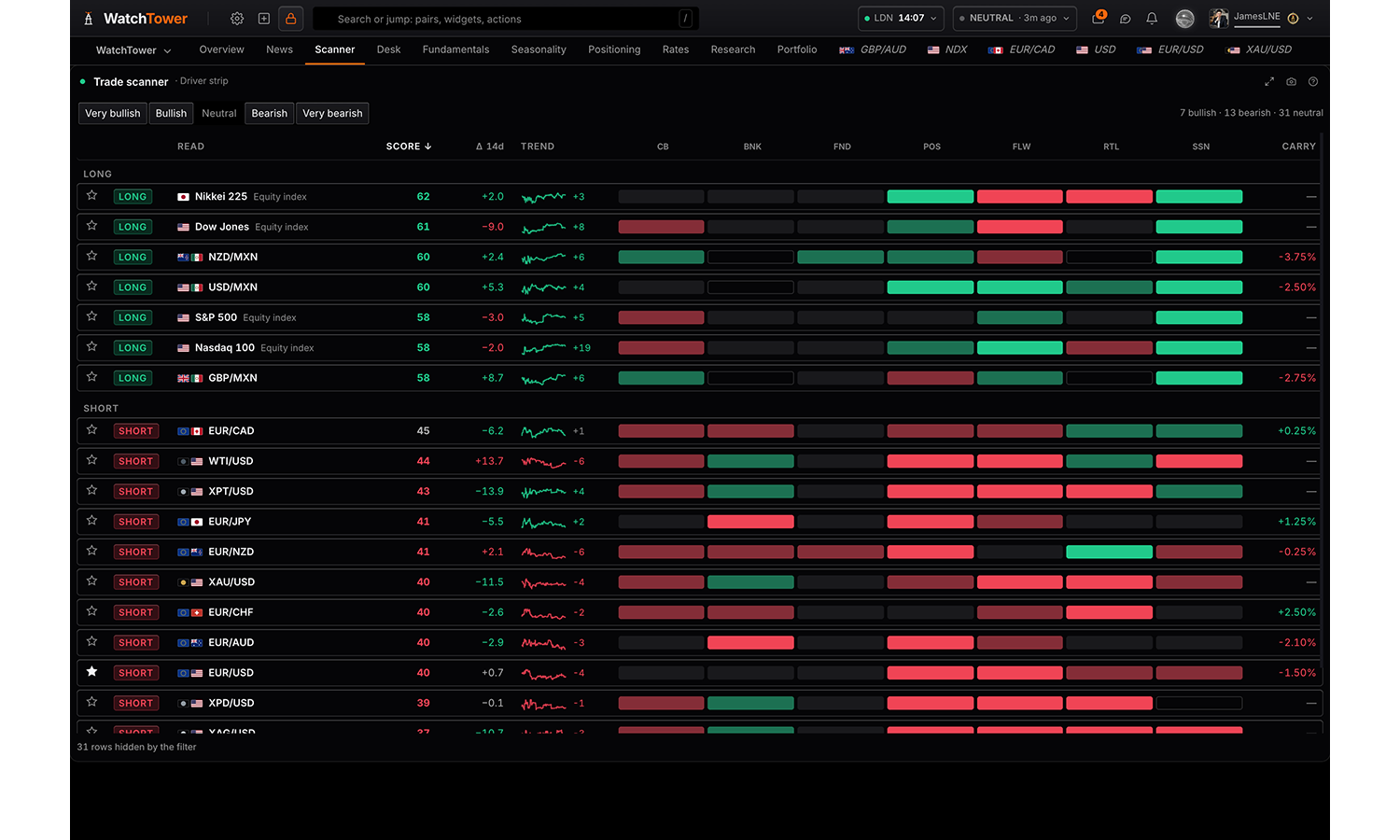
Trade scanner
Pro
Every tradable read the engine holds in one ranked list: the crosses and every metal, commodity and index scored on its own. Leads with the side, then the score, its change since the last run, its trend, the seven drivers as a strip with how many agree, and the carry. Sort by any column, filter to the tiers you want, narrow to a shortlist where four or more drivers agree, or open the full table.
Reads
Driver strip
Shortlist
Full table
Settings
Assets
Pick everything, a whole class, or any combination. A currency here ranks every cross formed from it; a single asset ranks on its own.
Everything
Minimum conviction
Distance of the composite from 50, in either direction.
Every rowdefault
5 from neutral
10 from neutral
15 from neutral
Visualisation
The strip folds the seven drivers into one pattern per row. The shortlist keeps only the rows where four or more of them agree. The full table restores a sortable column per driver.
Driver stripdefault
Shortlist
Full table
Flags
Showdefault
Hide
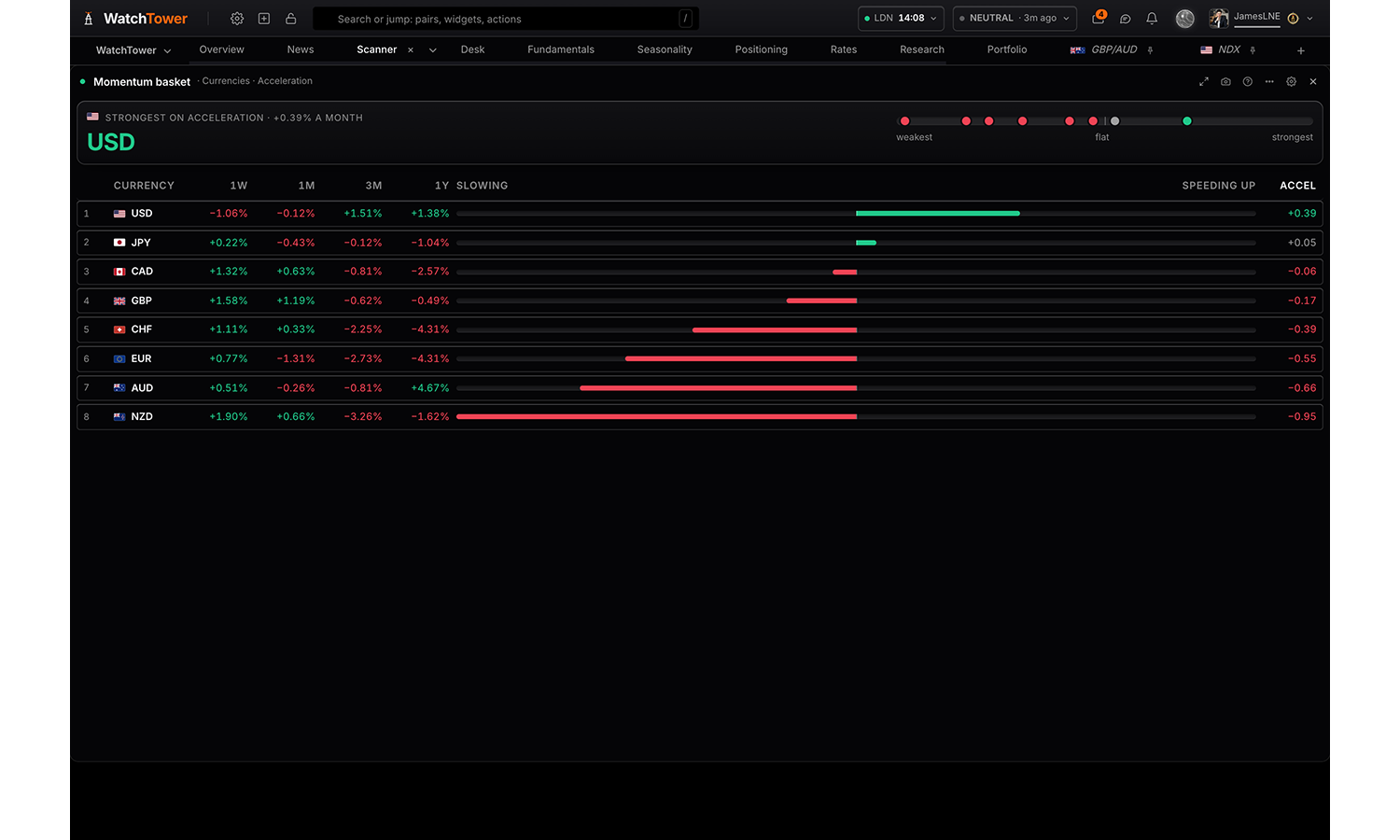
Momentum basket
Pro
The board ranked by how far it has moved over a week, a month, three months and a year, and by acceleration: whether the recent pace is running ahead of its own year. A record of what has happened, not a signal.
Settings
Rank
Ranked as pairs, one broad dollar move fills the top of the table eight times. Currency legs count it once.
Currenciesdefault
Pairs and assets
Sort by
Acceleration is the 3-month pace against the 1-year pace, per month. A window on its own says how far, not whether it is still moving.
Accelerationdefault
1 week
1 month
3 months
1 year
Order
Strongest firstdefault
Weakest first
Rows shown
8
15
Everything rankeddefault
Rates & yields
1 panel
US Treasuries
Pro
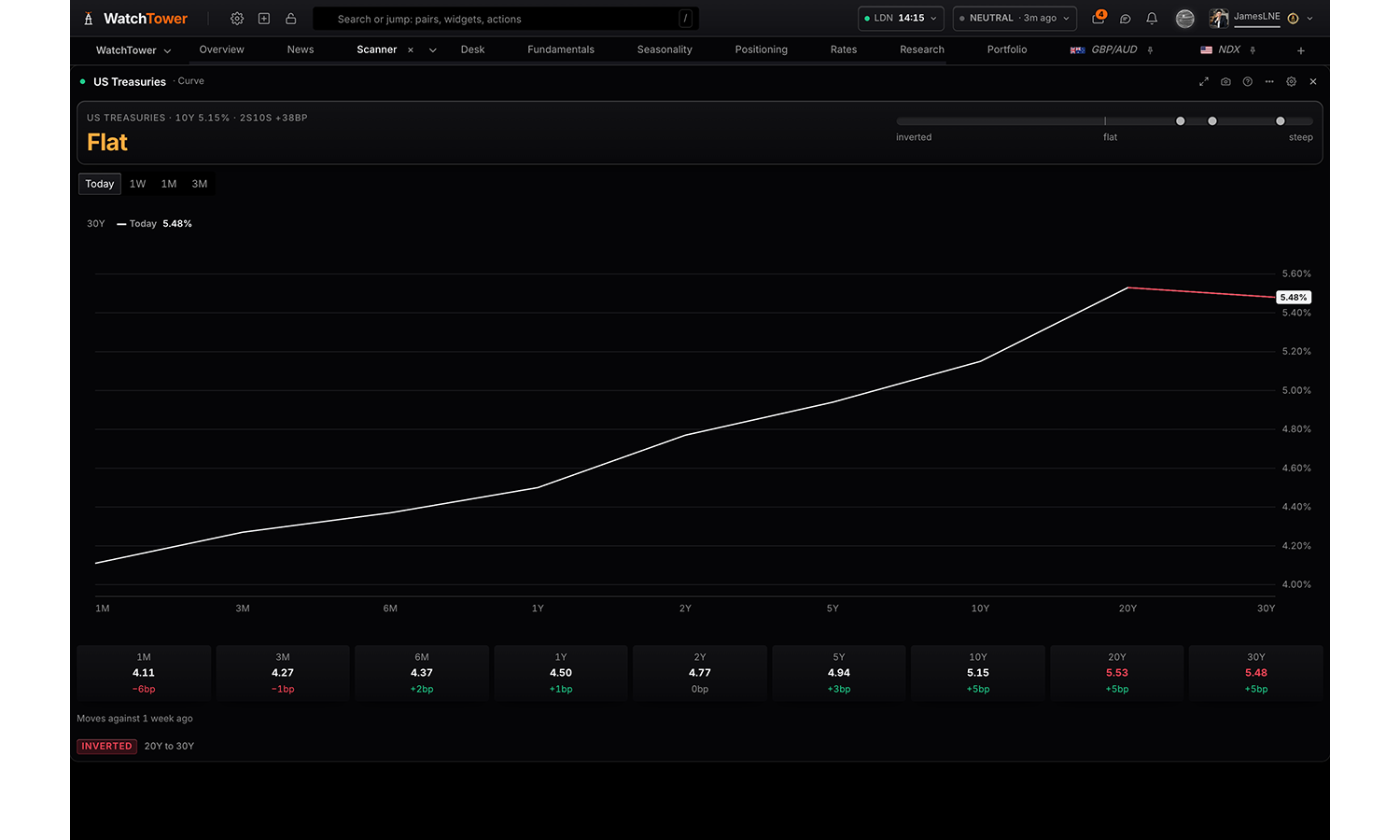
The US Treasury curve and its history in one chart: the curve against a week, a month or three months ago, the key spreads (2s10s, 3m10s, 5s30s) and their history, real yields against CPI, and any maturity through time back to 1962 for the ten year.
Reads
Curve
Spreads
Real yields
History
Settings
Read
The curve against an earlier one; the key spreads and their history; real yields; or one maturity through time.
Curvedefault
Spreads
Real yields
History
Compare with shown when read is Curve
Today onlydefault
1 week ago
1 month ago
3 months ago
Spread history shown when read is Spreads
2s10sdefault
3m10s
5s30s
Maturity shown when read is History
1M
3M
6M
1Y
2Y
5Y
10Ydefault
20Y
30Y
Window shown when read is History
Max is the full published series, which begins in 1962 for the ten year.
1 month
3 monthsdefault
6 months
1 year
Year to date
5 years
Max
Measure shown when read is History
Yielddefault
Change across window (bp)
Chart controls
On the chartdefault
Settings only
Summary card
The headline card at the top of the panel. Hide it where another panel on the board already says the same.
Showdefault
Hide
Market data
6 panels
Asset statistics
Pro
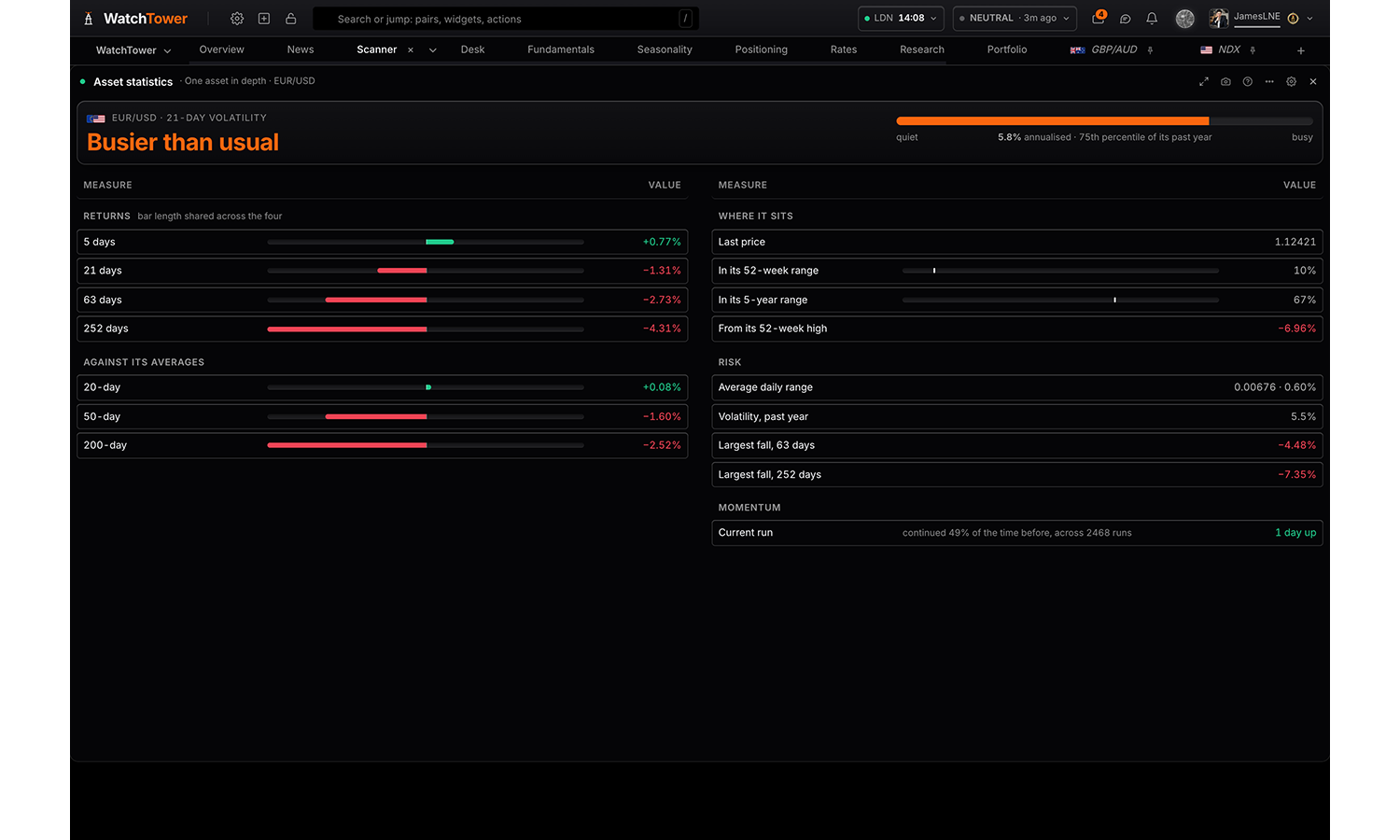
What the bars say. Read one asset in depth with its statistics panel, volatility term structure, return distribution and day-of-week or monthly bias; or every asset ranked by how busy it is against its own history; or how they all move against each other as a matrix or a list of the tightest pairs.
Reads
One asset in depth
Ranked by volatility
How they move together
Settings
Read
The same bars three ways: one asset on its own, every asset ranked, or every asset against every other.
One asset in depthdefault
Ranked by volatility
How they move together
Asset shown when read is One asset in depth
EUR/USDdefault
GBP/USD
USD/JPY
USD/CHF
AUD/USD
USD/CAD
NZD/USD
USD/MXN
EUR/GBP
EUR/JPY
EUR/CHF
EUR/AUD
EUR/CAD
EUR/NZD
GBP/JPY
GBP/CHF
GBP/AUD
GBP/CAD
GBP/NZD
AUD/JPY
AUD/NZD
AUD/CAD
AUD/CHF
NZD/JPY
NZD/CAD
NZD/CHF
CAD/JPY
CAD/CHF
CHF/JPY
XAU/USD
XAG/USD
XPT/USD
XPD/USD
HG/USD
WTI/USD
SPX
NDX
DJIA
DAX
FTSE
CAC
SX5E
IBEX
NI225
Visualisation shown when read is One asset in depth
Statistics paneldefault
Volatility term structure
Return distribution
Day of week bias
Monthly seasonal bias
Chart shown when visualisation is Volatility term structure or Return distribution or Monthly seasonal bias
A line reads the shape of a distribution better; columns read a single bucket better.
Columnsdefault
Line
Bias measure shown when visualisation is Day of week bias or Monthly seasonal bias
Average returndefault
Positive rate
Visualisation shown when read is Ranked by volatility
Busy or quiet for itselfdefault
Ranked by volatility
Average daily range
Table
Visualisation shown when read is How they move together
Numeric matrixdefault
Colour only
Ranked pairs
Candles shown when read is How they move together
Dailydefault
Weekly
Window
The ranking reads the window the server publishes for it. Correlation measures over the same span of candles.
10 days
21 daysdefault
63 days
252 days
Assets
Leave empty for the default set. Correlation reads a day of candles for each one, so a long list is a slower view.
EUR/USD
GBP/USD
USD/JPY
USD/CHF
AUD/USD
USD/CAD
NZD/USD
USD/MXN
EUR/GBP
EUR/JPY
EUR/CHF
EUR/AUD
EUR/CAD
EUR/NZD
GBP/JPY
GBP/CHF
GBP/AUD
GBP/CAD
GBP/NZD
AUD/JPY
AUD/NZD
AUD/CAD
AUD/CHF
NZD/JPY
NZD/CAD
NZD/CHF
CAD/JPY
CAD/CHF
CHF/JPY
XAU/USD
XAG/USD
XPT/USD
XPD/USD
HG/USD
WTI/USD
SPX
NDX
DJIA
DAX
FTSE
CAC
SX5E
IBEX
NI225
Summary card
The headline card at the top of the panel. Hide it where another panel on the board already says the same.
Showdefault
Hide
Live prices
Free
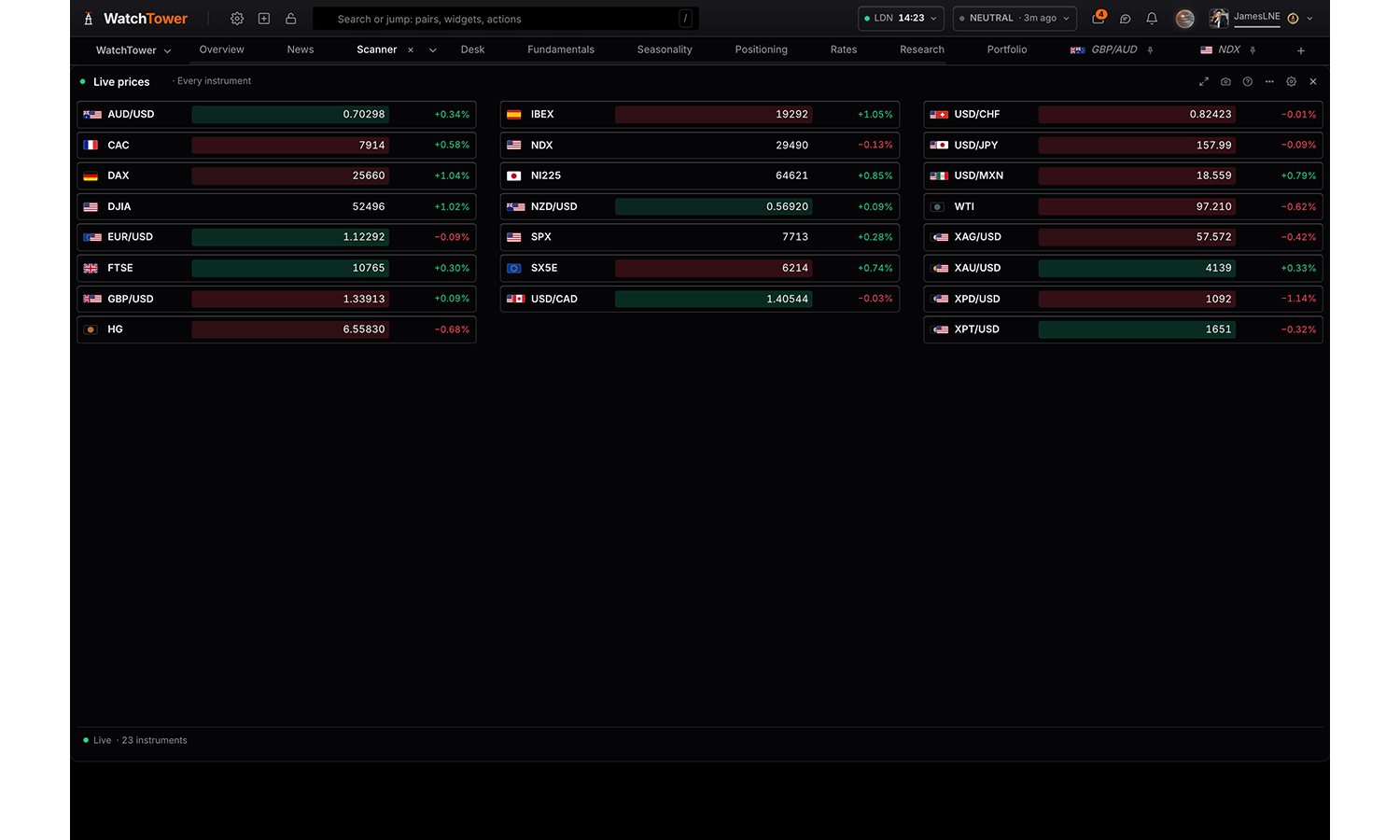
What is moving right now, from the live tick stream. Every instrument with its price and the day’s change, the biggest movers ranked out of it, or each currency scored across every pair it trades in. Values stream live and flash on each tick.
Reads
Every instrument
Biggest movers
Currency strength
Scrolling tape
Settings
Show
The same tick stream three ways: the whole board, the ends of it, or each currency scored across every pair it trades in.
Every instrumentdefault
Biggest movers
Currency strength
Scrolling tape
Speed shown when show is Scrolling tape
Slow
Normaldefault
Fast
Assets
Everything the live feed carries, a whole class, or any handful. The list fills once the first prices have arrived.
All assets
Currencies shown when show is Currency strength
Hiding a currency changes what is drawn, never the numbers: each one is scored across every pair it streams in.
All currencies
AUD
CAD
CHF
EUR
GBP
JPY
NZD
USD
Day change shown when show is Every instrument
Showdefault
Hide
Movers as shown when show is Biggest movers
Ranked by size of movedefault
Gainers and losers
Rows shown shown when show is Biggest movers
Top 5
Top 8default
Everything
Scale shown when show is Currency strength
Fitting makes a quiet session readable; fixed keeps the bars comparable between one look and the next.
Fit the strongest movedefault
Fixed, plus or minus 1%
Seasonality
Pro
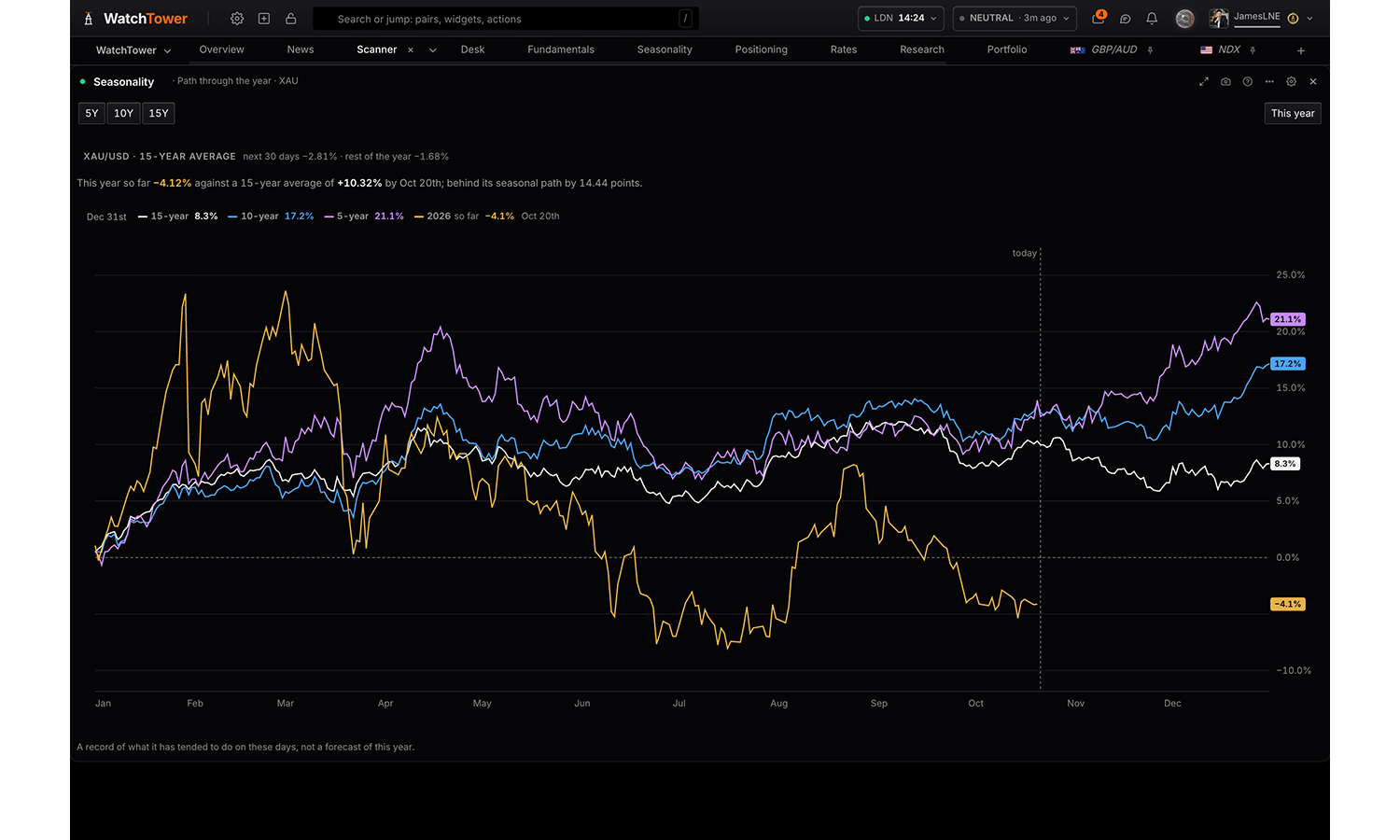
What any asset has tended to do on these calendar days in past years: the path through the year over 5, 10 and 15 years, the path ahead from today and on the asset's own candles, each month's average, and every asset over the weeks ahead. A record of a tendency, not a forecast.
Reads
Path through the year
Ahead from today
On price
By month
Across assets
Settings
Read
The year’s path; the path ahead from today; that path on the asset’s candles; each month’s average; or every asset over the weeks ahead.
Path through the yeardefault
Ahead from today
On price
By month
Across assets
Asset
Choices are built from whatever the data currently
covers, so the list changes with the markets on the board.
Against
Builds a pair, e.g. EUR against USD gives EUR/USD.
Nothing (single asset)default
Years of history
Overlay shorter windows to see whether the pattern holds or is a one-regime artefact. In the table each window gets its own columns.
15 year
10 year
5 year
This year
The asset’s own move since the start of this year, day for day, over its seasonal path. A single currency is read from its WatchTower index.
Drawn over the averagesdefault
Off
Horizon
7 days
14 days
30 daysdefault
60 days
Candles
Four-hour is the timeframe the price feed is known to serve for every symbol. Daily and weekly come from a separate end-of-day feed which does not cover every instrument.
4 hourdefault
Daily
Weekly
Chart controls
On the chartdefault
Settings only
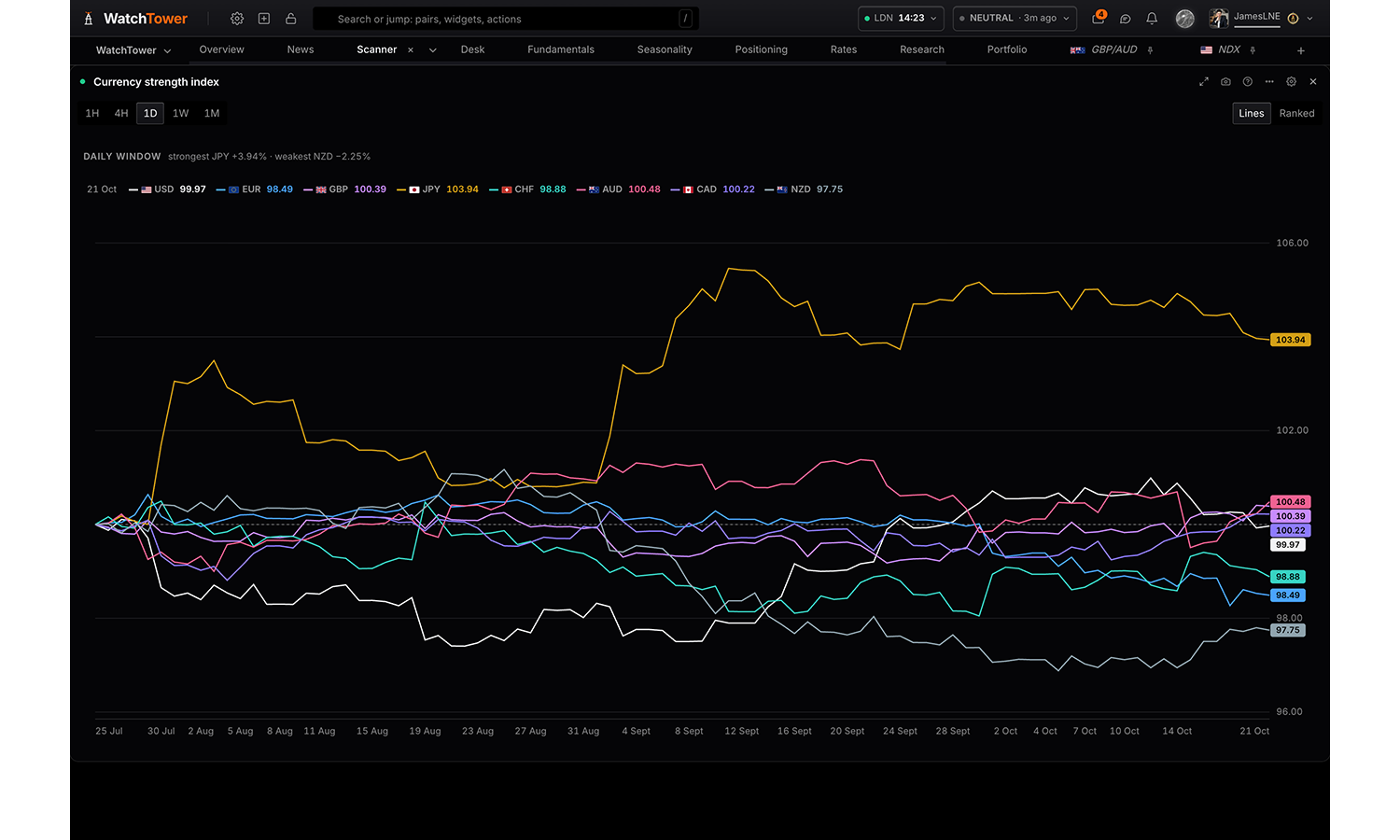
Currency strength index
Pro
Relative currency strength over time, each currency indexed to 100 at the start of the window: as lines, or ranked by where each finished. Pick the currencies and the timeframe, from hourly to monthly.
Reads
Lines over the window
Where each finished
Settings
Currencies
Hiding a currency changes what is drawn, never the numbers: each currency is measured against an equal-weighted basket of the other G8 currencies, the same measure as the currency indices on the chart, whichever ones you have on screen.
All currencies
AUD
CAD
CHF
EUR
GBP
JPY
NZD
USD
Visualisation
Lines over the windowdefault
Where each finished
Timeframe
Hourly
4 hour
Dailydefault
Weekly
Monthly
Chart controls
On the chartdefault
Settings only
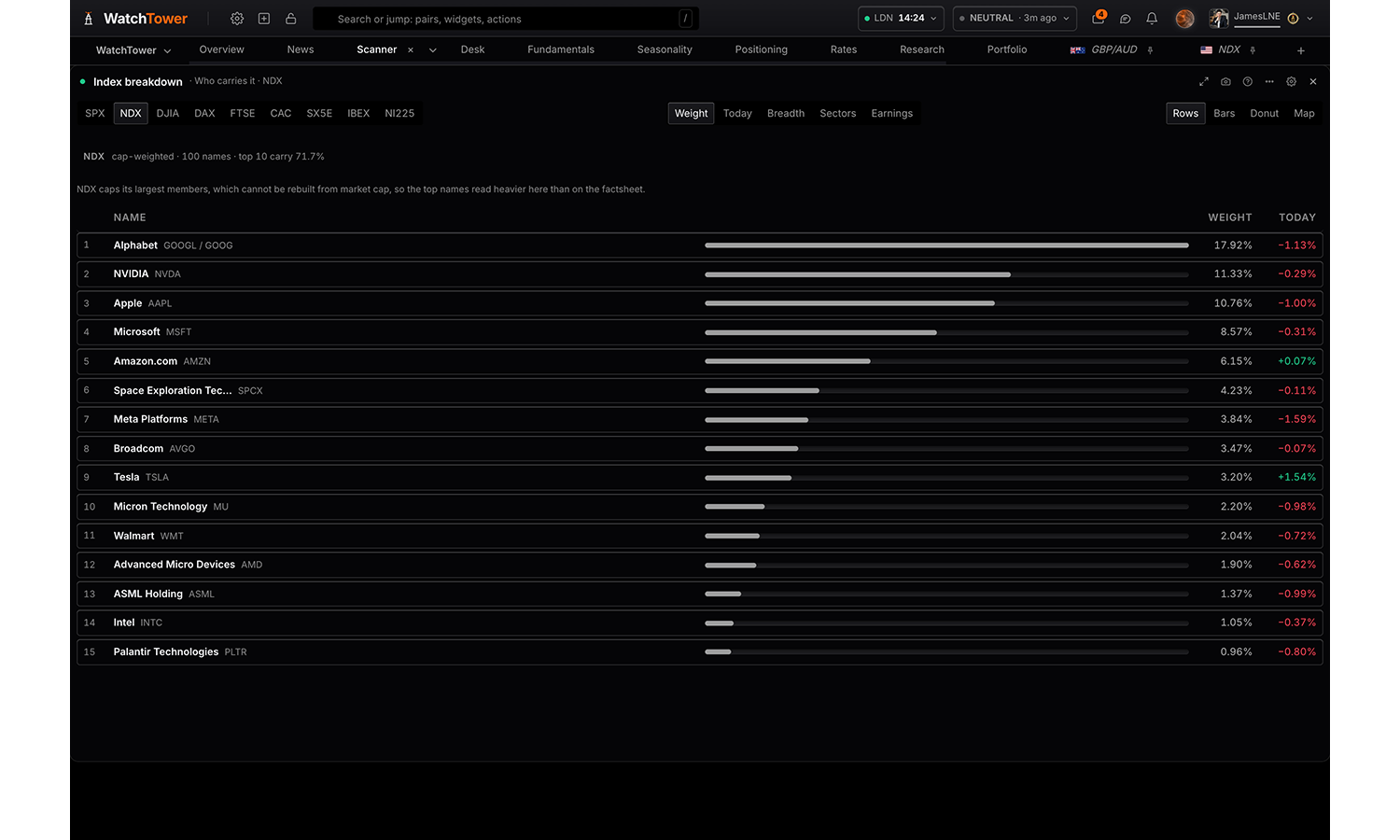
Index breakdown
Pro
What is inside an equity index and what each name is worth to it: who carries it by weight, which names moved it today, breadth by count and by weight, the sectors, and how the heaviest names have reported. Honest about partial lists.
Reads
Who carries it
What moved it today
Breadth
Sectors
Earnings
Settings
Index
SPXdefault
NDX
DJIA
DAX
FTSE
CAC
SX5E
IBEX
NI225
Read
Weights are rebuilt from market cap, float-adjusted where the float is published; dual share classes are merged into one name.
Who carries itdefault
What moved it today
Breadth
Sectors
Earnings
Chart
Rows carry every figure; bars compare them; a donut shows shares of the whole; the map sizes each name by weight and colours it by today’s move.
Rowsdefault
Bars
Donut
Map
Names shown
10
15default
25
All
Controls
On the paneldefault
Settings only
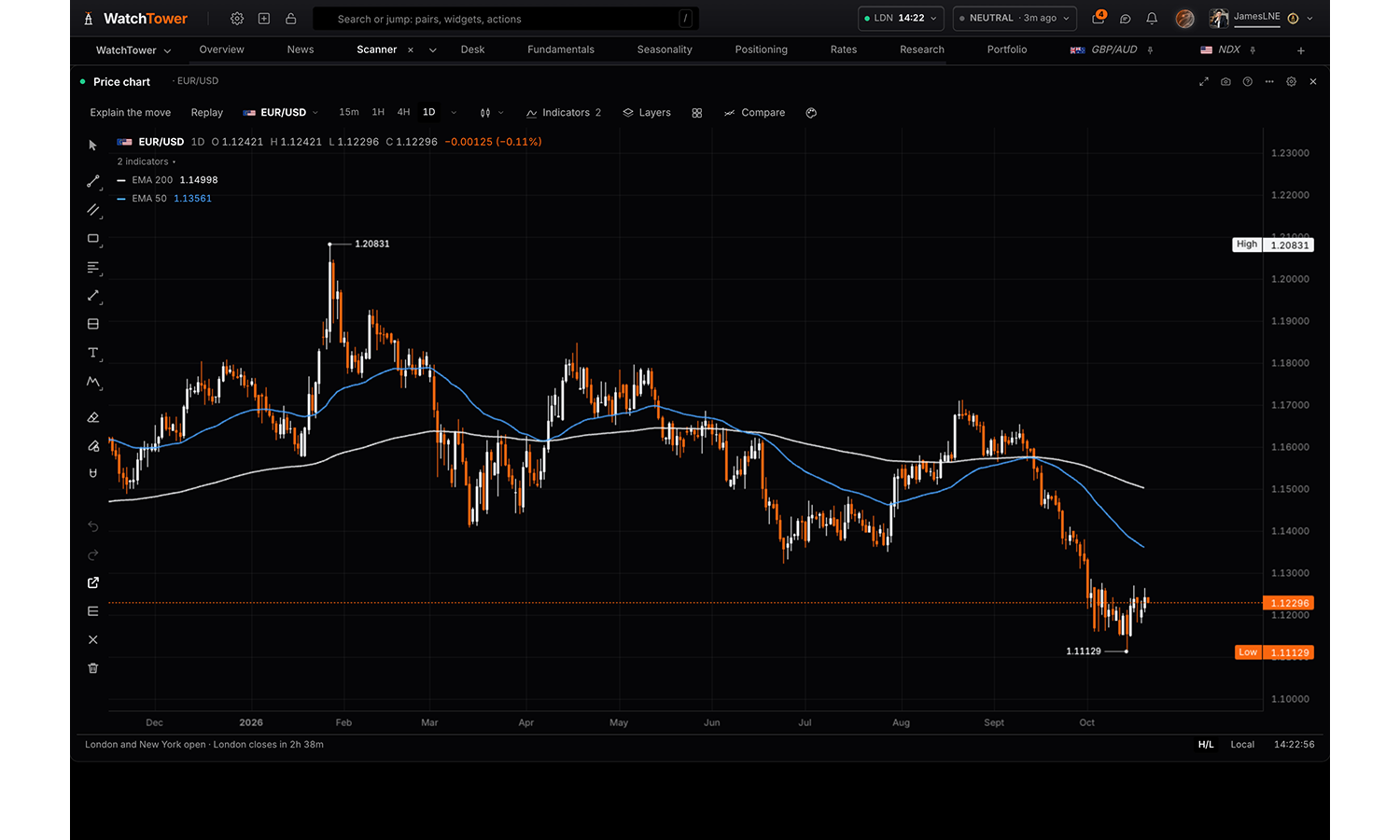
Price chart
Free
WatchTower native chart. 44 assets: FX, metals, commodities, indices. Candles, area or line, across 5m to 1M timeframes. Explain the move reads what carried the move on screen; Replay plays any market forward from a moment in the last year, as the terminal knew it then: the releases as they landed, the wire as it was graded, and the scores and pricing at the close before.
Settings
Asset
The market the panel opens on, currency indices included. Everything else is on the chart itself: the timeframe, up to sixteen charts in one panel and how they keep in step, indicators, drawing tools, alerts on a level, the magnifier and the object tree. Right-click the chart for a level or an alert at that price.
EUR/USDdefault
GBP/USD
USD/JPY
USD/CHF
AUD/USD
NZD/USD
USD/CAD
EUR/GBP
EUR/JPY
EUR/CHF
EUR/AUD
EUR/NZD
EUR/CAD
GBP/JPY
GBP/CHF
GBP/AUD
GBP/NZD
GBP/CAD
AUD/JPY
AUD/CHF
AUD/NZD
AUD/CAD
NZD/JPY
NZD/CHF
NZD/CAD
CAD/JPY
CAD/CHF
CHF/JPY
XAU/USD
XAG/USD
XPT/USD
XPD/USD
WTI/USD
HG/USD
SPX
NDX
DJIA
DAX
FTSE
CAC
SX5E
IBEX
NI225
USD index
EUR index
GBP index
JPY index
CHF index
AUD index
CAD index
NZD index
MXN index
Timeframe
The 5, 15 and 30 minute charts load their older history as you scroll back; the hourly and longer ones hold all of it from the start.
5 minutes
15 minutes
30 minutes
1 hour
4 hoursdefault
1 day
1 week
1 month
Remember my setup
Indicators are saved against the symbol and follow it onto any chart; starting clean neither reads nor adds them. Drawings always follow the symbol, on every chart.
Keep my indicatorsdefault
Start without indicators
Grid
Horizontal and vertical rules at the axis ticks, in the same hairline every panel border uses.
Showdefault
Hide
Chart type
A currency index on a timeframe that holds closes only is drawn as a line whatever is chosen here.
Candlesdefault
Bars
Heikin Ashi
Line
Area
Utility
4 panels
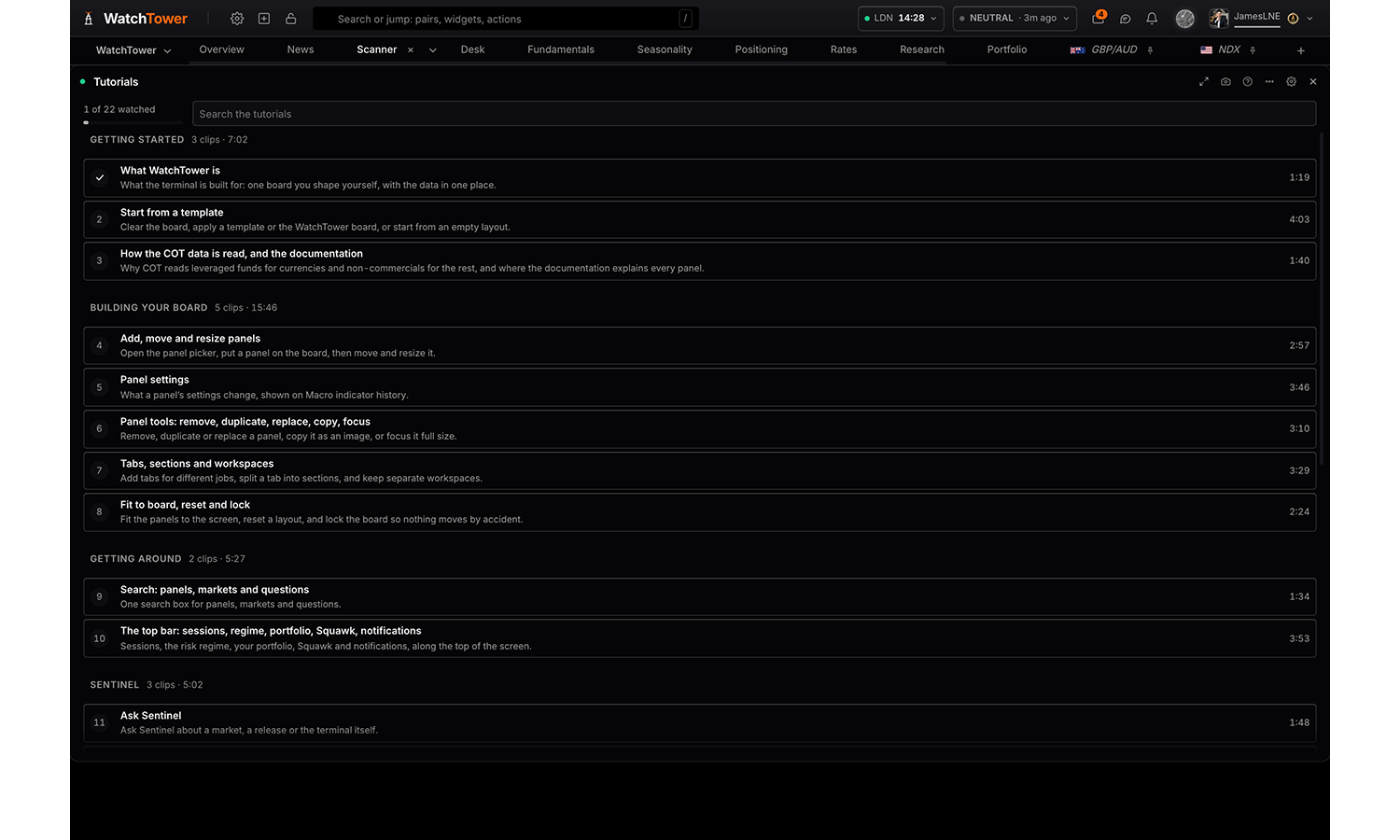
Tutorials
Free
The WatchTower walkthrough in short parts: starting a board, panels and their settings, tabs, search, Sentinel, your account, and finding a trade. Each part plays in place from its own start to its own end, and the ones you have watched are ticked.
Settings
Show
Every part of the walkthrough, or only the parts you have not opened yet.
Every tutorialdefault
Not watched yet
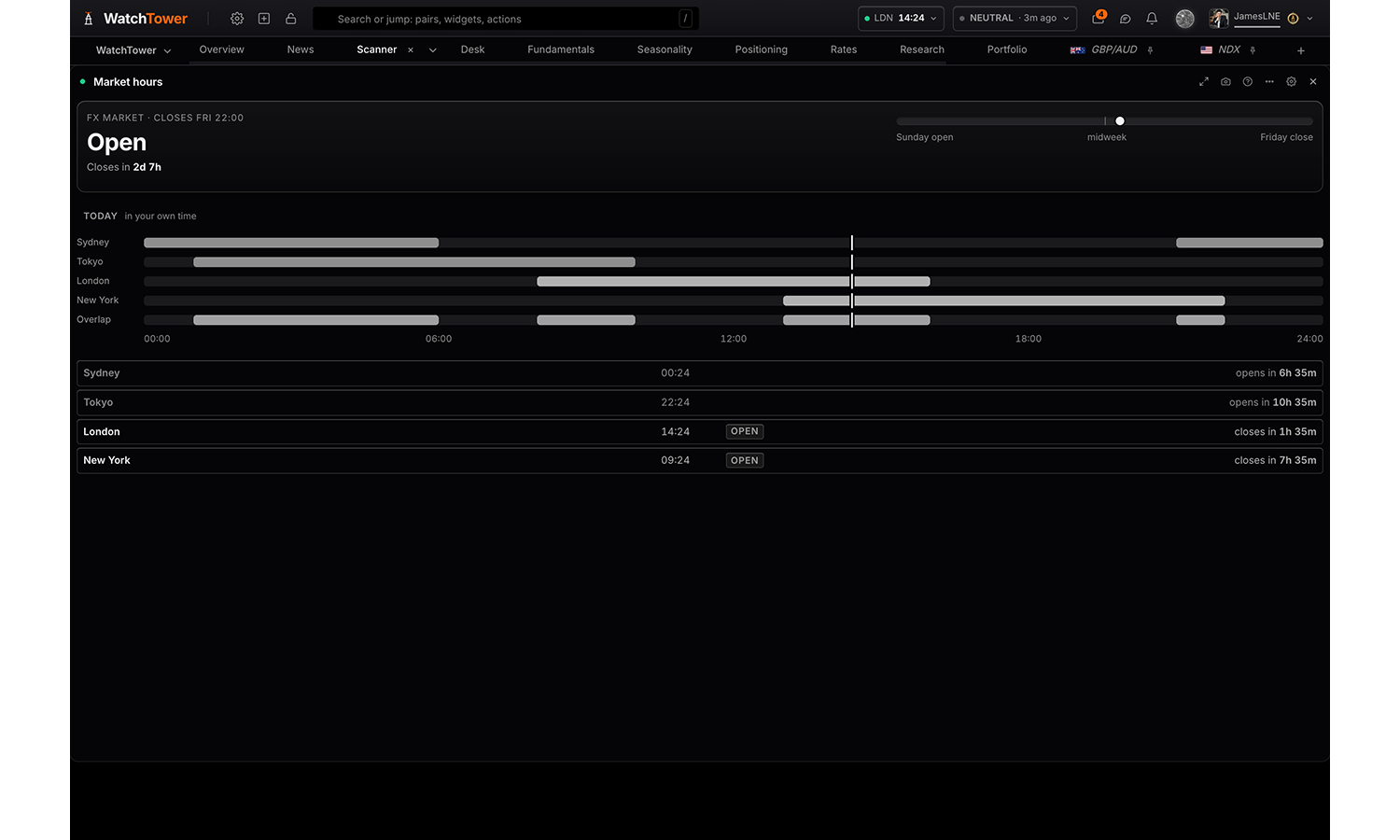
Market hours
Free
Whether the FX market is open and how long until that changes, how far through the trading week we are, and the Sydney, Tokyo, London and New York sessions: today's timeline with the overlaps, each session's local time and its next open or close.
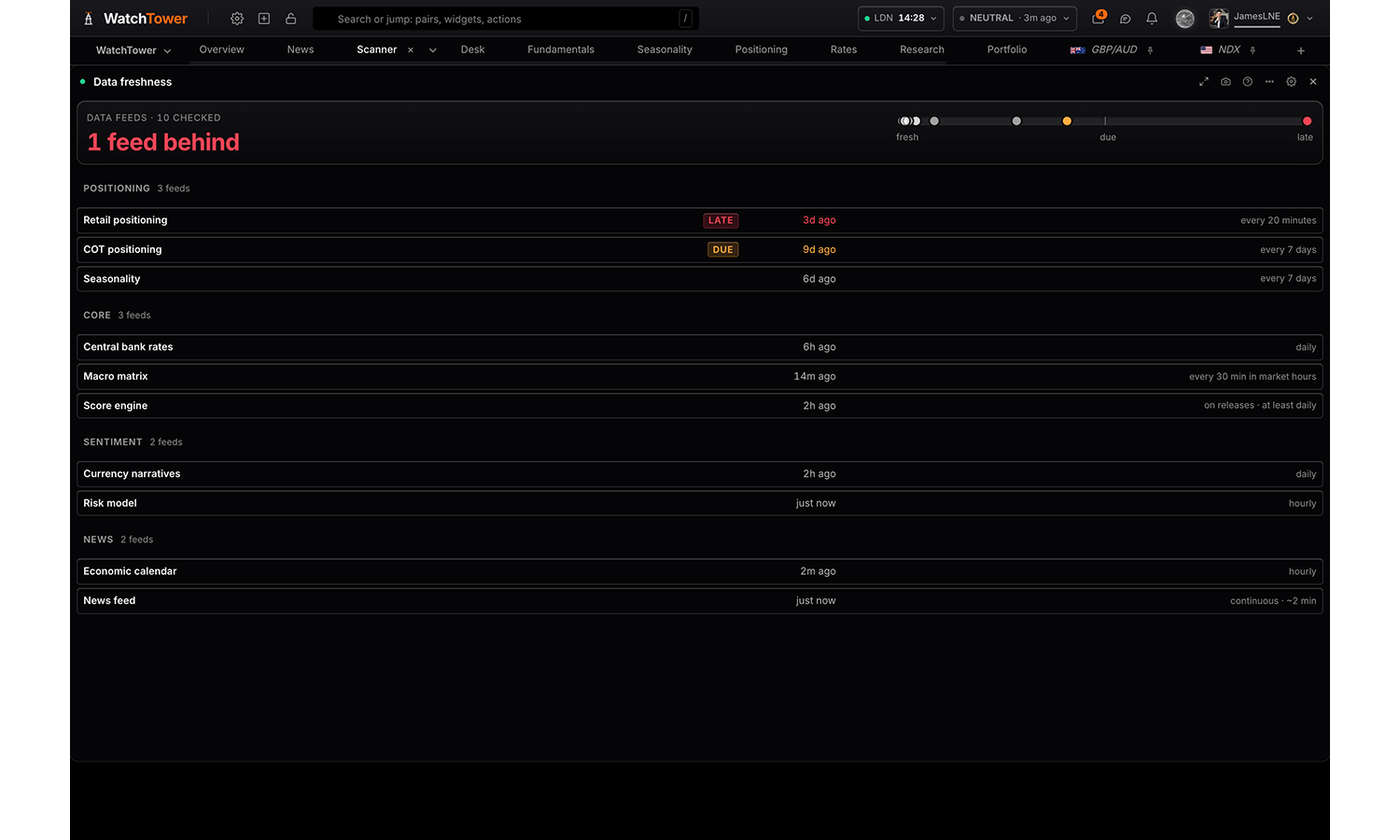
Data freshness
Free
Whether every data feed behind the board is current: all current, or how many are due or behind, each feed's age against what it is expected to do. Tells you whether a quiet panel is quiet because the market is, or because its source has stopped.
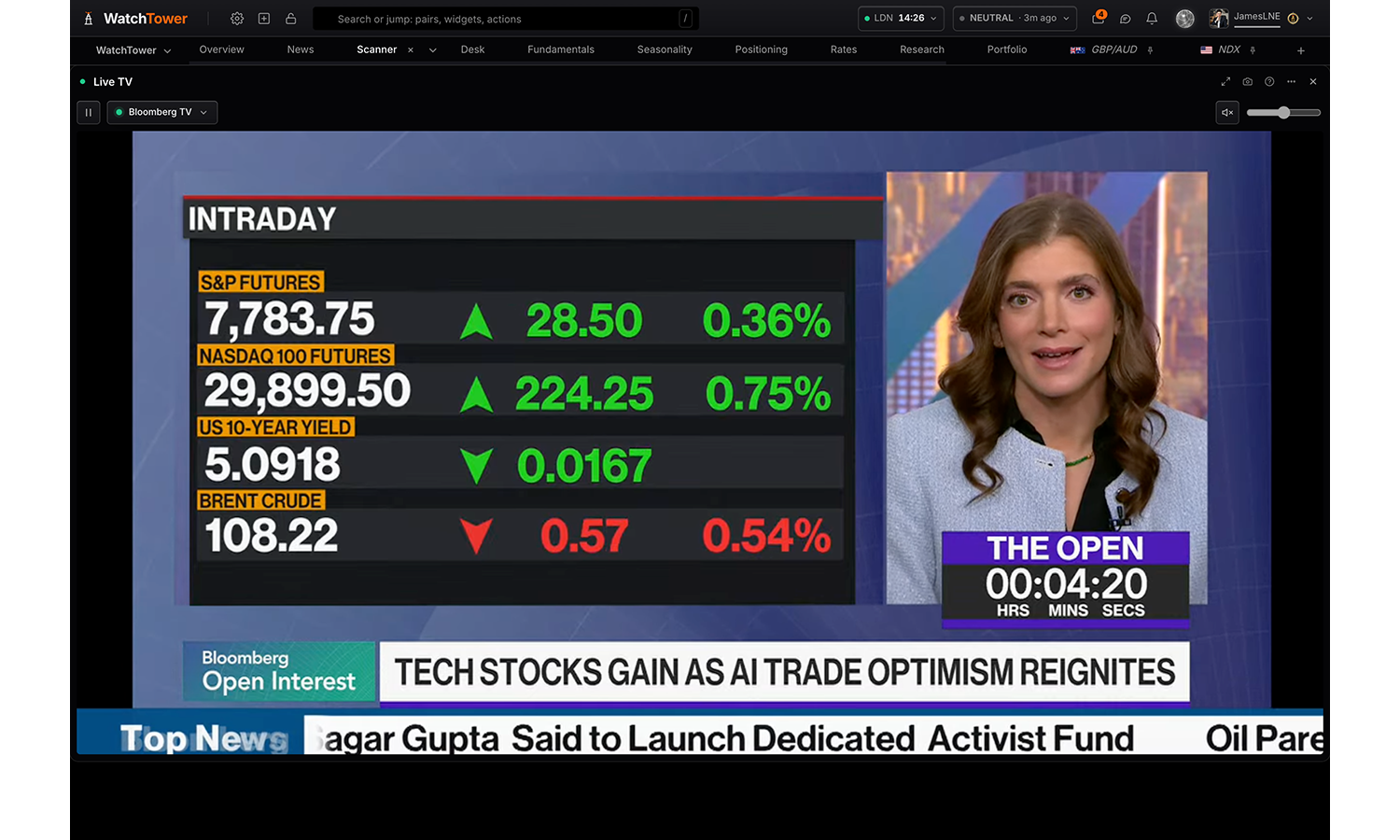
Live TV
Free
A live news channel in the panel: pick a provider from the list on the panel, the ones streaming now marked green. Play, pause and volume; no timeline. Starts muted; press the speaker to hear it.
Portfolio
2 panels
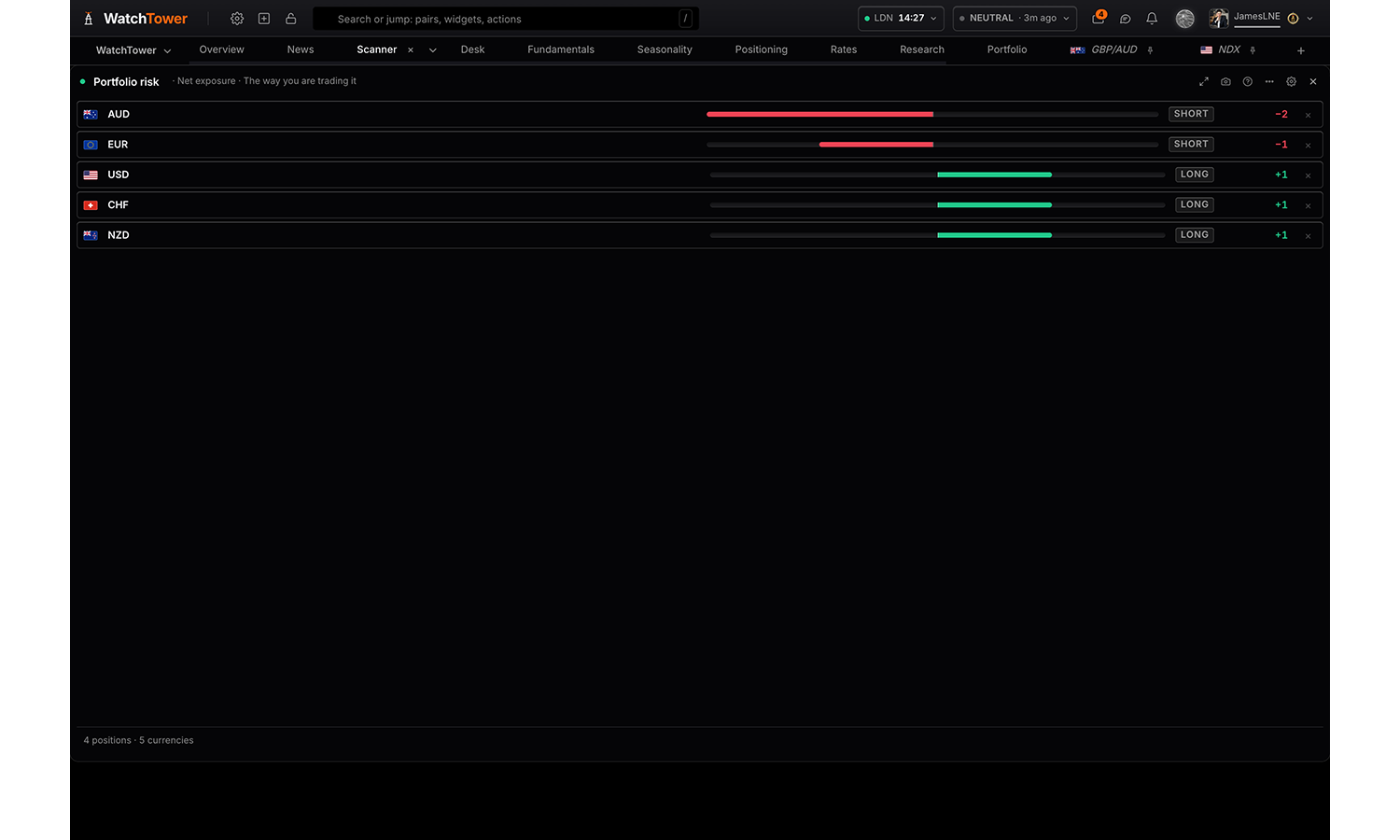
Portfolio risk
Pro
How your book is positioned, five ways. Net currency exposure once the pairs are broken into legs, how concentrated that is and how many independent bets it really holds, whether each position agrees with its own score, what has moved under it since a chosen run, and how it sits against retail and the specs.
Reads
Net exposure
Concentration
Conviction check
What has moved
You vs the crowd
Correlation
Coming up
Settings
Read
One book, seven readings. Exposure and concentration are the whole book at once; conviction, what has moved and the crowd go position by position; correlation asks whether the positions win and lose together; coming up lists the events ahead that touch them.
Net exposuredefault
Concentration
Conviction check
What has moved
You vs the crowd
Correlation
Coming up
Direction basis shown when read is Net exposure
Score-implied is the book the engine would hold instead of yours.
The way you are trading itdefault
Score-implied
Neutral band shown when read is Conviction check
±1 point from 50
±2 points from 50default
±5 points from 50
Show shown when read is Conviction check
Every positiondefault
Only those fighting the score
Compared with shown when read is What has moved
The previous rundefault
5 runs ago
10 runs ago
20 runs ago
Minimum move shown when read is What has moved
Every positiondefault
Moved 1 point or more
Moved 3 points or more
Price move shown when read is What has moved
Showdefault
Hide
Crowding band shown when read is You vs the crowd
Loose (55/45)
Standard (60/40)default
Strict (70/30)
Show shown when read is You vs the crowd
Every exposuredefault
Only the crowded risks
Visualisation
Rowsdefault
Bars
Table
Flags
Showdefault
Hide
Window shown when read is Correlation
Daily returns over this many shared sessions. A shorter window is more responsive and noisier.
30 days
60 daysdefault
120 days
Read as shown when read is Correlation
Your risk multiplies each correlation by the side you are trading both positions, so a positive number always means the two win and lose together. Raw ignores your direction.
Your riskdefault
Raw price correlation
Draw links above shown when read is Correlation
The correlation below which no line is drawn between two positions in the constellation. Higher leaves only the pairings that genuinely move together.
0.2
0.3default
0.5
Visualisation shown when read is Correlation
Constellationdefault
Matrix
Ranked pairings
Window shown when read is Coming up
The feed holds 30 days forward, so that is the furthest view available.
Next 24 hours
Next 3 days
Next 7 daysdefault
Next 30 days
Impact shown when read is Coming up
High onlydefault
Medium and high
All
Visualisation shown when read is Coming up
Agendadefault
Table
Flags shown when read is Coming up
Showdefault
Hide
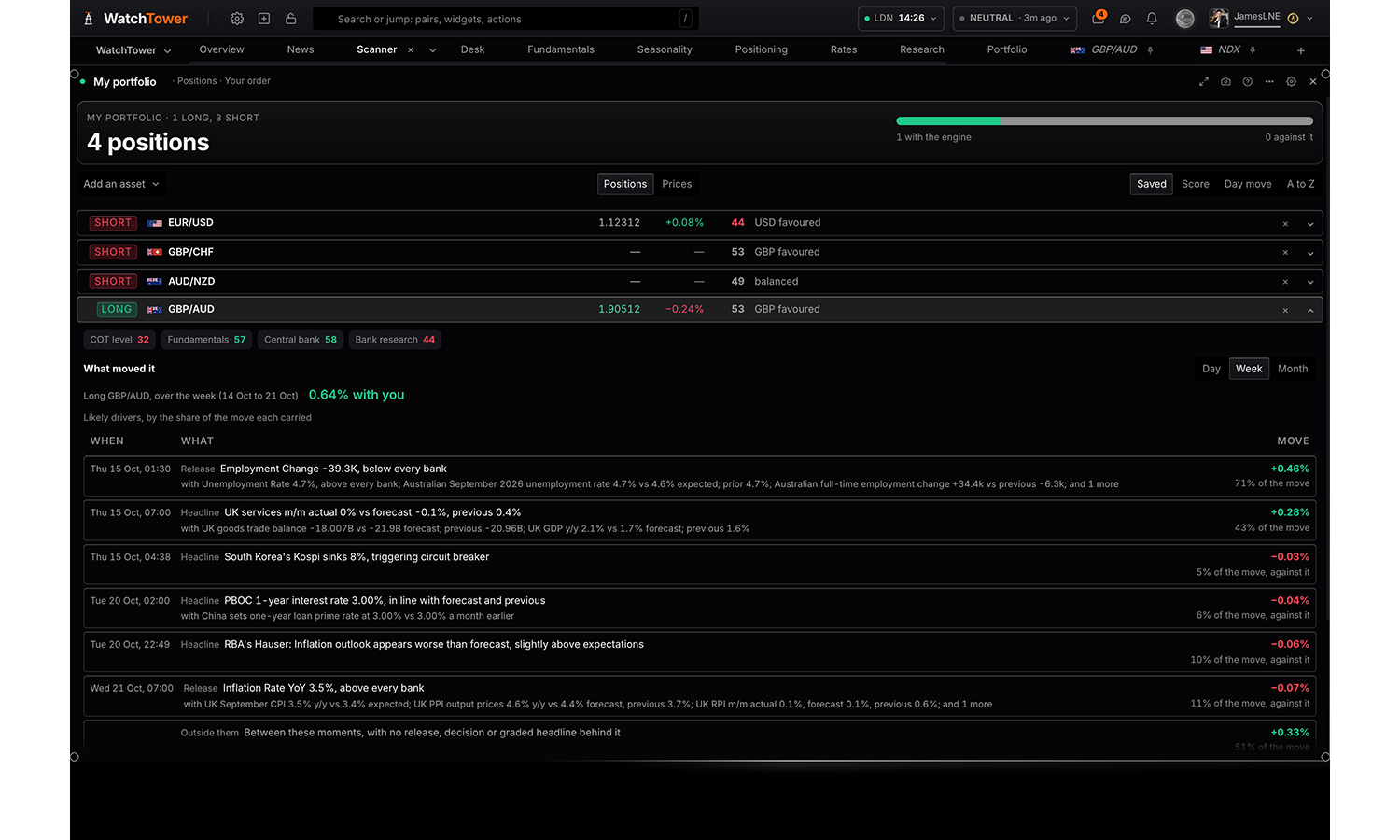
My portfolio
Free
Your book in one panel: add positions and set each long or short, with live price and day move, the score and the engine's lean, and whether it agrees with your side. Open a position for the drivers behind its score and its final view, or switch to the live price list.
Reads
Positions
Live prices
Settings
Read
Each position with its score, lean and final view, or the book as a live price list.
Positionsdefault
Live prices
Price moves
Signed to your sidedefault
As quoted
Sort by
As saveddefault
Score
Day change
A to Z
Flags
Showdefault
Hide
Density
Comfortabledefault
Compact
Controls
On the paneldefault
Settings only
Positioning
4 panels
Who is holding what, and how stretched they are. Two different crowds sit here and they behave differently: the large speculators in the weekly CFTC Commitments of Traders report, who mostly follow trends, and the retail book, which mostly fades them. Positioning tells you how much of a move is already owned. It does not tell you when the crowd gives up, and nothing in this category should be read as timing.
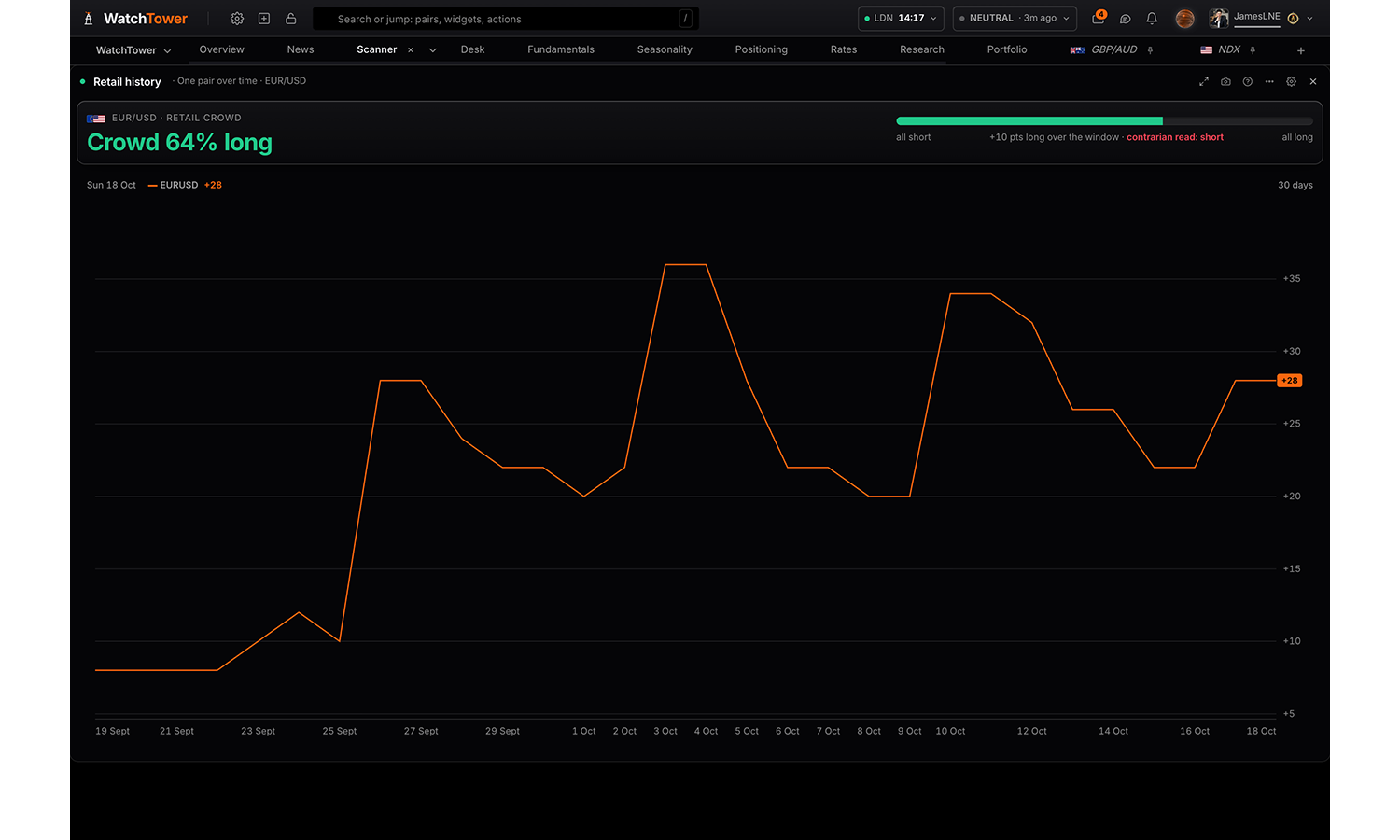
Retail history
Pro
One pair or one currency in depth, from the retail brokers’ books. A pair’s crowd over time, one pair in full with where each side got in against the last close, or one currency across every pair it trades in. For every asset at once, use Retail positioning.
Reads
One pair over time
One pair in full
One currency across its pairs
Settings
Read
One pair over timedefault
One pair in full
One currency across its pairs
Pair shown when read is One pair over time or One pair in full
Choices are built from whatever the data currently
covers, so the list changes with the markets on the board.
Compare with shown when read is One pair over time
Adds a line for each pair to the chart.
Choices are built from whatever the data currently
covers, so the list changes with the markets on the board.
Measure shown when read is One pair over time
Net leandefault
Share of the crowd long
Open interest (lots)
Visualisation shown when read is One pair over time
Trajectorydefault
Long / short split
Change over window
Window shown when read is One pair over time
Last 30 daysdefault
Last 60 days
Last 120 days
All held
Visualisation shown when read is One pair in full
Full detaildefault
The crowd only
Currency shown when read is One currency across its pairs
USDdefault
EUR
GBP
JPY
CHF
AUD
CAD
NZD
MXN
XAU
XAG
XPT
XPD
HG
WTI
SPX
NDX
DJIA
RUT
VIX
NGAS
ALU
Visualisation shown when read is One currency across its pairs
Most one-sided firstdefault
Long, balanced, short
Flags
Showdefault
Hide
Summary card
The headline card at the top of the panel. Hide it where another panel on the board already says the same.
Showdefault
Hide
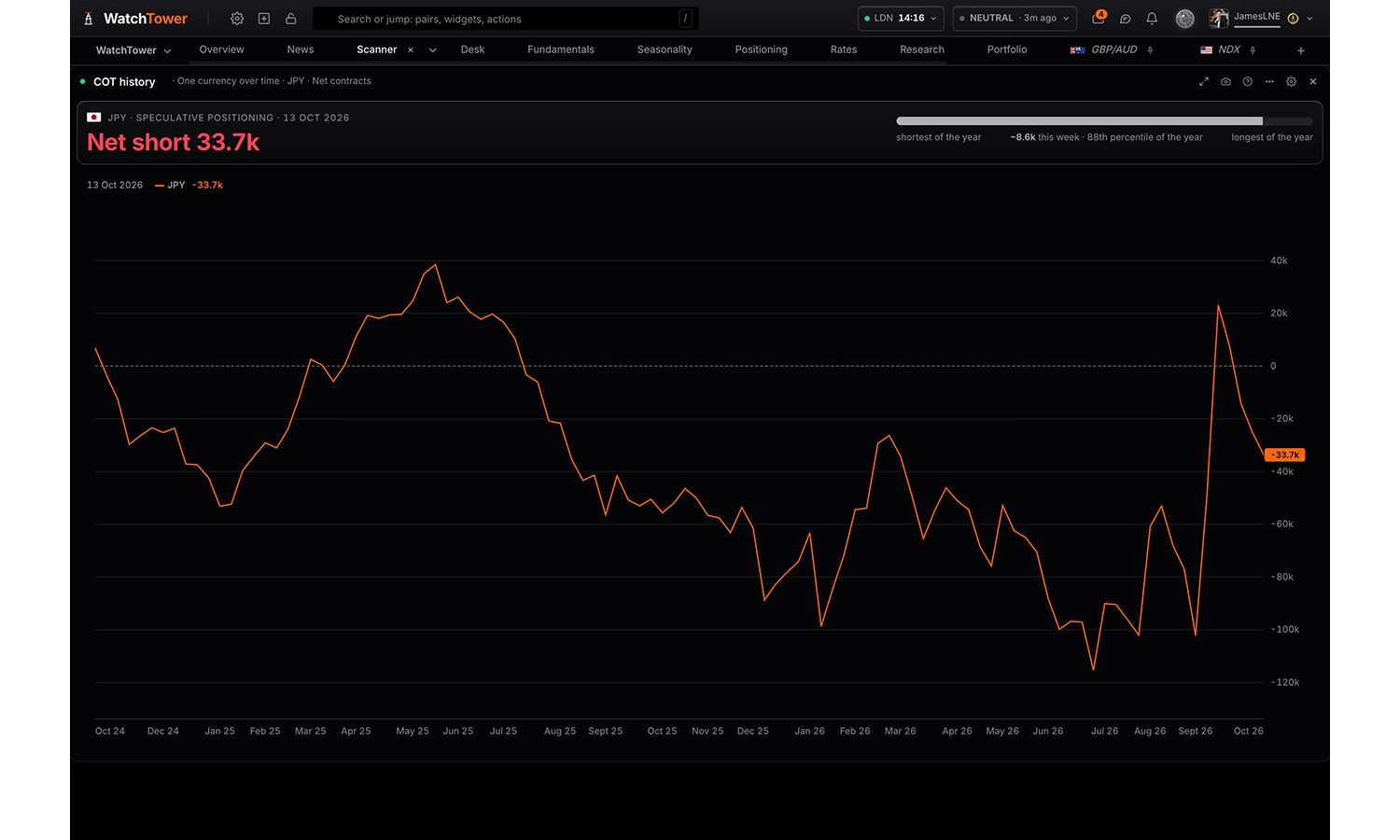
COT history
Pro
One currency or one pair in depth, from the CFTC reports. Its speculative position over time, week by week with the weeks it flipped side, a pair’s two legs against their own years, or which currencies’ positioning moves together. For every asset at once, use COT positioning.
Reads
One currency over time
One currency week by week
A pair’s two legs
Which move together
What the data is
The weekly Commitments of Traders report from the US Commodity Futures Trading Commission, for one market at a time. Every row is one reported week: long contracts, short contracts, the net between them, and the change on the week.
Two things about the timing matter more than anything on the screen. The report is published on a Friday afternoon US time and it describes positions as they stood at the close of the PREVIOUS Tuesday. So the freshest row you can ever see is three days old on arrival, and six days old by the following Thursday. In a fast week the picture has often changed before you read it.
It also covers futures only. The spot FX market is far larger and traded over the counter, where the CFTC cannot see it. Currency futures are a real and useful sample of speculative flow. They are not the whole market.
How to read it
Read the change and the range, not the level. A net long of 80,000 contracts means nothing on its own; the same figure is unremarkable near the middle of its own 52 week range and a warning near the top of it.
The weeks it flipped side are the ones most people miss. A market that has just crossed from net short to net long has changed hands, and the week it happened is usually more informative than the level it reached.
The misreading to avoid: crowded is not the same as wrong. A consensus long can keep being the correct trade for months. What an extreme tells you is that the market is fragile and that the fuel to push it further is running low, not that it is about to turn.
Settings
Read
One currency over timedefault
One currency week by week
A pair’s two legs
Which move together
Currency shown when read is One currency over time or One currency week by week
Choices are built from whatever the data currently
covers, so the list changes with the markets on the board.
Compare with shown when read is One currency over time
Each currency joins the card and the chart.
Choices are built from whatever the data currently
covers, so the list changes with the markets on the board.
Metric shown when read is One currency over time
Net contractsdefault
Long share
Short share
Long contracts
Short contracts
Weekly change in net
Open interest
Visualisation shown when read is One currency over time
Linesdefault
Against zero
Weekly columns
Long / short split
History shown when read is One currency over time or One currency week by week
6 months
1 year
2 yearsdefault
5 years
All
Show shown when read is One currency week by week
Every weekdefault
Weeks the book flipped
Flips to long only
Flips to short only
Columns shown when read is One currency week by week
The readingdefault
Every figure in the report
Pair shown when read is A pair’s two legs
Choices are built from whatever the data currently
covers, so the list changes with the markets on the board.
Window shown when read is Which move together
13 weeks
26 weeksdefault
52 weeks
Visualisation shown when read is Which move together
Ranked pairsdefault
Numeric matrix
Flags
Showdefault
Hide
Summary card
The headline card at the top of the panel. Hide it where another panel on the board already says the same.
Showdefault
Hide
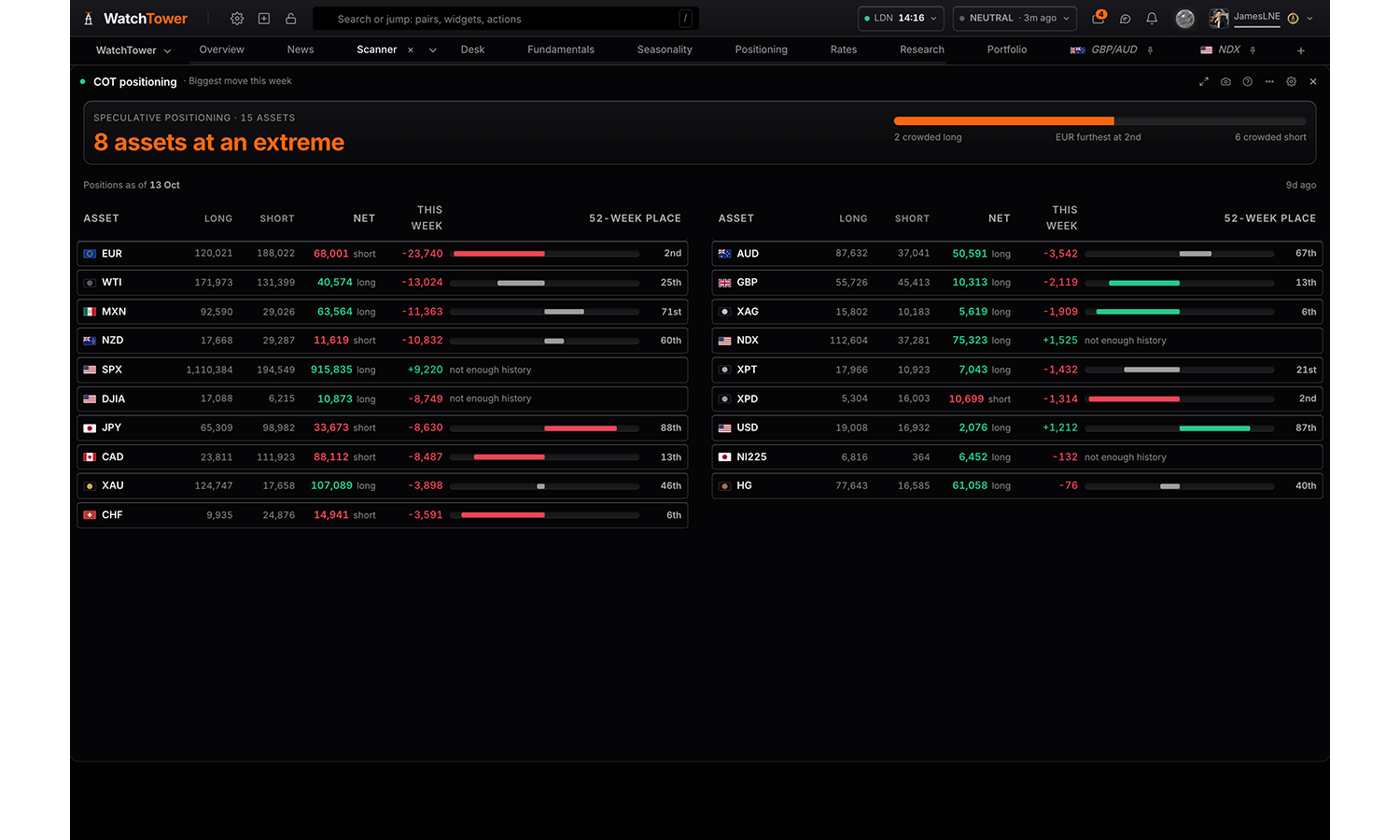
COT positioning
Pro
Every asset with its net speculative position, what it did against the prior report, and where that sits in its own 52-week range. Rank by the move, by how crowded it is, or by size, and filter to the crowded end or to the assets that flipped side.
What the data is
Every tracked market ranked by how far its speculative net position sits within its own 52 week range, expressed as a percentile. The 100th percentile is the most net long that market has been in a year; the 0th is the most net short.
Measuring against each market’s own history is what makes the ranking comparable. Gold and the New Zealand dollar trade in completely different contract sizes, so their raw net figures cannot be set beside each other. Their percentiles can.
Same source and same lag as COT history: published Friday, measured the previous Tuesday.
How to read it
This is the fastest way to find where the crowd is concentrated without opening one market at a time. Read it as a shortlist rather than a signal: the markets at either end are the ones where a surprise has the most positioning to unwind.
It is most useful held against a view you already have. A macro case for a currency that is also sitting at the 5th percentile is a very different proposition from the same case at the 95th, because in the second one the trade is already on and you are late to it.
Settings
Assets
Pick everything, a whole class, or any combination of individual assets.
All assets
Order
Most crowded ranks on distance from the middle of the asset’s own 52-week range, so a record short ranks beside a record long.
Biggest move this weekdefault
Most crowded
Largest net position
Alphabetical
Show
Crowded is at or beyond the 80th or 20th percentile of the last 52 weeks. Flipped is net positioning crossing zero between the two reports.
Every assetdefault
Crowded only
Flipped side only
Minimum move
Net contracts against the prior report. Hides the small drifts that are noise on a weekly series.
Every changedefault
1,000 contracts or more
5,000 contracts or more
Summary card
The headline card at the top of the panel. Hide it where another panel on the board already says the same.
Showdefault
Hide
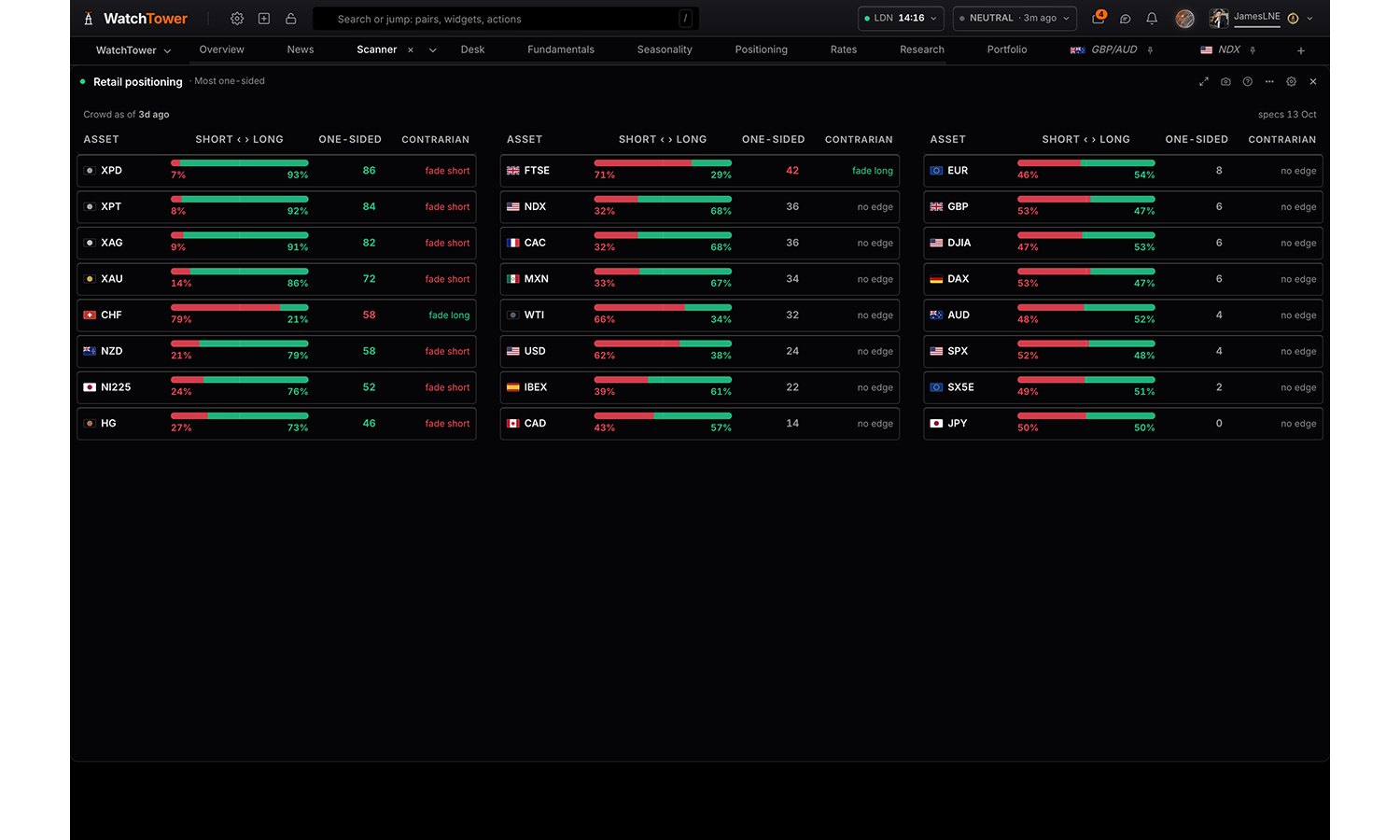
Retail positioning
Pro
Every asset with the retail crowd’s long and short split, how one-sided it is, where the futures speculators sit against it, and what a contrarian read implies. Thin reads built from a single book are marked as such.
What the data is
The retail book and the speculative book for the same market, side by side. Retail positioning comes from aggregated broker data and updates through the day; the speculative side is the weekly CFTC report, so it is several days old by comparison.
Hold that mismatch in mind. You are comparing something measured this morning against something measured last Tuesday, which is fine for a standing divergence and misleading for a sharp one.
Retail sentiment is also broker-specific. Any feed is a sample of one broker’s clients rather than the whole retail world, so it is a directional read and not a precise measurement.
How to read it
The signal is the disagreement, not either side alone. Retail heavily long while the funds are net short is the configuration worth attention: the informed, trend-following money and the contrarian retail money pointing opposite ways.
When both crowds agree the read is weaker, not stronger. Agreement means everybody is already on the same side, which is a crowded trade rather than a confirmed one.
The misreading to avoid: retail is not always wrong. The contrarian edge lives at the extremes. When retail is roughly balanced this panel is telling you very little, and reading a signal into it anyway is how people talk themselves into trades.
Settings
Assets
Pick everything, a whole class, or any combination of individual assets.
All assets
Order
At odds ranks on the gap between the crowd and the futures speculators, so it only ranks assets that have both.
Most one-sideddefault
Most at odds with specs
Most long
Alphabetical
Show
One-sided is 70% or more on one side. Against specs is the crowd and the futures speculators leaning opposite ways.
Every assetdefault
One-sided only
Crowd against specs only
Central banks
4 panels
Rate spread
Pro
Rates against a pair. Its two central banks' priced rates as one spread, at the policy rate and 3, 6 and 12 months out, or its 2-year and 10-year government bond yields, day by day with the pair beside them: the moves over 1, 5 and 20 days, how closely the pair has followed and how far it moves per 10bp. Or the gap at 1, 3, 6, 9 and 12 months out against a week ago, and whether its move is gaining or losing pace. Or the pair's recent move split into the part the rate spreads explain and the part they do not.
Reads
Spreads and the pair
Across horizons
What moved the pair
Settings
Read
The spreads drawn day by day against the pair, or the pair’s recent move split into the part the rate spreads explain and the rest.
Spreads and the pairdefault
Across horizons
What moved the pair
Pair
The pair’s base currency minus its quote currency.
EUR/GBP
EUR/AUD
EUR/NZD
EUR/USDdefault
EUR/CAD
EUR/CHF
EUR/JPY
GBP/AUD
GBP/NZD
GBP/USD
GBP/CAD
GBP/CHF
GBP/JPY
AUD/NZD
AUD/USD
AUD/CAD
AUD/CHF
AUD/JPY
NZD/USD
NZD/CAD
NZD/CHF
NZD/JPY
USD/CAD
USD/CHF
USD/JPY
CAD/CHF
CAD/JPY
CHF/JPY
Spreads of
The rates priced for each central bank 3, 6 and 12 months ahead, kept since July 2026; or 2-year and 10-year government bond yields, with years of history. The 2-year follows what is expected of the banks; the 10-year carries growth, inflation and fiscal risk as well.
What is priced for the banksdefault
Government bond yields
Spreads drawn
The spread at the policy rate today, and at the rates priced 3, 6 and 12 months ahead. The priced ones move first.
All fourdefault
12 months out
6 months out
3 months out
Policy rate
Spreads drawn
2-year and 10-yeardefault
2-year
10-year
The move over
The window whose move is split. How much the pair moves for each 10bp of spread is measured on the 120 trading days before it, so the split is never fitted to the move it explains.
The last 20 trading daysdefault
The last 60 trading days
The pair’s price
Showdefault
Hide
Central bank
Free
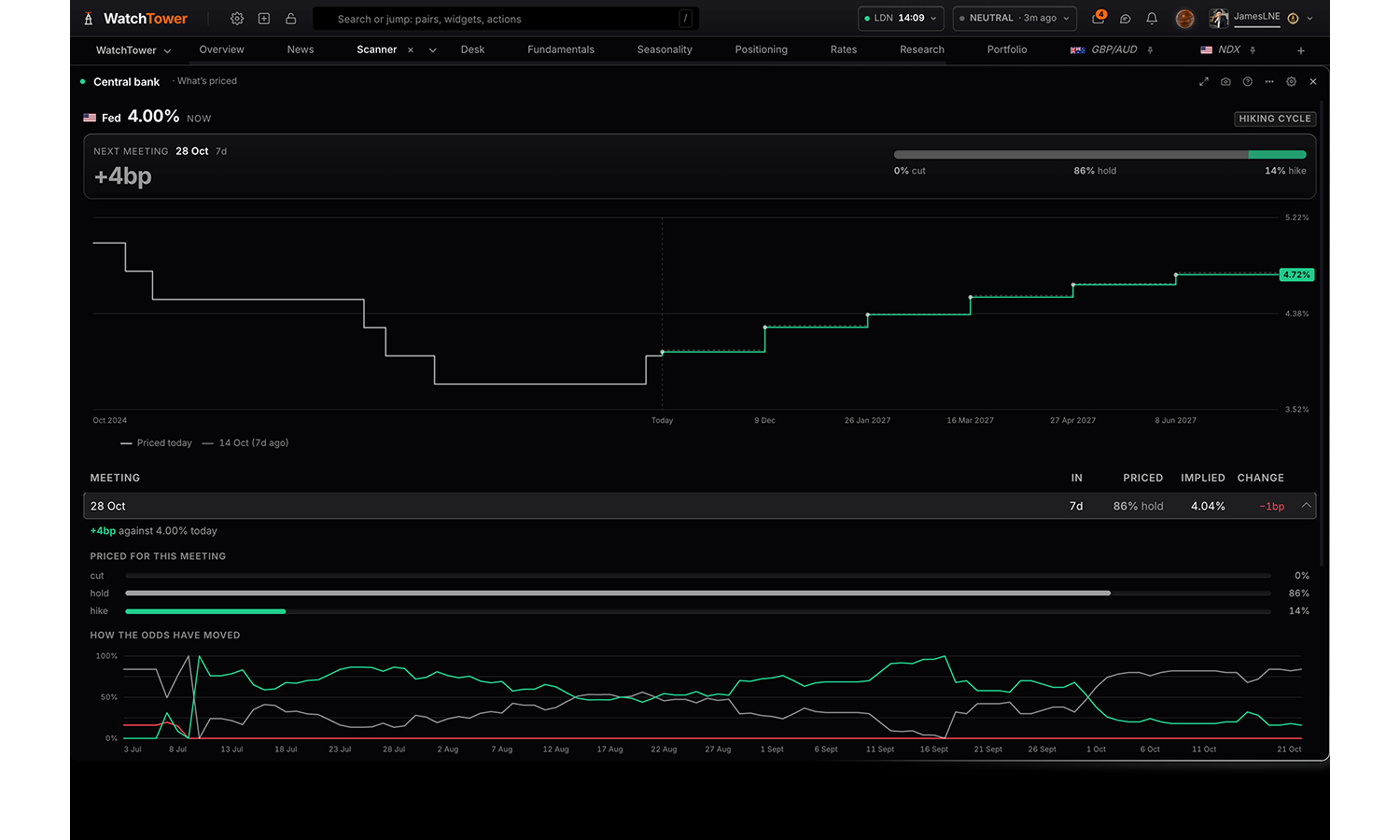
One central bank in full, four ways: what the market prices for it, the next meeting and the path from here, set against the path a day, a week or a month ago or on any day held, with each meeting's change in basis points; its latest decision, with the statement, what changed from the last one and the documents; its rate, inflation, real rate, stance and guidance; and how its rates compare with the other banks.
Reads
What’s priced
Latest decision
Rate and stance
Against its peers
Settings
Read
What the market prices for this bank; its latest decision in full, with the statement and documents; its rate, stance and guidance; or how its rates compare with the other banks.
What’s priceddefault
Latest decision
Rate and stance
Against its peers
Bank
Feddefault
ECB
BOE
BOJ
SNB
RBA
BOC
RBNZ
Path shown when read is What’s priced
How far ahead the chart reads. The table below always lists every meeting priced.
Next four meetings
Next eight meetingsdefault
Everything priced
Compare with shown when read is What’s priced
Draws the path as it stood then, so you can see which part of the curve moved, and gives each meeting’s change in the list.
A day ago
A week agodefault
A month ago
On a date
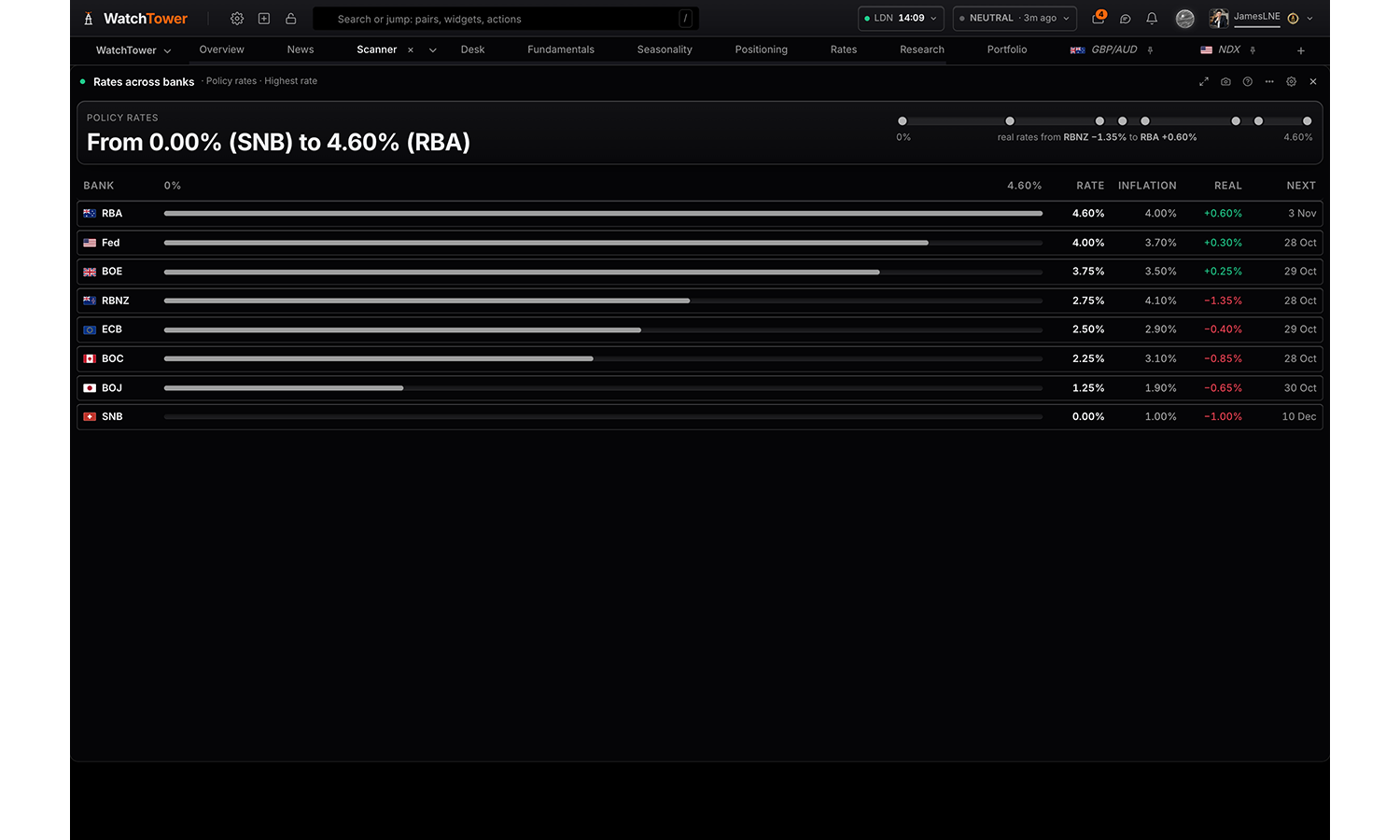
Do not compare
Date
No snapshots held yet
History shown when read is What’s priced
The policy rate as it was, held between decisions, drawn to the left of today with the path the market prices to the right.
One year back
Two years backdefault
Five years back
Path only
Meeting list shown when read is What’s priced
Showdefault
Hide
Measured on shown when read is Against its peers
Real ratedefault
Policy rate
Inflation
Flags shown when read is Rate and stance or Against its peers
Showdefault
Hide
Summary card
The headline card at the top of the panel. Hide it where another panel on the board already says the same.
Showdefault
Hide
Next decisions
Free
Every central bank's next decision three ways: what is priced for it, with the odds of a cut, a hold and a hike; when each lands over the next six weeks; and which banks lean hawkish or dovish, on twelve months priced, the next meeting, or the real policy rate. Banks with no traded instrument behind them are marked as our own estimate.
Reads
Next decisions
The next six weeks
Hawk to dove
Settings
Read
What is priced for each bank’s next decision; when they land over six weeks; or which banks lean hawkish and which dovish.
Next decisionsdefault
The next six weeks
Hawk to dove
Order shown when read is Next decisions
Hawkish to dovish ranks on the whole next twelve months, not the next meeting: a bank holding tomorrow can still be the most hawkish on the board.
Soonest firstdefault
Biggest move next
Strongest conviction
Hawkish to dovish
Alphabetical
Meetings shown when read is Next decisions
Narrows the list to banks deciding inside the window.
Next six weeks
Next three months
All scheduleddefault
Conviction shown when read is Next decisions
Only banks whose likeliest outcome is priced at least this firmly.
Anydefault
Above 60%
Above 80%
Measured as shown when read is Hawk to dove
Twelve months is the direction of travel; the next meeting is what is imminent; the real rate, policy less inflation, is where policy already sits. They often disagree, so they are kept apart.
Priced over twelve monthsdefault
Priced into the next meeting
Real policy rate
Estimated banks
Only the Fed has futures behind it; most of the others are our own estimate. Marked either way.
Show, markeddefault
Market-priced only
Rates across banks
Pro
Every central bank side by side, four ways: where policy rates stand, with inflation and the real rate; how they got there, as steps over the years; how far the market has repriced each bank’s path over a week, a month or a quarter; every bank's pricing through the day, with each release and what it moved; and the carry in every pair, on nominal, real or forward rates.
Reads
Policy rates
Rate history
Rate history and the path priced
Repricing
Priced 3, 6 and 12 months ahead
What each bank is reacting to
Intraday
Carry
Settings
Read
Where every bank’s rate stands now; how the rates got there; how far the market has repriced each bank’s path; or the carry in every pair.
Policy ratesdefault
Rate history
Rate history and the path priced
Repricing
Priced 3, 6 and 12 months ahead
What each bank is reacting to
Intraday
Carry
Order shown when read is Policy rates
Highest ratedefault
Highest real rate
Next meeting
Bank A–Z
Banks shown when read is Rate history or Rate history and the path priced
Four lines read clearly; eight can be drawn, and crowd.
Fed
ECB
BOE
BOJ
SNB
RBA
BOC
RBNZ
History shown shown when read is Rate history or Rate history and the path priced
1 year
2 yearsdefault
5 years
10 years
Everything held
Rate priced shown when read is Intraday
Which rate each line follows. Each is drawn as its move since the window opened, so banks at very different rates can share one chart.
12 months outdefault
6 months out
3 months out
After the next meeting
Window shown when read is Intraday
Last 24 hoursdefault
Last 3 days
Last 10 days
Banks shown when read is Intraday
Fed
ECB
BOE
BOJ
SNB
RBA
BOC
RBNZ
Change over shown when read is Priced 3, 6 and 12 months ahead
How far the rate priced at each horizon has moved, in basis points: above zero is the market pricing the bank more hawkishly.
A day
A weekdefault
A month
Repriced over shown when read is Repricing
How far each bank’s priced path for the next twelve months has moved since then.
7 days
30 daysdefault
90 days
Carry on shown when read is Carry
Carry is payment for holding the risk that spot moves against you. Real takes inflation out; twelve months uses where rates are priced to be.
Policy ratesdefault
Real rates
Rates in twelve months
Pairs shown shown when read is Carry
Top 10default
Top 20
Every pair
Summary card
The headline card at the top of the panel. Hide it where another panel on the board already says the same.
Showdefault
Hide
Read the real thing
15 of these are free, with no card.
2 boards you build yourself, with the scores on
24 markets, what is priced for every central bank, the calendar, the news
and the chart. Every account starts with 14 days of Pro, and Pro is
$49 a month after that.